
 Shown on a spiral notebook
Renders are PreviewFly downloads · blank scenes are AI-generated
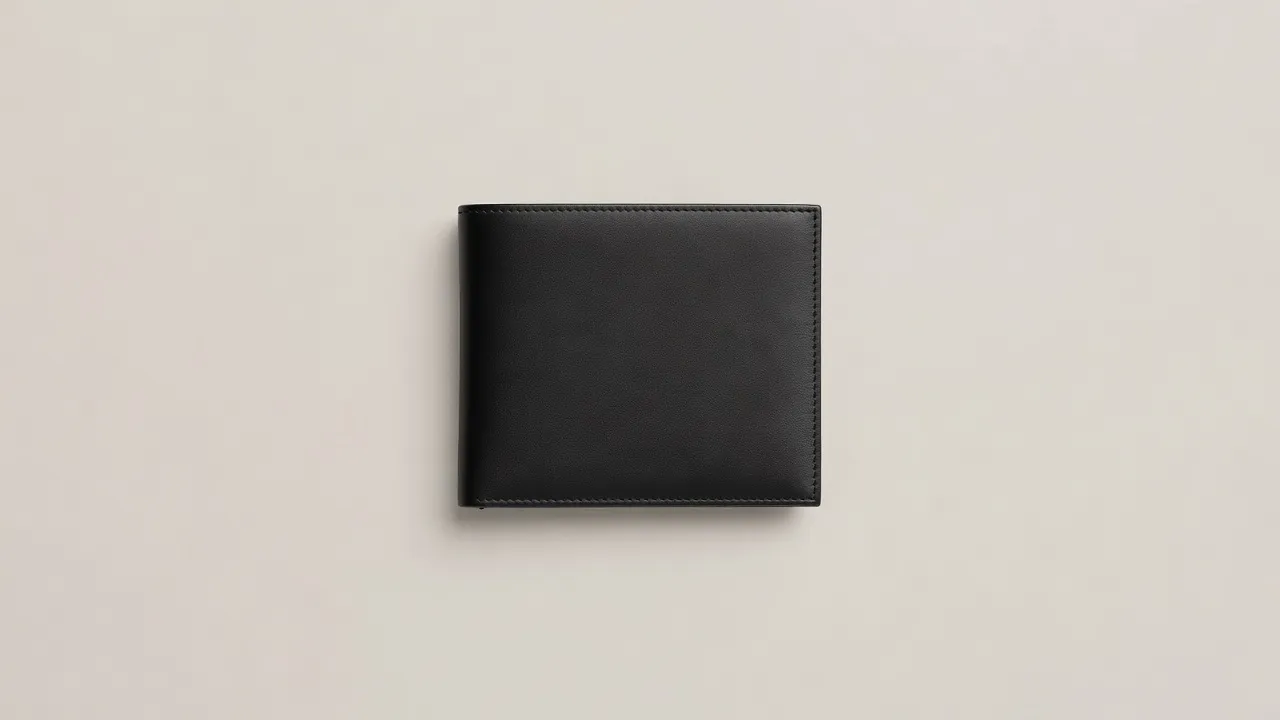
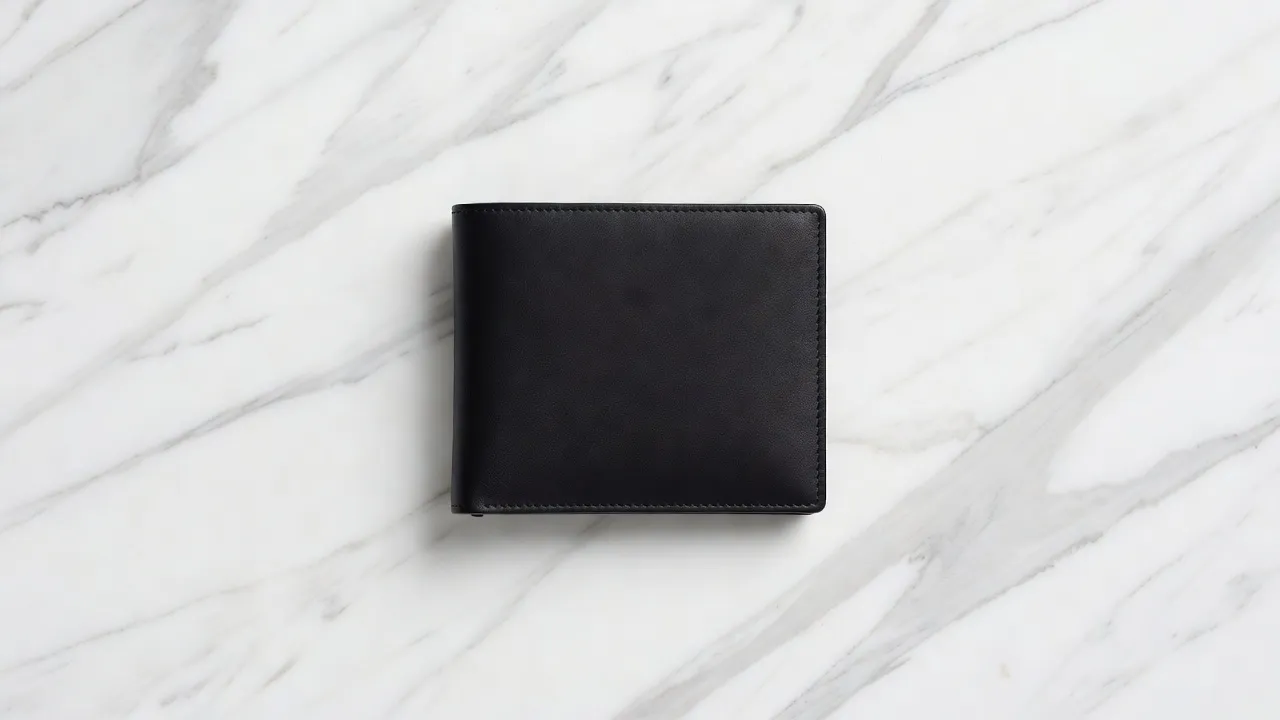
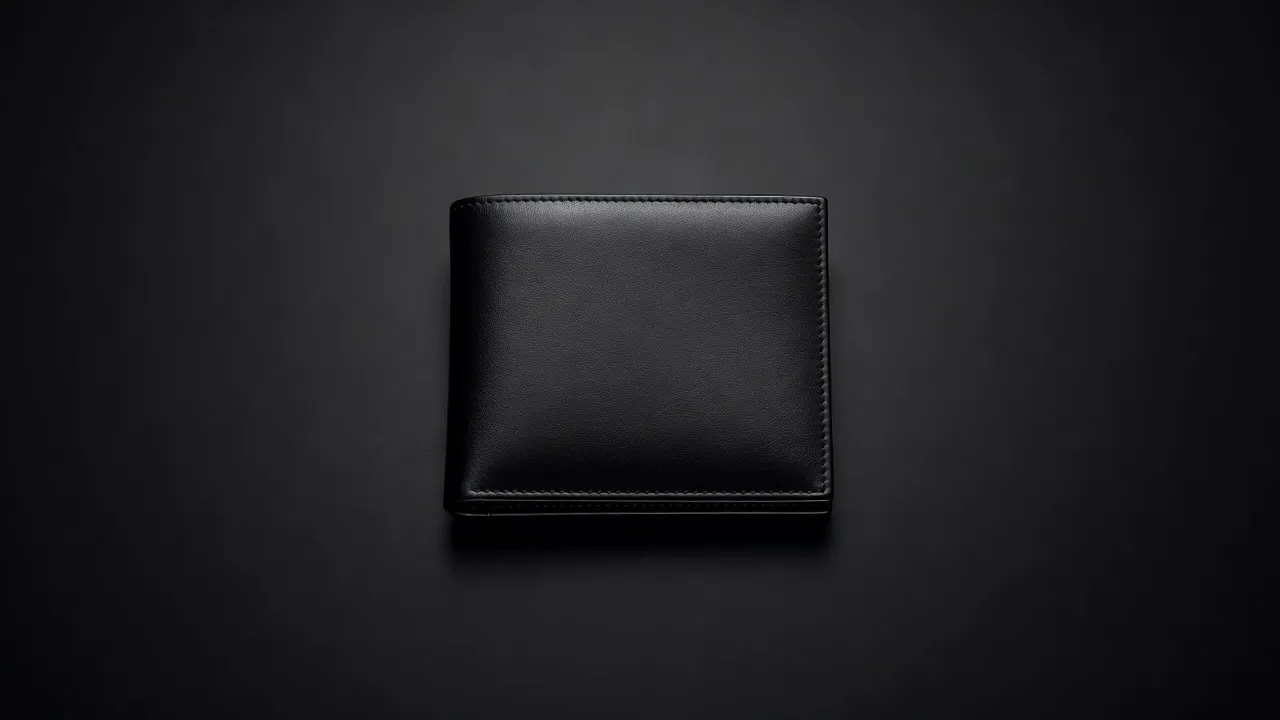
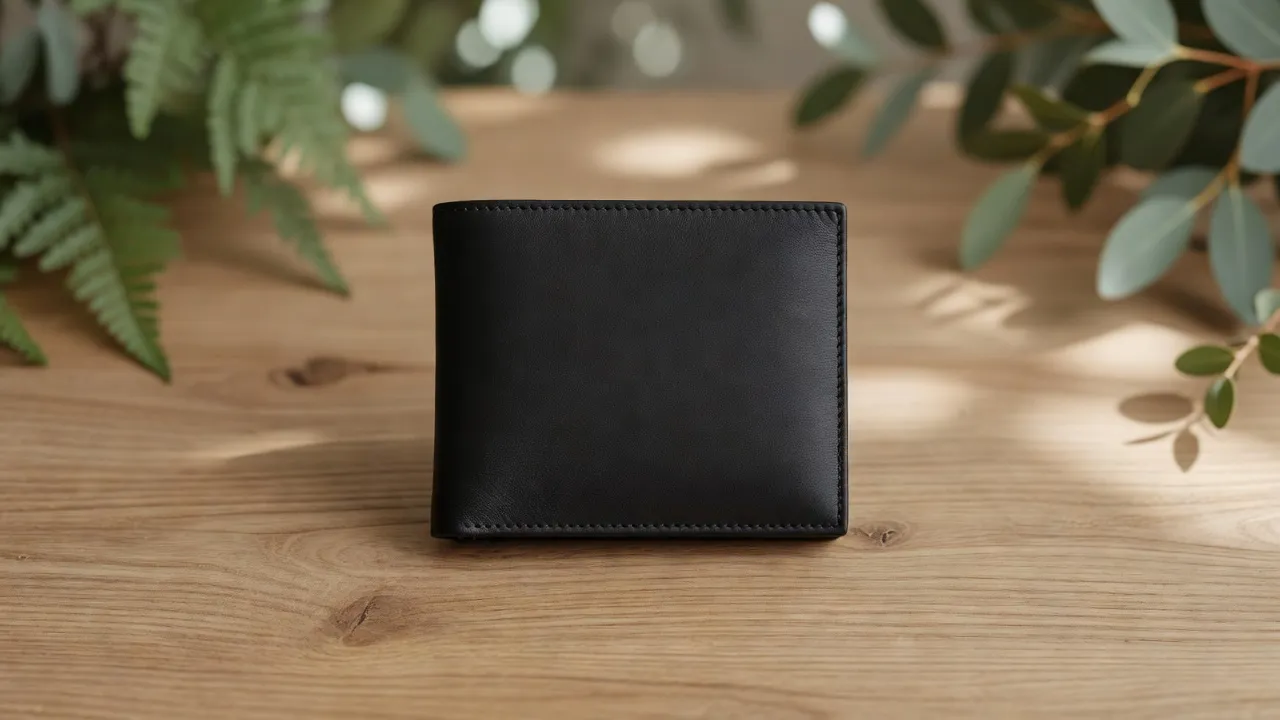
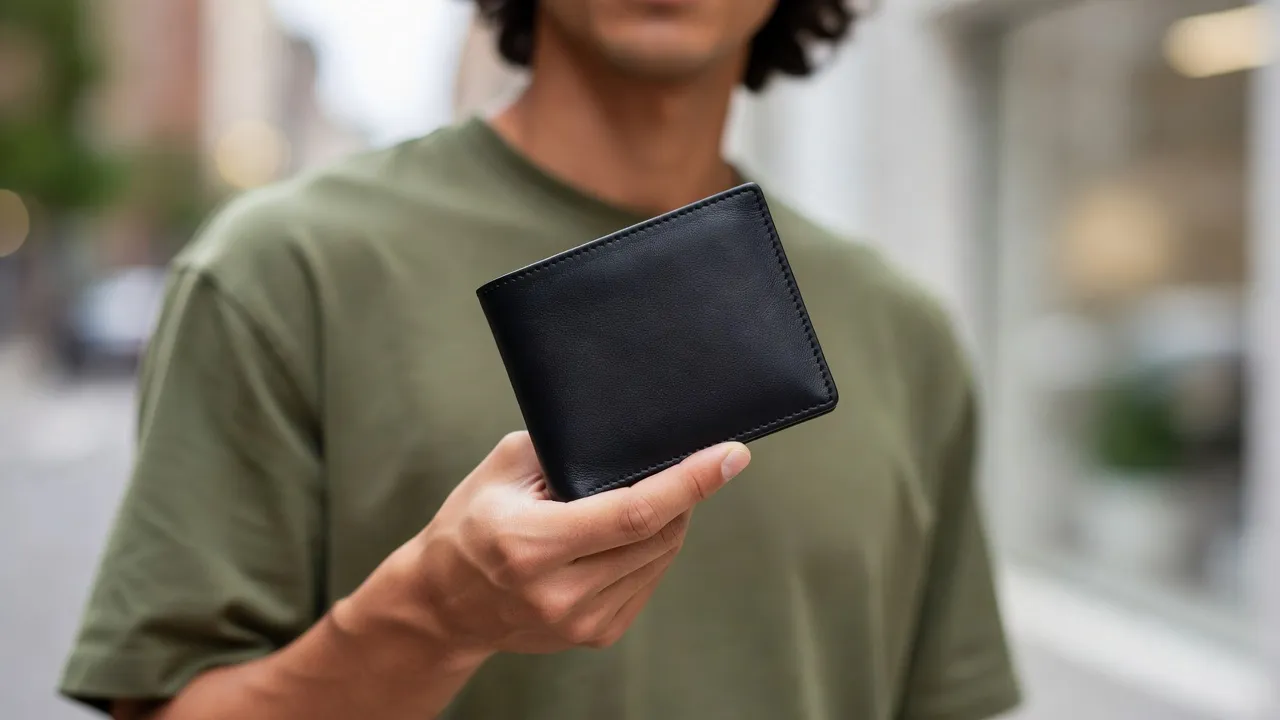
Your file, untouchedNothing is redrawn or generated.
The light of the photoShading and texture come from the scene.
Made the real wayOnly what this wallet is really made with.
- Material
- Leather
- Looks
- 5 studios
- Techniques
- 5 on this wallet
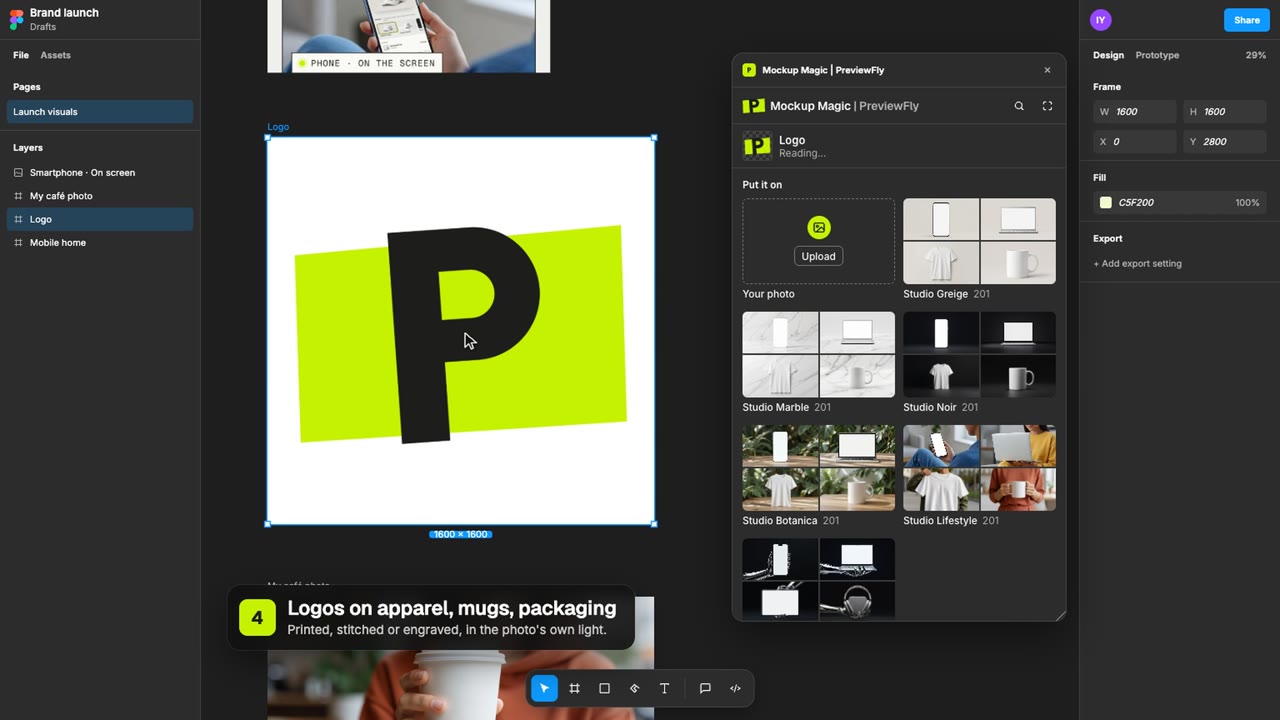
Wallet in three steps.
1
Upload your logoPNG, JPG or SVG. A transparent background works best.
2
Pick the look and techniqueOnly what this wallet is really made with is offered.
3
DownloadYour mockup as an image, for a listing, a deck or a site.
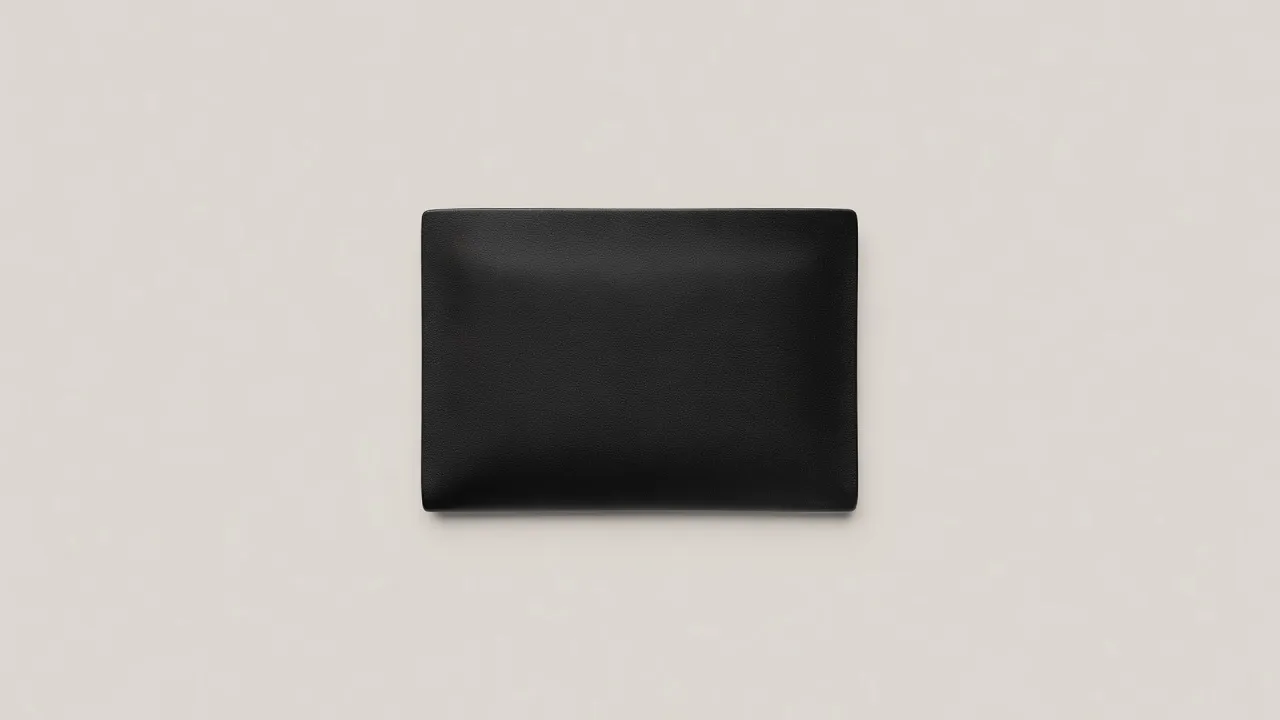
5 looks, one wallet.
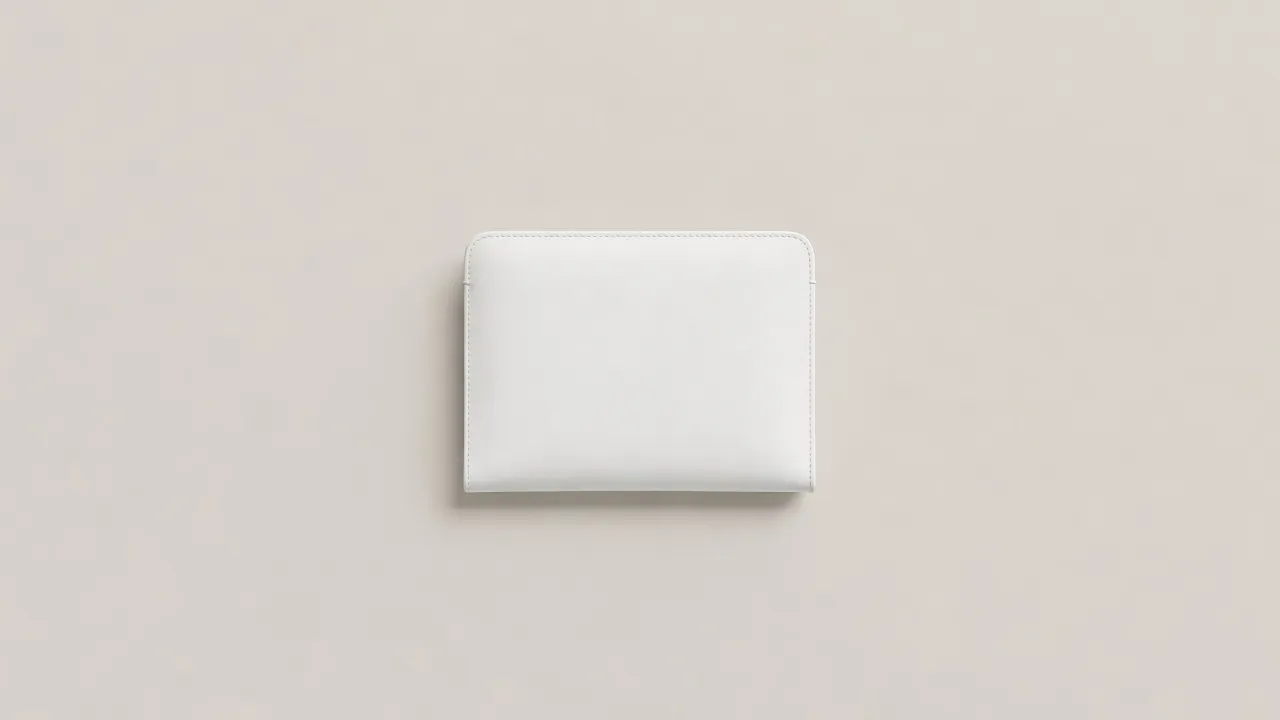
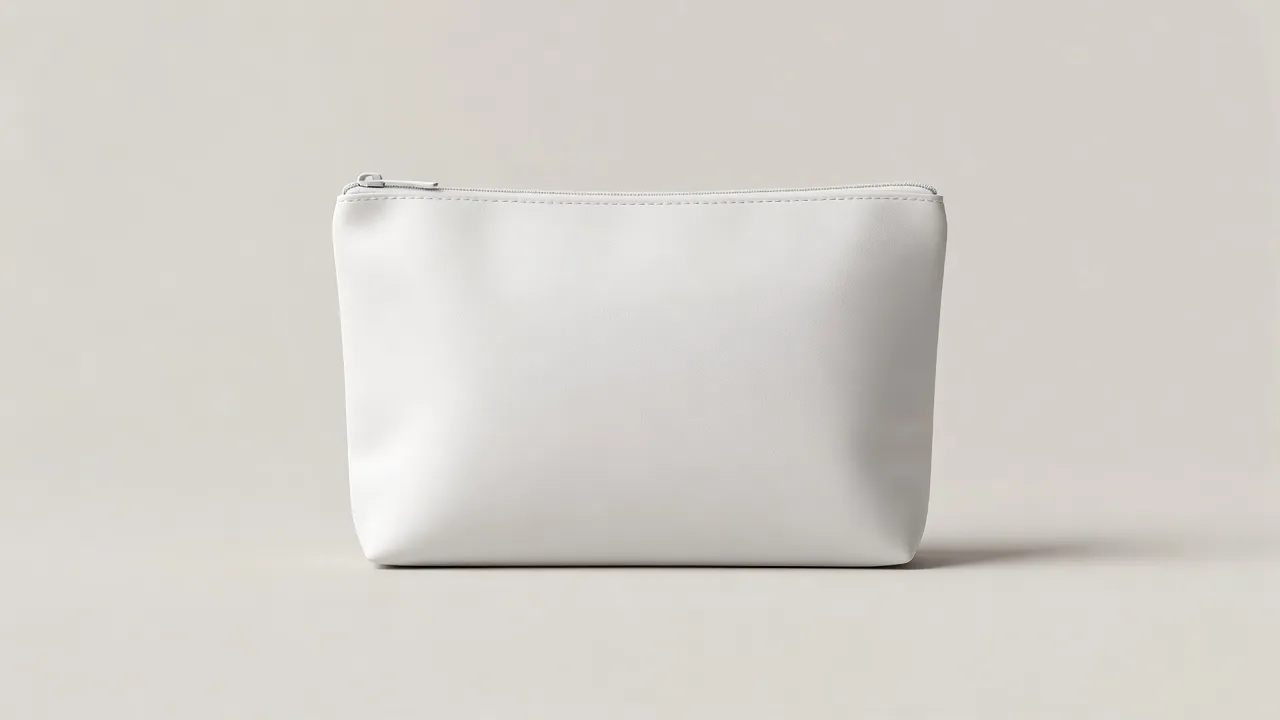
The same wallet in 5 studio scenes. Switch looks in the editor and the print comes along.
How it's made on a wallet.
The editor offers what leather is really made with, and each one looks the way it does in real life.
Shown on a spiral notebook 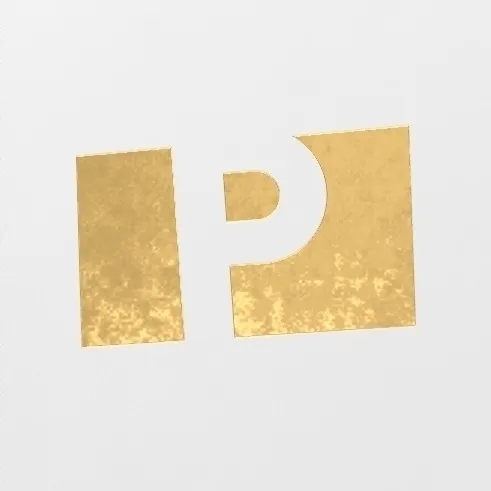 Shown on a spiral notebook
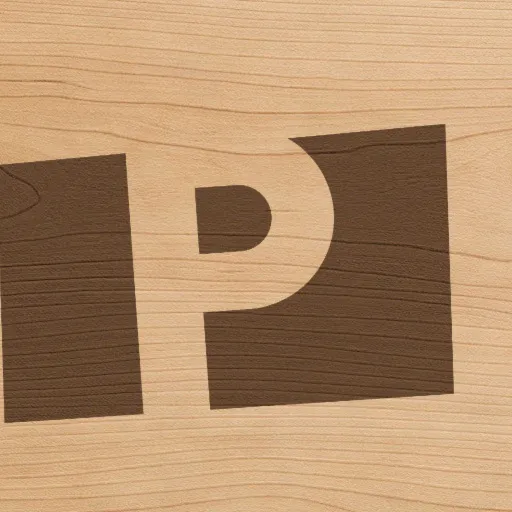 Shown on a cutting board
03
Laser engraving
One tone: strips paint, darkens bare steel, burns leather and kraft.
About laser engraving →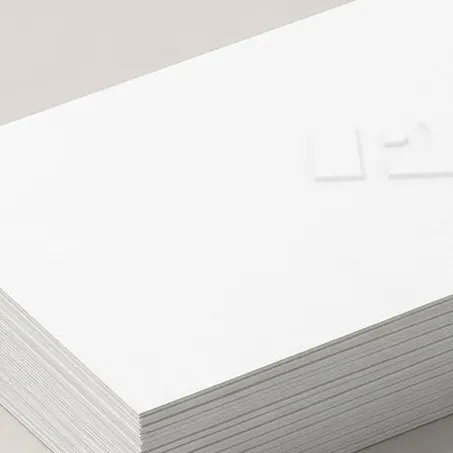 Shown on a business cards
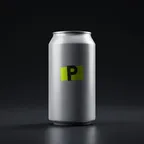
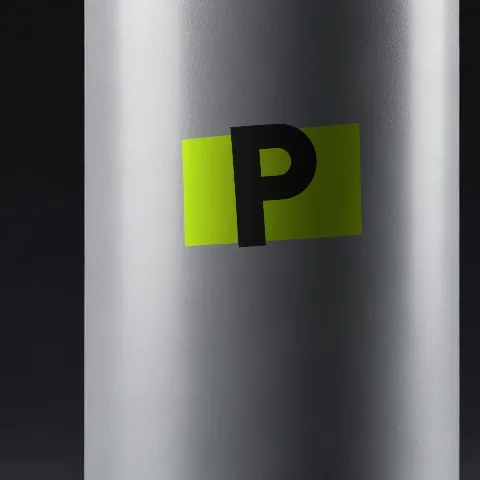 Shown on a soda can
05
Print (screen / UV)
Opaque ink: matte in the weave on fabric, glossy on hard goods.
About print (screen / UV) → Not offered here
Embroidery, 3D puff embroidery, Embroidered patches, Water-based discharge, Sublimation, Ceramic decals, Offset & flexo, Stickers & labels, Spot UV, Glass etching: leather is not made that way, so the editor does not offer them on this wallet.
Not in the library?
Have your own wallet? Use that photo.
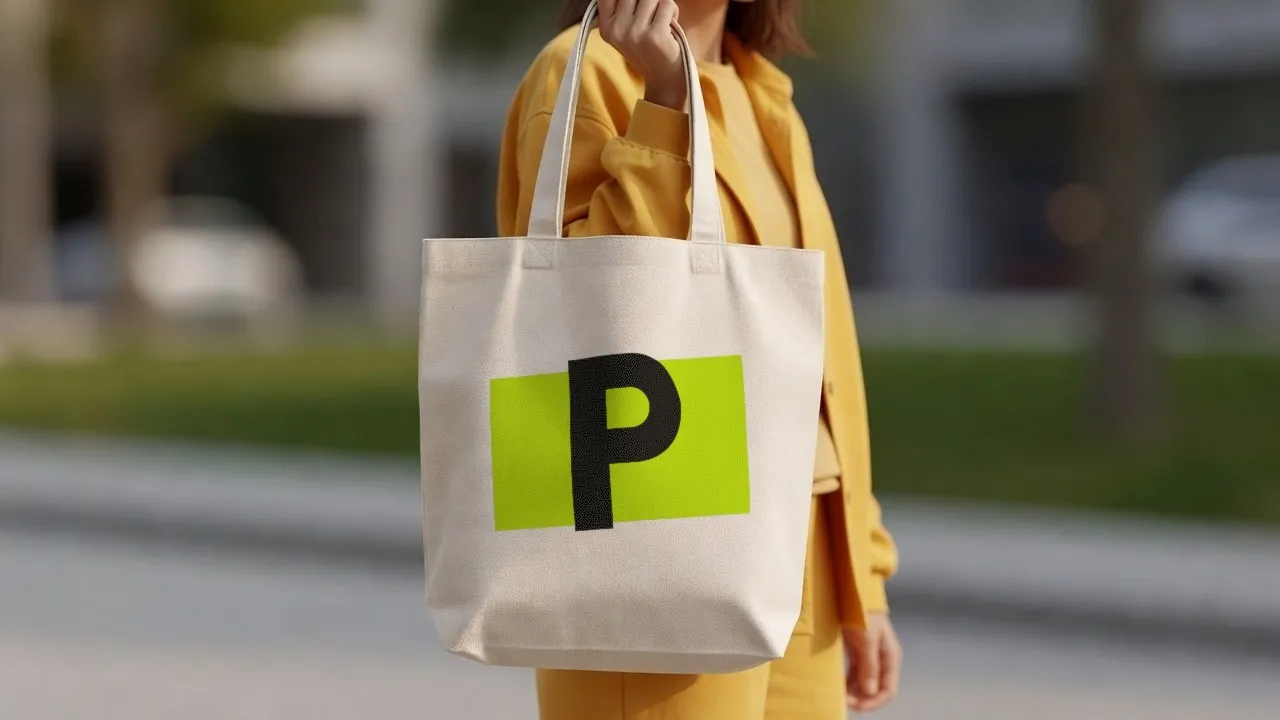
Take a photo of your own wallet, against any background you like: your desk, your shelf, your shop window. PreviewFly finds it and puts your logo on it, the same way as everything here.
Use a photo of your own wallet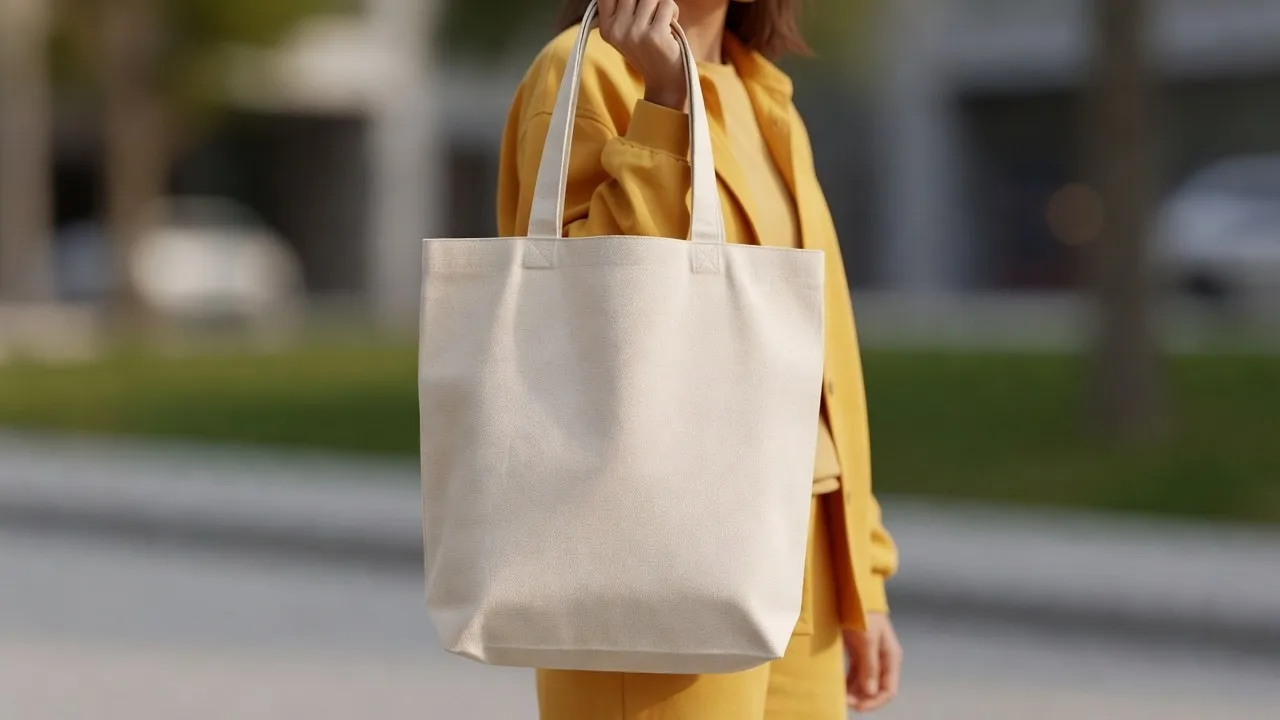
Wallet mockups, asked often
Something else? We are in beta and read every message.
Which techniques can I use on a wallet?
Debossing, Hot foil stamping, Laser engraving, Embossing, Print (screen / UV). These are the ways leather is really decorated.
Is the wallet photo real?
The scenes are AI-generated photos of a blank wallet, labelled as such. Your logo on it is placed from your file, never generated.
Can I use a photo of my own wallet?
Yes: JPG, PNG, WebP or HEIC. PreviewFly finds the product in your photo and follows its shape and light the same way.