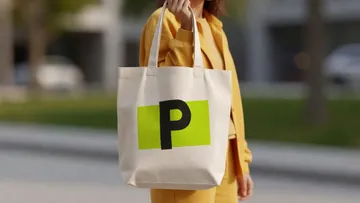
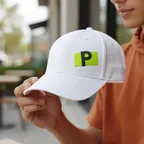
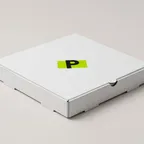
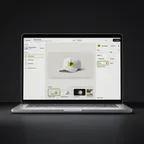

The best logo mockup generators in 2026
Nine tools for seeing your logo on products, packaging, stationery and screens. Some are template libraries, some are design suites with mockups inside, some generate the picture with AI, and some render how the logo is made. We make PreviewFly, so it is first; for each tool we say where it is the better choice.
At a glance
| Tool | Best for | Your own photo | Price |
|---|---|---|---|
| PreviewFly | Seeing the logo the way each product is made | Yes | Previewing and your first download are free. More downloads with Pro: US$6.99 a month or US$76.89 a year plus tax, with a 7-day free trial. |
| Canva Mockups | Mockups inside a full design suite | Yes, on paid plans | The app is free on any plan. Canva Pro US$144 a year (US page). |
| Placeit | Model and lifestyle photos | No | Free templates with an account. Unlimited: US$14.95 a month or US$89.69 a year. |
| Mockey | A low price and a big template library | Yes | Free: 3 downloads a day, JPG, personal use only. Starter US$9.90 a month or US$68 a year; Forever US$199 once. |
| Dynamic Mockups | Bulk mockups, store integrations and an API | Your own PSD templates, or a product photo through its AI tool | Free: 50 starting credits, 3 AI scenes and 1 video a day. Pro US$19 a month or US$180 a year. |
| Adobe Express, Firefly and Illustrator | Adobe users, and vector art wrapped on your own photo | Yes | Adobe Express has a free plan that allows commercial use; the Firefly assistant needs a paid plan (prices vary by country). |
| Mediamodifier | A mockup API and PSD export | Your own PSDs, on Professional | Unlimited watermarked downloads free. Professional US$19 a month or US$190 a year. |
| Kittl | Designing and mocking up in one AI design tool | Not offered | Free: low resolution, personal use only. Pro US$15 a month or US$144 a year. |
| Magnific (formerly Freepik) | A very large stock library with an online mockup editor | Its templates | 100 mockups editable online for free (5K export, attribution required); paid plans remove attribution. |
We make PreviewFly. Facts about the other tools come from their own pricing, help and feature pages (linked under each one), checked on 1 November 2026; prices are US list prices and may differ in your region.
How we compared them
- What you start from: templates, your own photo, or an AI-generated scene
- Whether the logo is used as it is or redrawn by AI
- Whether it shows how the logo is made (print, foil, emboss, engraving, embroidery)
- What it costs to download, and what the free plan allows
The tools
- 01
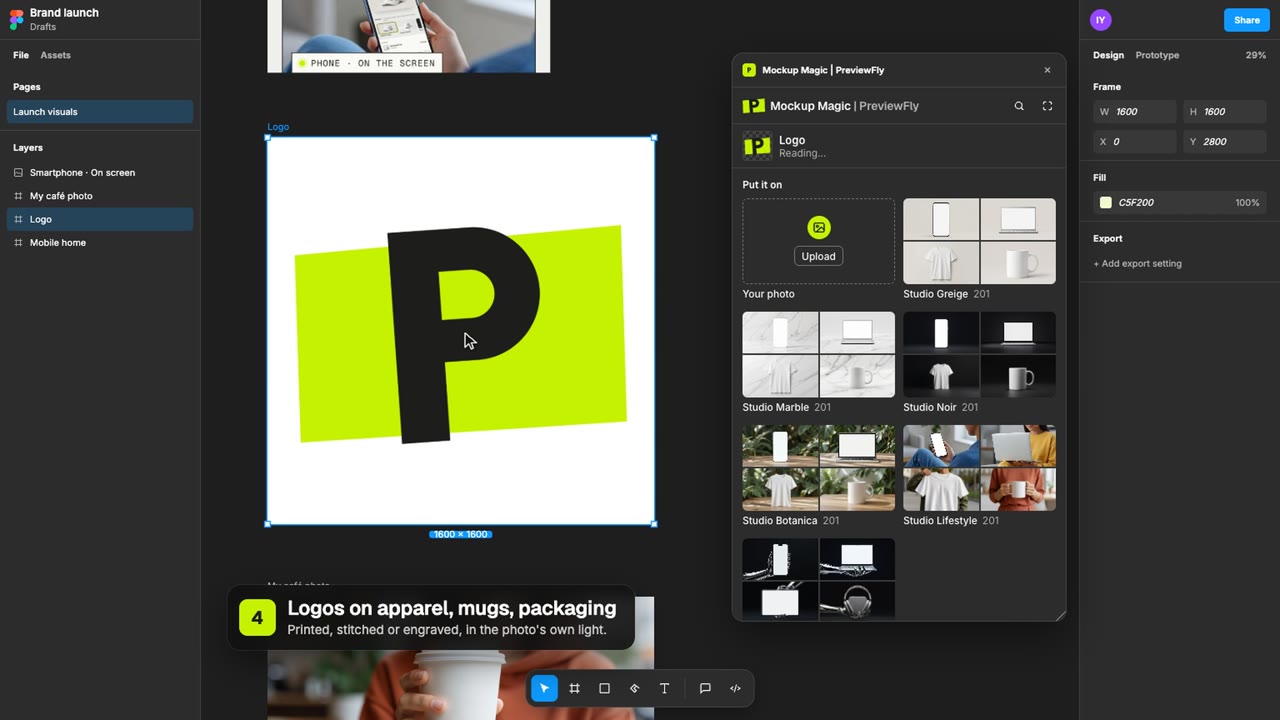
PreviewFly
OursBest for: Seeing the logo the way each product is made
- How it works
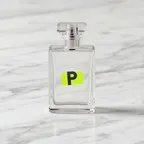
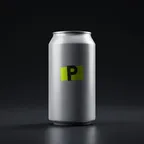
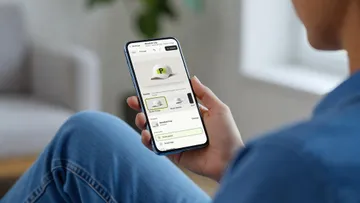
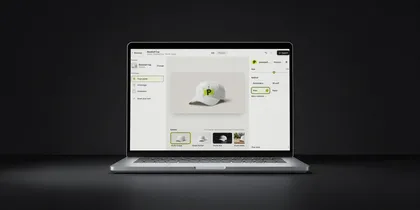
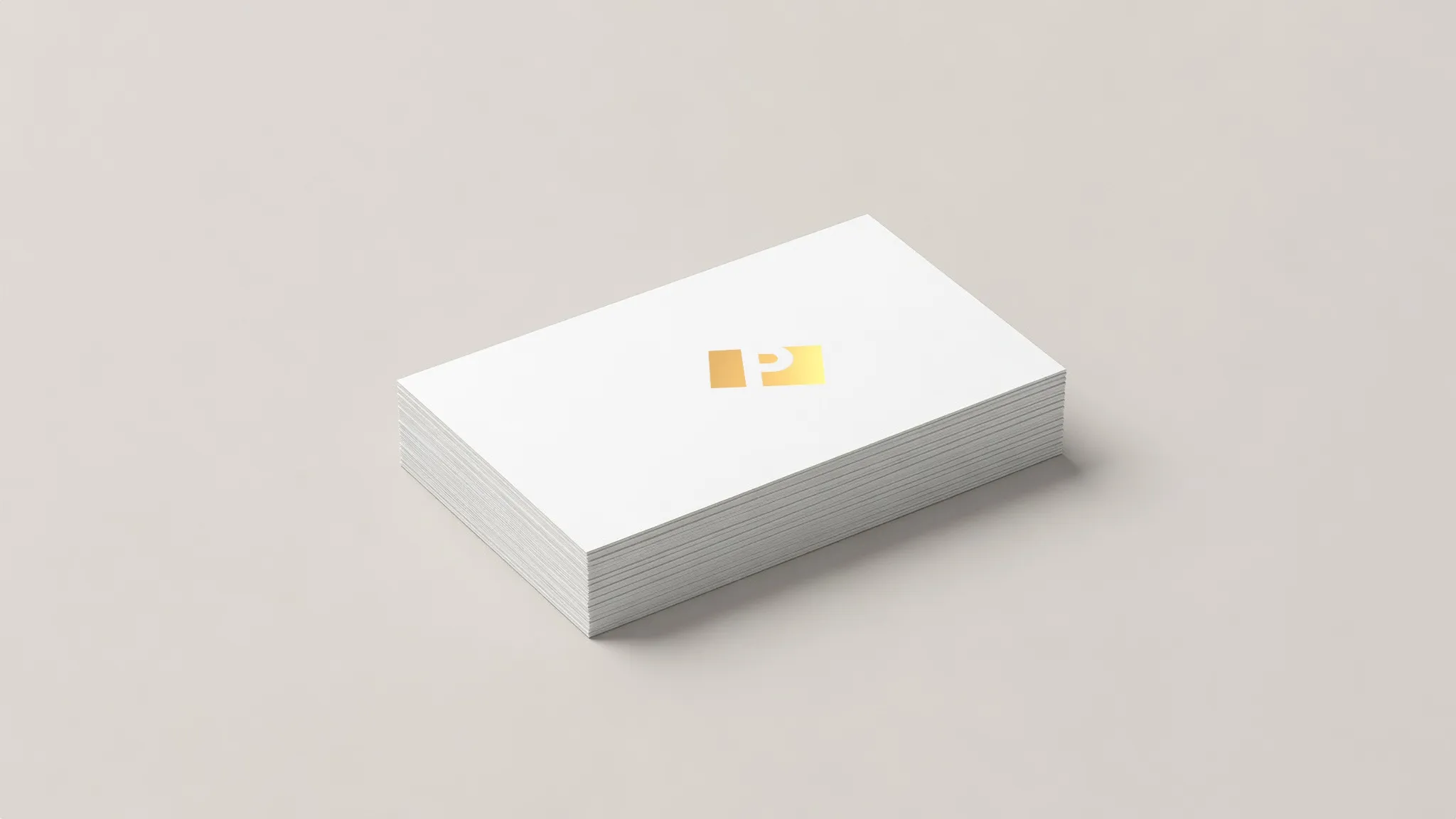
- Your logo rendered as print, embroidery, foil, emboss, deboss, laser engraving, a sticker or a screenshot on a device screen, in the photo's light, on 407 products or a photo of your own. Drag it anywhere; it follows the surface.
- Where it is better
- Your logo is never redrawn; each product offers only the methods it is really made with; works from AI tools through MCP.
- Know before you choose
- A smaller library than the template sites, no video mockups and no models.
- Price
- Previewing and your first download are free. More downloads with Pro: US$6.99 a month or US$76.89 a year plus tax, with a 7-day free trial.
- 02
Canva Mockups
Best for: Mockups inside a full design suite
- How it works
- The Mockups app in the Canva editor (formerly Smartmockups, which closed on 27 September 2024): photo and video mockups; on paid plans it makes a template from your own photo by finding its surfaces.
- Where it is better
- The whole design suite, brand kits, stock photos and video.
- Know before you choose
- No rendering of how a logo is made (embroidery, foil, emboss).
- Price
- The app is free on any plan. Canva Pro US$144 a year (US page).
- 03
Placeit
Best for: Model and lifestyle photos
- How it works
- Ready-made templates: your design goes into the area each template sets. 1,109 templates were tagged Embroidered on the day we checked (caps, polos, hoodies, beanies); how the stitched look is made isn't stated.
- Where it is better
- People wearing the product, lifestyle scenes, video mockups, and logo and design templates in the same place.
- Know before you choose
- Your logo stays inside each template's area; no 3D puff or patch option.
- Price
- Free templates with an account. Unlimited: US$14.95 a month or US$89.69 a year.
placeit.net · sources: 1 , 2 , 3
- 04
Mockey
Best for: A low price and a big template library
- How it works
- 30,000+ templates with AI scene tools; its embroidered-style templates are, in its words, created with AI. A Custom Mockup tool takes your own photo.
- Where it is better
- Price, library size, video mockups and bulk runs.
- Know before you choose
- Commercial use needs a paid plan.
- Price
- Free: 3 downloads a day, JPG, personal use only. Starter US$9.90 a month or US$68 a year; Forever US$199 once.
- 05
Dynamic Mockups
Best for: Bulk mockups, store integrations and an API
- How it works
- 10,000+ templates, bulk runs, Etsy and Shopify integrations, an API and an MCP server, AI scenes and video; DTG, screen print, UV, laser and embroidery looks.
- Where it is better
- The DST file and production sheet, 10,000+ templates, bulk runs, Etsy and Shopify integrations, an API and an MCP server, video.
- Know before you choose
- The logo is digitized by AI, so check its stitch plan; placement follows the template's print area.
- Price
- Free: 50 starting credits, 3 AI scenes and 1 video a day. Pro US$19 a month or US$180 a year.
dynamicmockups.com · sources: 1 , 2 , 3
- 06
Adobe Express, Firefly and Illustrator
Best for: Adobe users, and vector art wrapped on your own photo
- How it works
- Illustrator's Mockup panel wraps your art on your own image and lets you drag it anywhere. Firefly AI Assistant's Mockup Studio (public beta since 27 April 2026) takes your logo and a blank product image and generates the mockup.
- Where it is better
- The Adobe suite, and vector art that follows the shape.
- Know before you choose
- Firefly generates the picture with AI, so check that the logo comes out exactly right.
- Price
- Adobe Express has a free plan that allows commercial use; the Firefly assistant needs a paid plan (prices vary by country).
- 07
Mediamodifier
Best for: A mockup API and PSD export
- How it works
- Browser templates with a placeholder for your logo; a mockup API.
- Where it is better
- The API and PSD export.
- Know before you choose
- The logo stays in each template's placeholder.
- Price
- Unlimited watermarked downloads free. Professional US$19 a month or US$190 a year.
mediamodifier.com · sources: 1
- 08
Kittl
Best for: Designing and mocking up in one AI design tool
- How it works
- 10,000+ mockups inside its design editor.
- Where it is better
- A design suite with AI; Pro licenses up to 500,000 printed copies per design.
- Know before you choose
- No rendering of embroidery, foil or emboss.
- Price
- Free: low resolution, personal use only. Pro US$15 a month or US$144 a year.
- 09
Magnific (formerly Freepik)
Best for: A very large stock library with an online mockup editor
- How it works
- Edit stock mockups online or download the PSDs. Freepik became Magnific on 28 April 2026.
- Where it is better
- Library size, PSDs and an AI suite.
- Know before you choose
- A foil or emboss look comes from the template, not from your logo.
- Price
- 100 mockups editable online for free (5K export, attribution required); paid plans remove attribution.
magnific.com · sources: 1 , 2
Before you choose
- Use your real logo file, ideally an SVG or a large PNG with a transparent background.
- If a tool generates the picture with AI, compare the logo in the result with your file: letters and colours can drift.
- For packaging and print, check the method too: foil, emboss and engraving look nothing like a flat print.
- Check the licence before using a mockup in ads or listings; several free plans are for personal use only.
Questions
Which logo mockup generator is free?
Canva's Mockups app works on its free plan, Adobe Express has a free plan with commercial use, Mediamodifier gives watermarked downloads, Magnific gives 100 online mockups with attribution, and PreviewFly previews for free (downloads are in Pro). Mockey's and Kittl's free plans are for personal use only.
Do these tools redraw my logo with AI?
Template tools (Placeit, Canva, Mediamodifier, Kittl, Magnific) place your file as it is. Firefly's Mockup Studio generates the mockup with AI. PreviewFly renders your logo from your file and never redraws it.
Can I put my logo on a photo of my own product?
Yes with PreviewFly, Canva (paid plans), Illustrator's Mockup panel, Firefly, Mockey's custom mockups and Dynamic Mockups' AI tool.
Also compared: best embroidery mockup generators in 2026 · PreviewFly vs AI mockup generators · PreviewFly vs Placeit · PreviewFly vs Canva Mockups
Canva is a trademark of Canva Pty Ltd. Placeit is a trademark of Envato. Mockey is a trademark of Mockey LLC. Dynamic Mockups is a trademark of Dynamic Mockups, Inc. Adobe, Firefly and Illustrator are trademarks of Adobe Inc. Mediamodifier is a trademark of Mediamodifier. Kittl is a trademark of Kittl. Magnific and Freepik are trademarks of Freepik Company S.L. PreviewFly is not affiliated with any of them.