previewfly.png
Upload your logo
PNG, JPG, WebP or SVG. A transparent PNG or an SVG gives the cleanest edges. Nothing about it is changed.
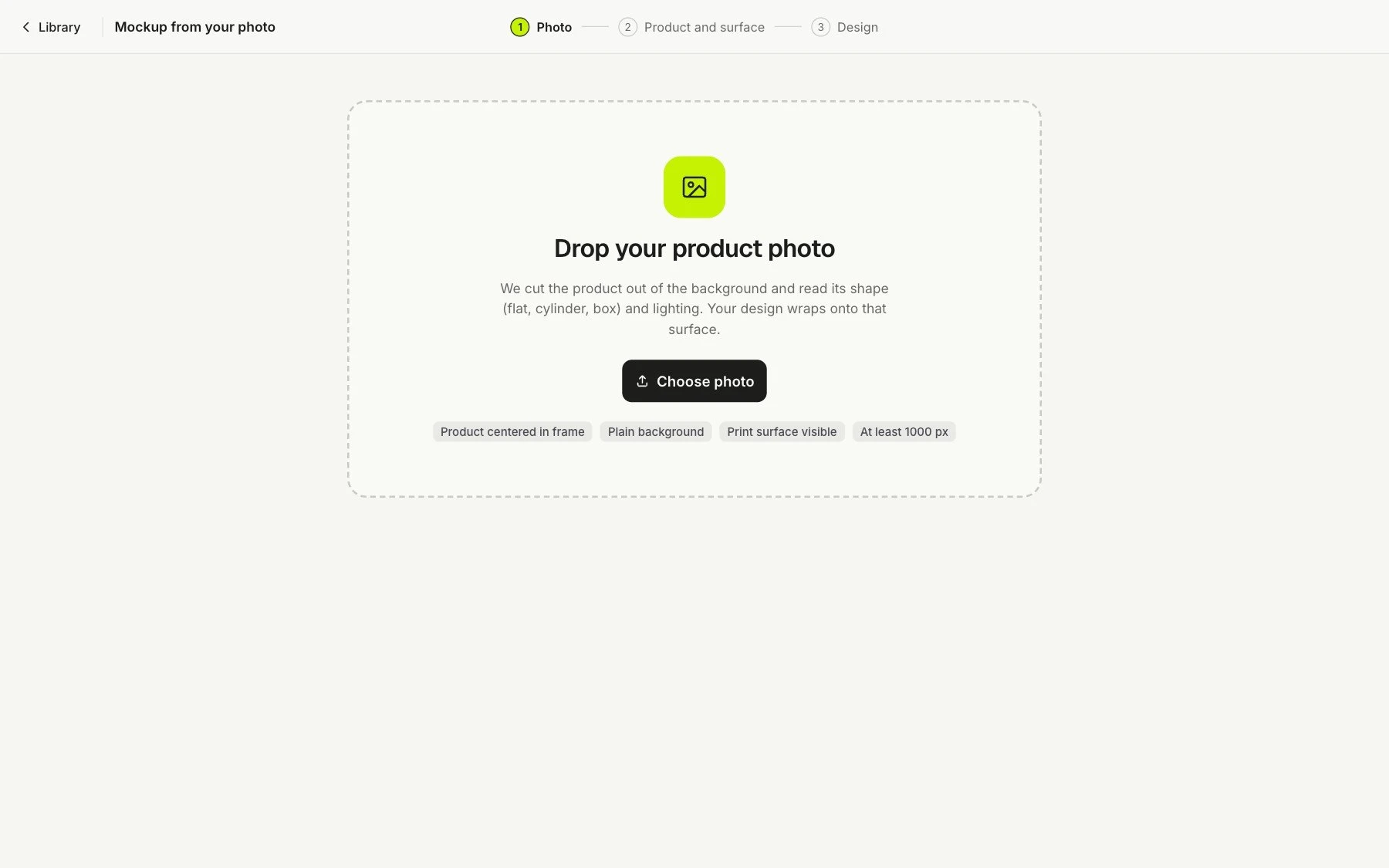
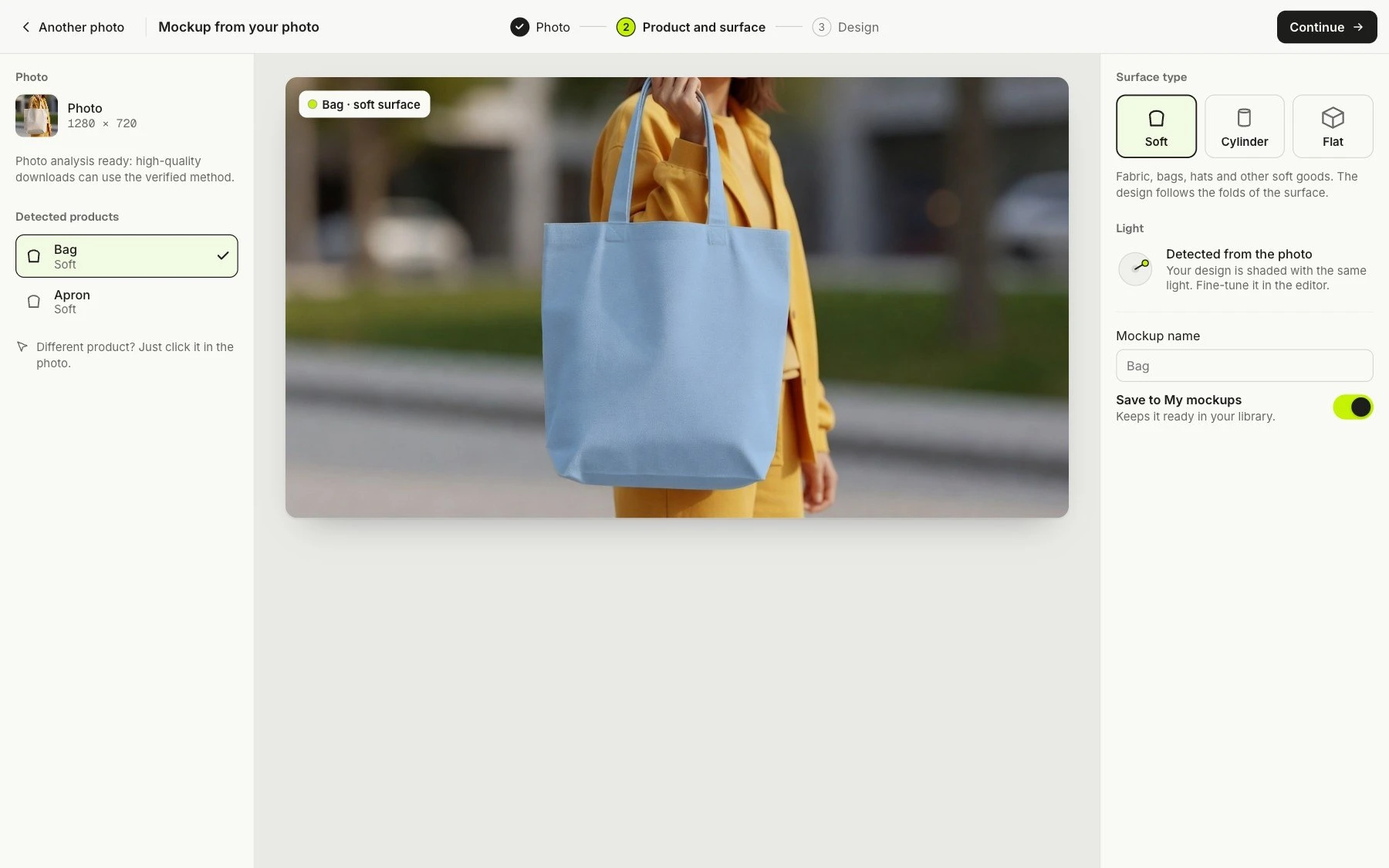
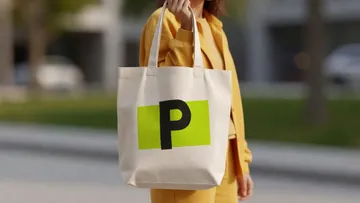 Not in the list? Use a photo of your own product. Shot on a phone is fine. PreviewFly finds the product for you.
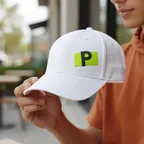 Merch and swag Caps, tees, bottles and totes for a team or an event.
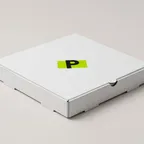 Packaging Boxes, bags and labels, before anything is printed.
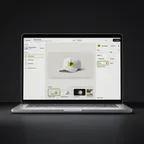 App and web launches Your screens on phones, laptops and watches.
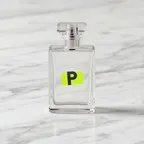 Online stores Listing images of the product you actually sell.
 Client pitches Show a client their logo on the real thing.
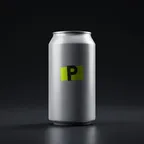 Food and drink Cups, cans, pizza boxes and menus.
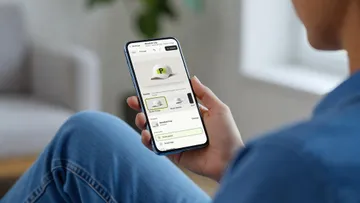 Merch, packaging and screens in one place.
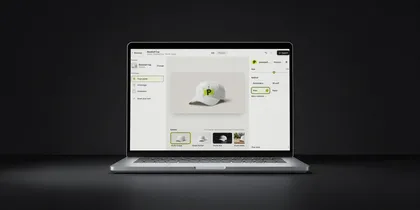 In your browser Web app Upload your logo, pick a product, download. Nothing to install.
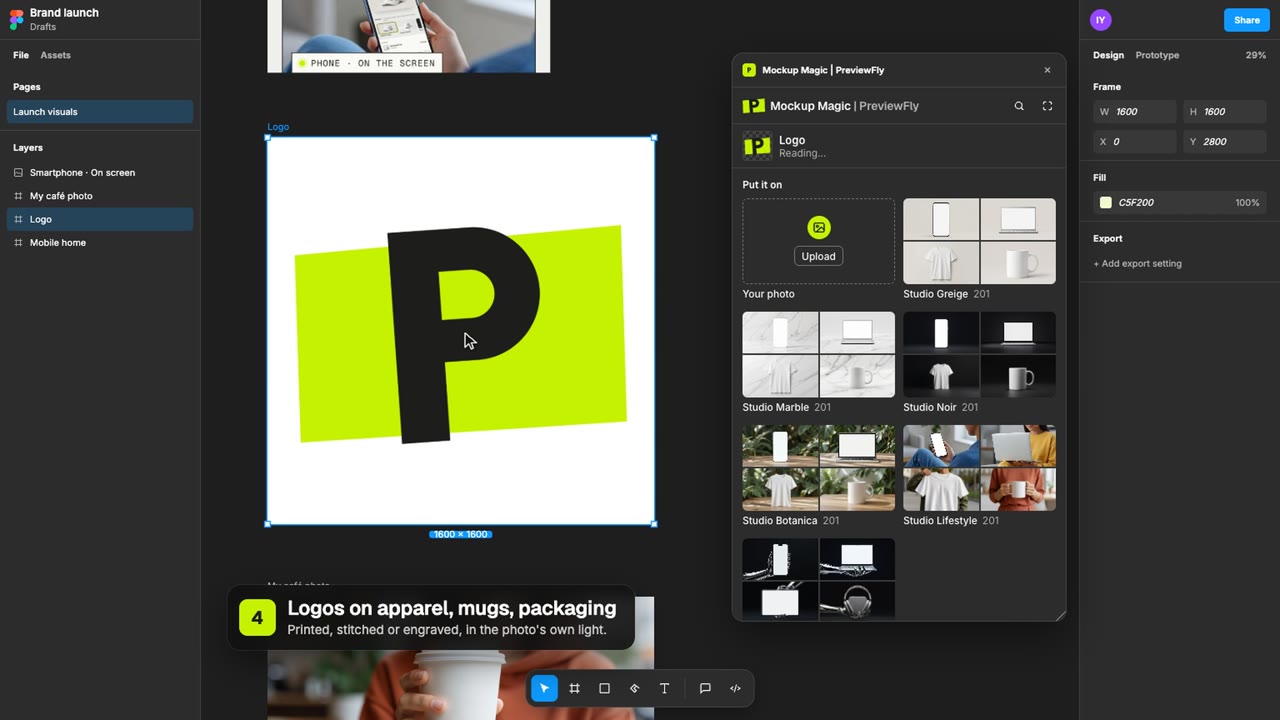 In Figma · Mockup Magic Figma plugin Your layers on real products, placed right on your canvas. In your AI tools · MCP Claude, Codex, Cursor Ask for a mockup in your chat and get its link back.
Four steps, no prompts. Your file goes on the product as it is, and the photo only adds its light, its surface and the way the thing is made.
PNG, JPG, WebP or SVG. A transparent PNG or an SVG gives the cleanest edges. Nothing about it is changed.
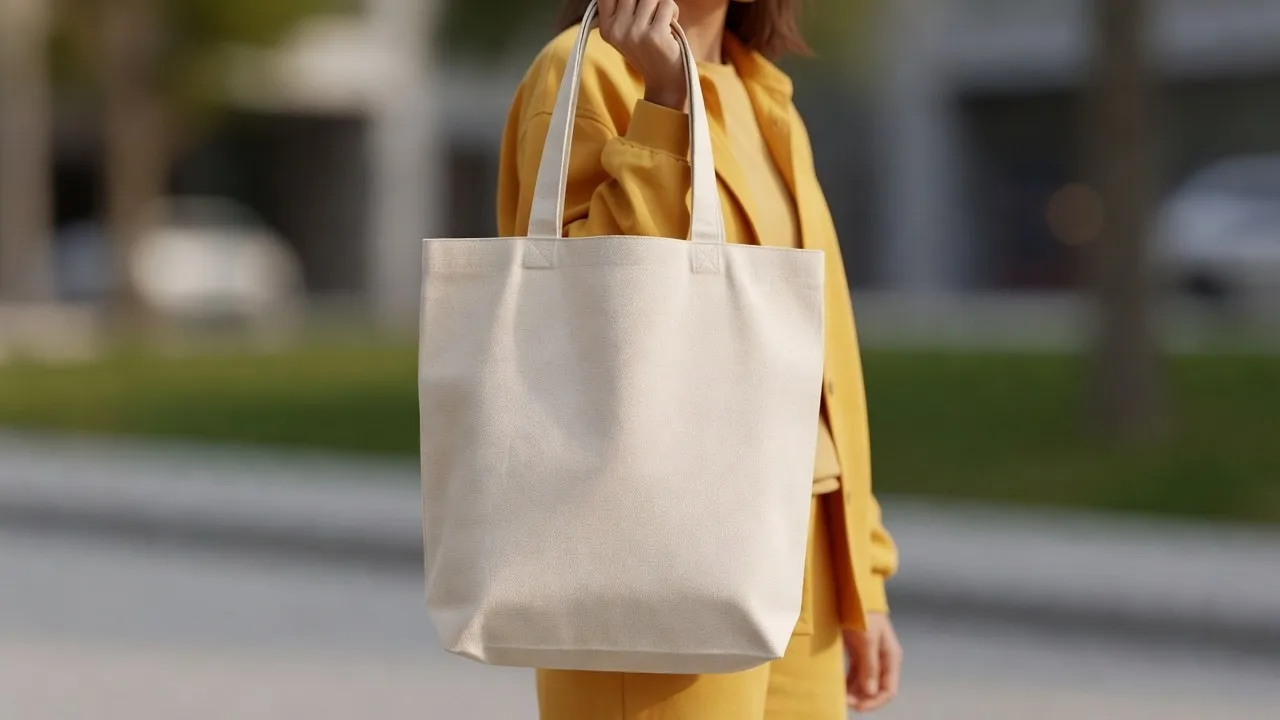
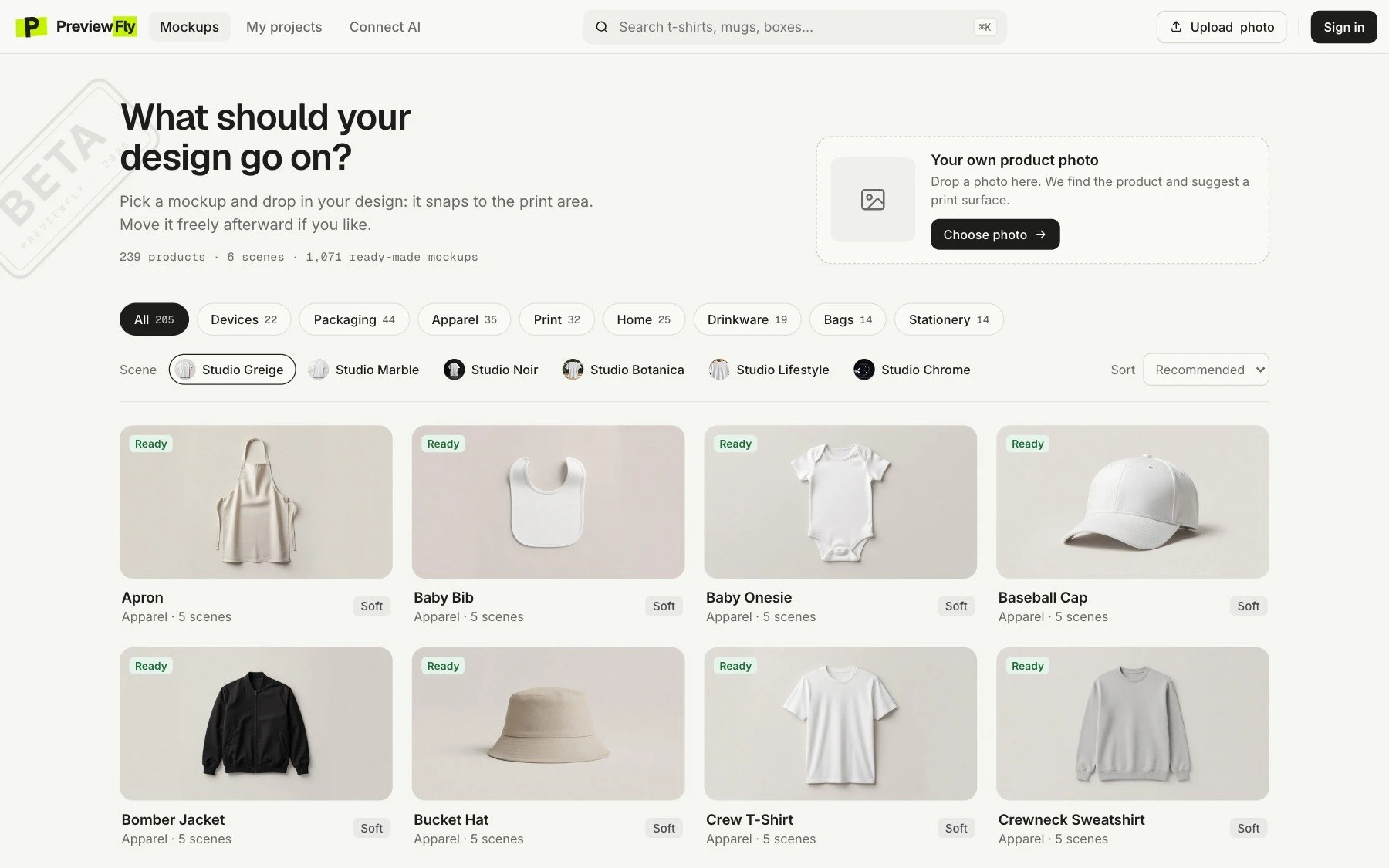
One of 407 library products in six studio looks, or any photo of your own: your product, on your background. PreviewFly finds the product and follows its shape and light.
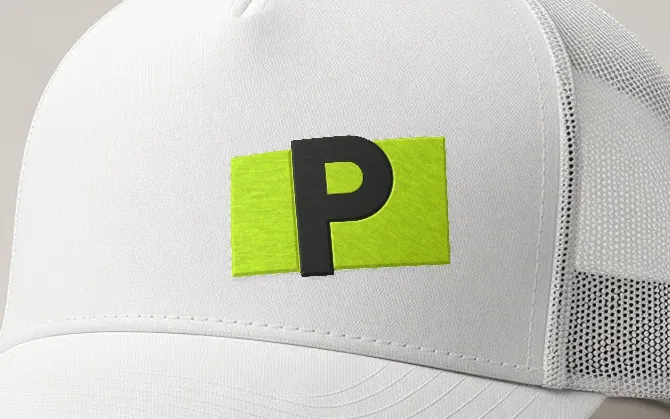
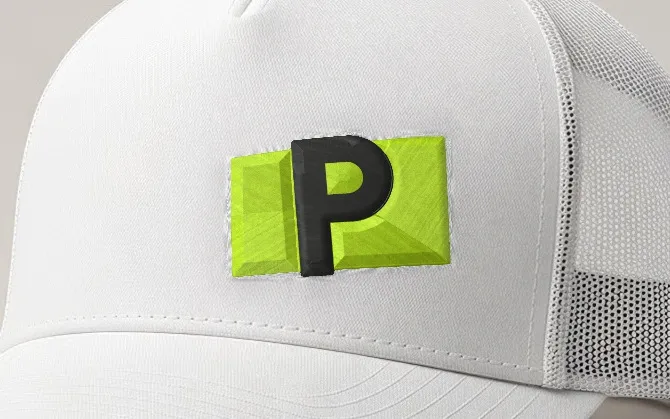
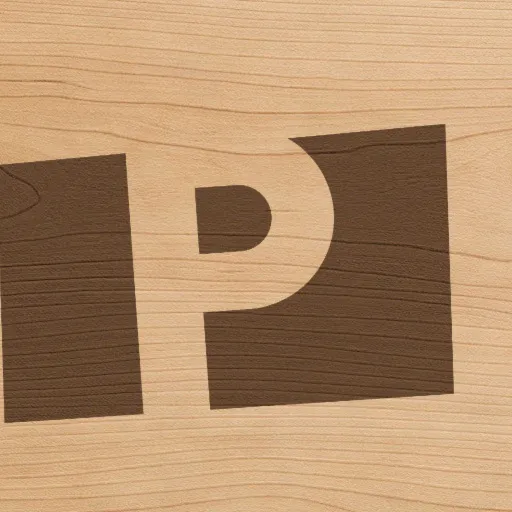
Embroidery, puff, print, foil, laser and more: 15 techniques, and each product only offers the ones it is really made with.
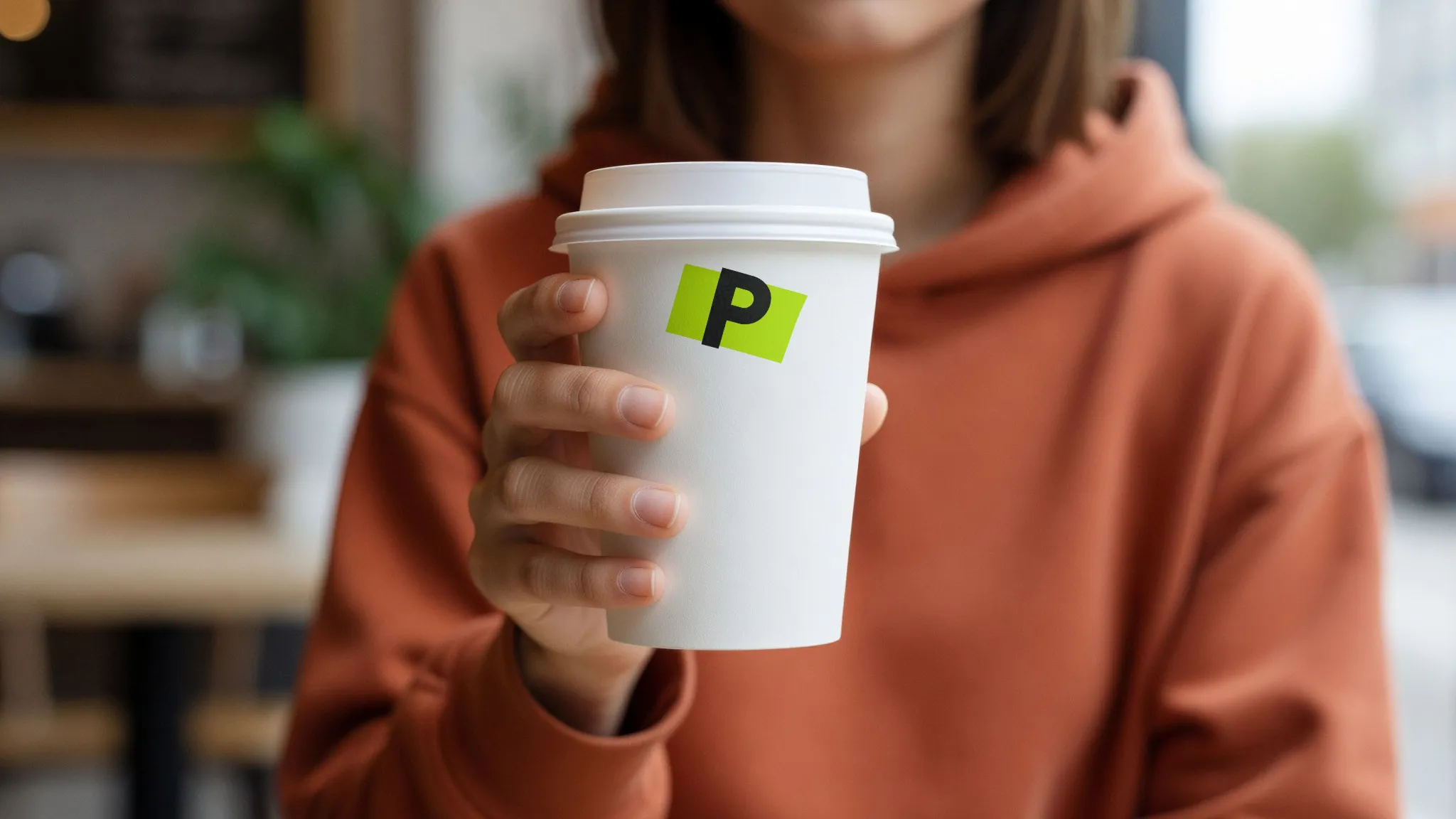
Drag it to the size you want and preview it free. Your first download is free with an account; after that, download with Pro, which starts with a 7-day free trial: the preview you approve is the image you get.
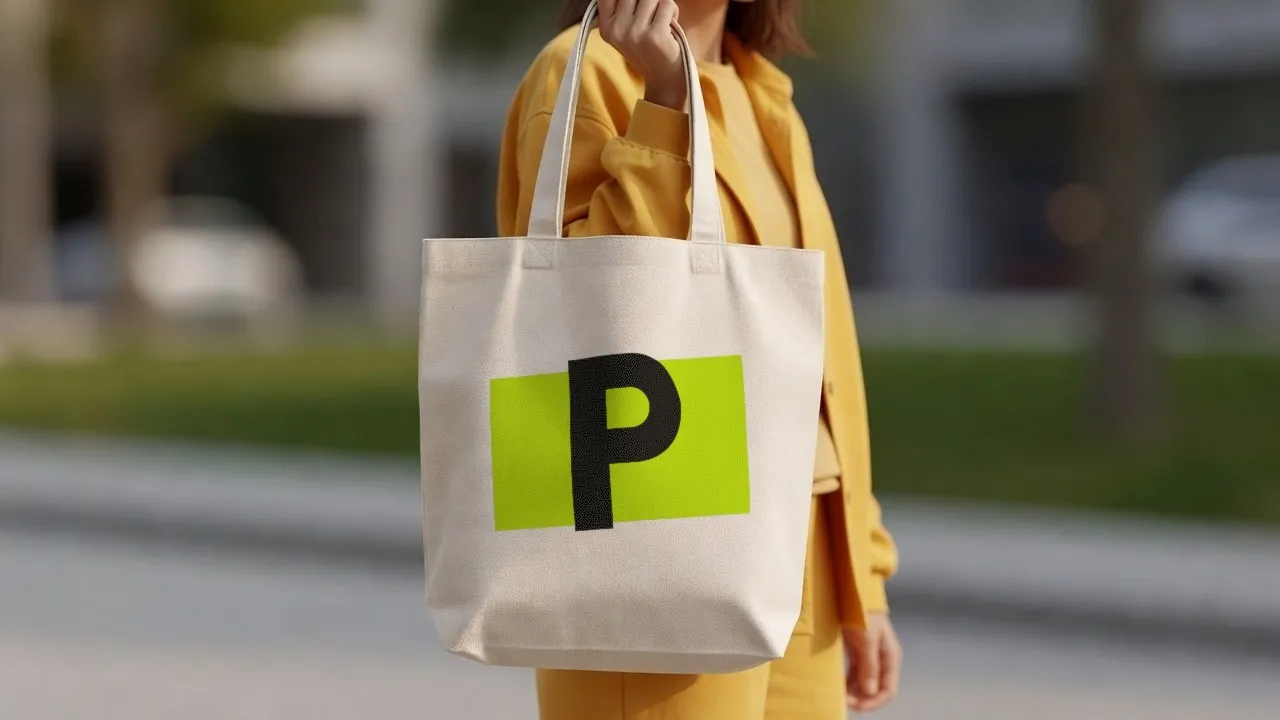
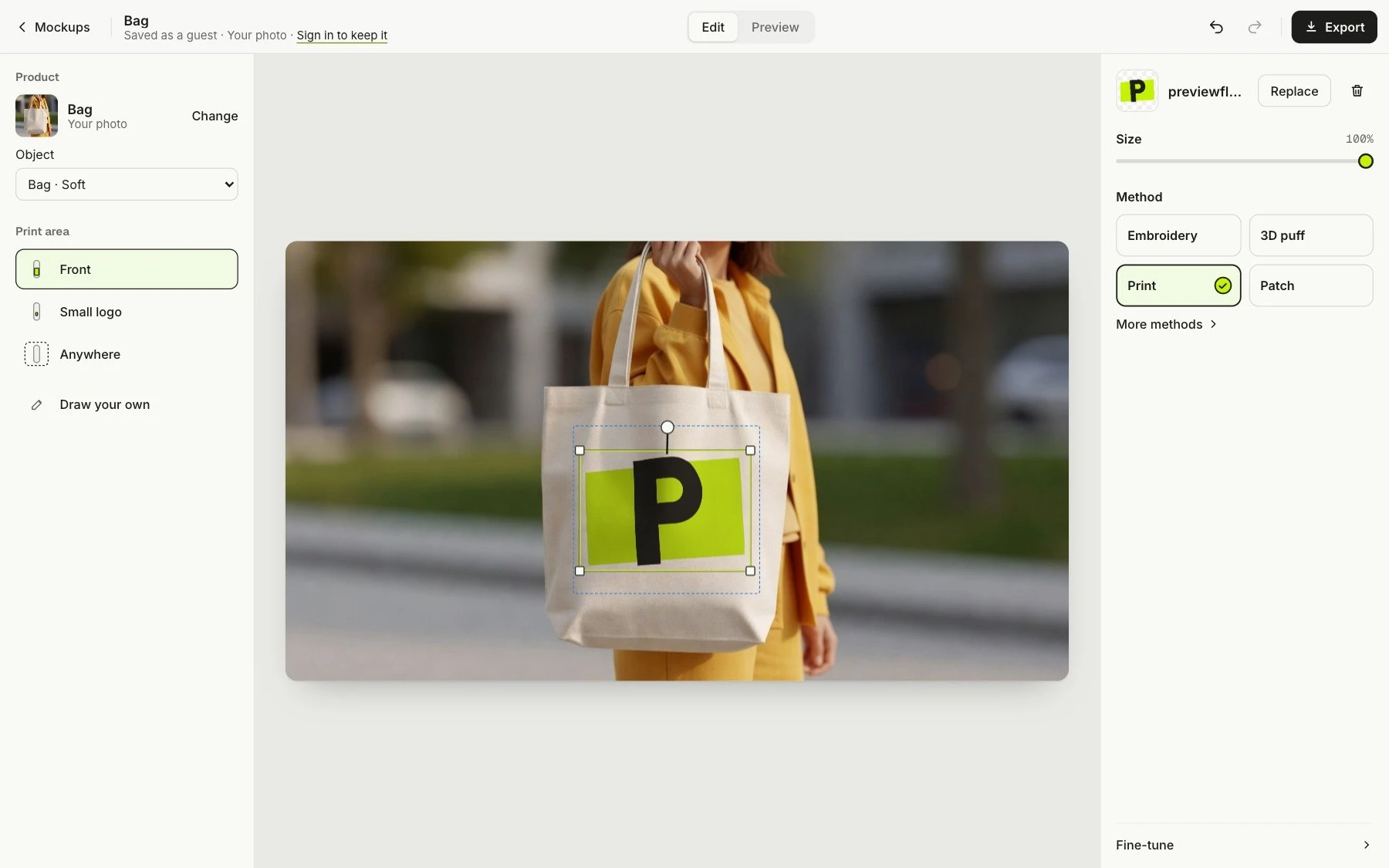
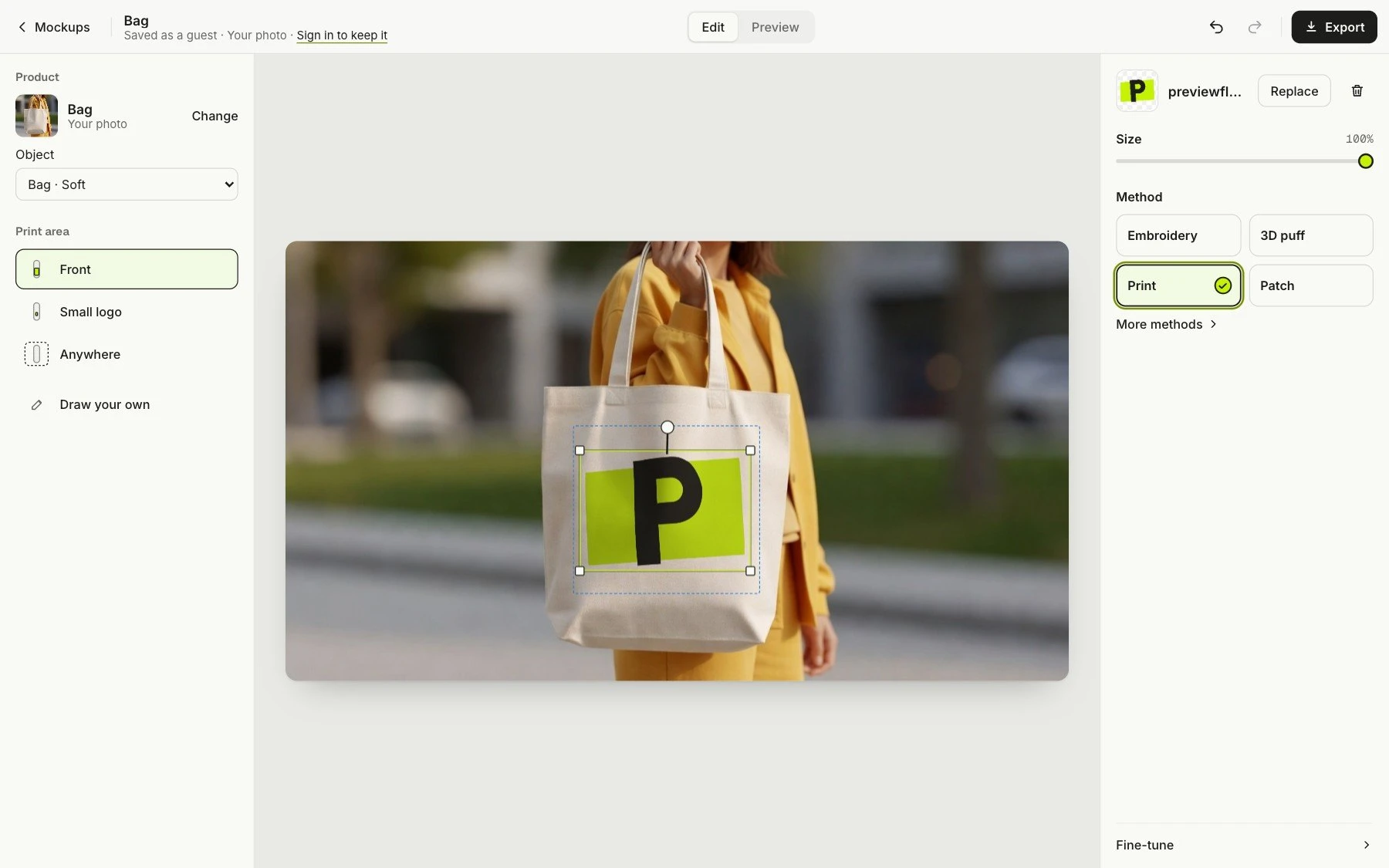
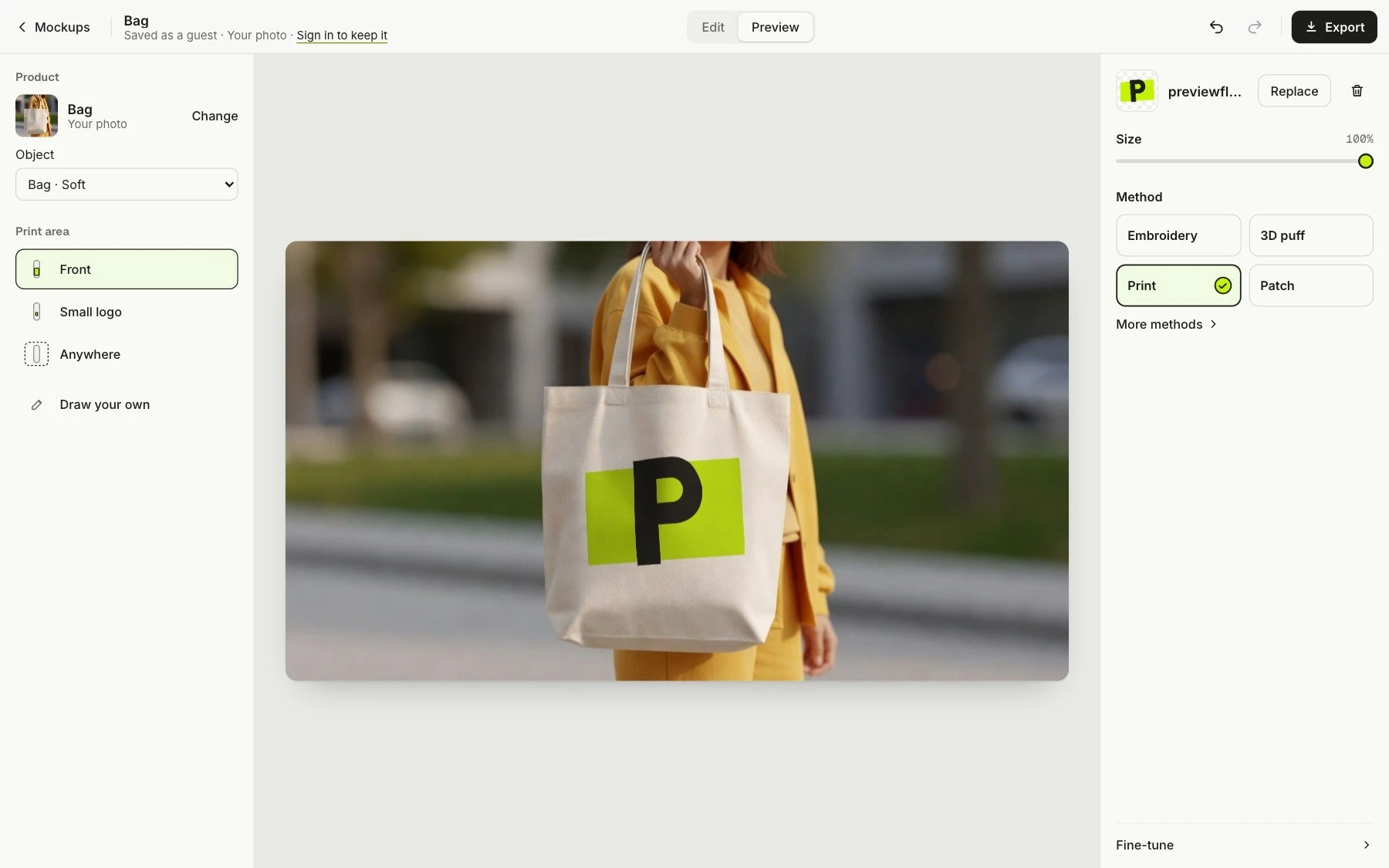
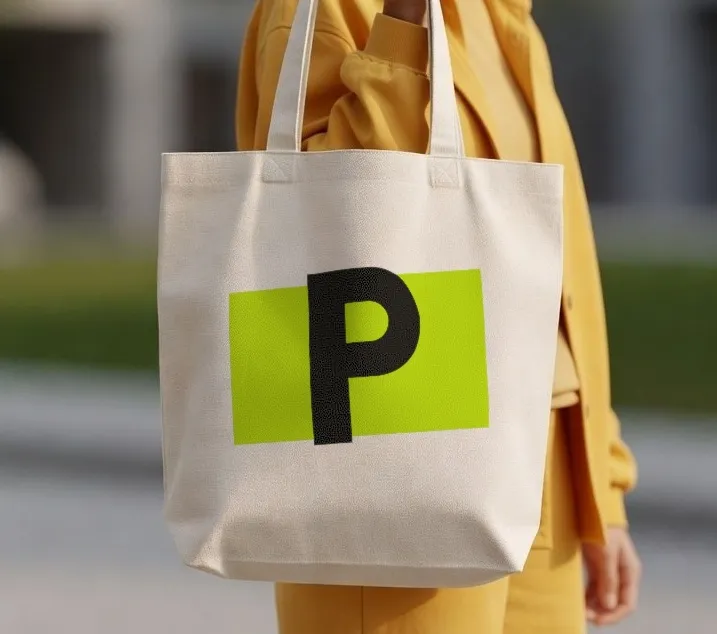
A photo of a tote, the PreviewFly logo, screen print. The view comes apart to show what goes into the mockup: your photo, the print on the fabric, and your file.
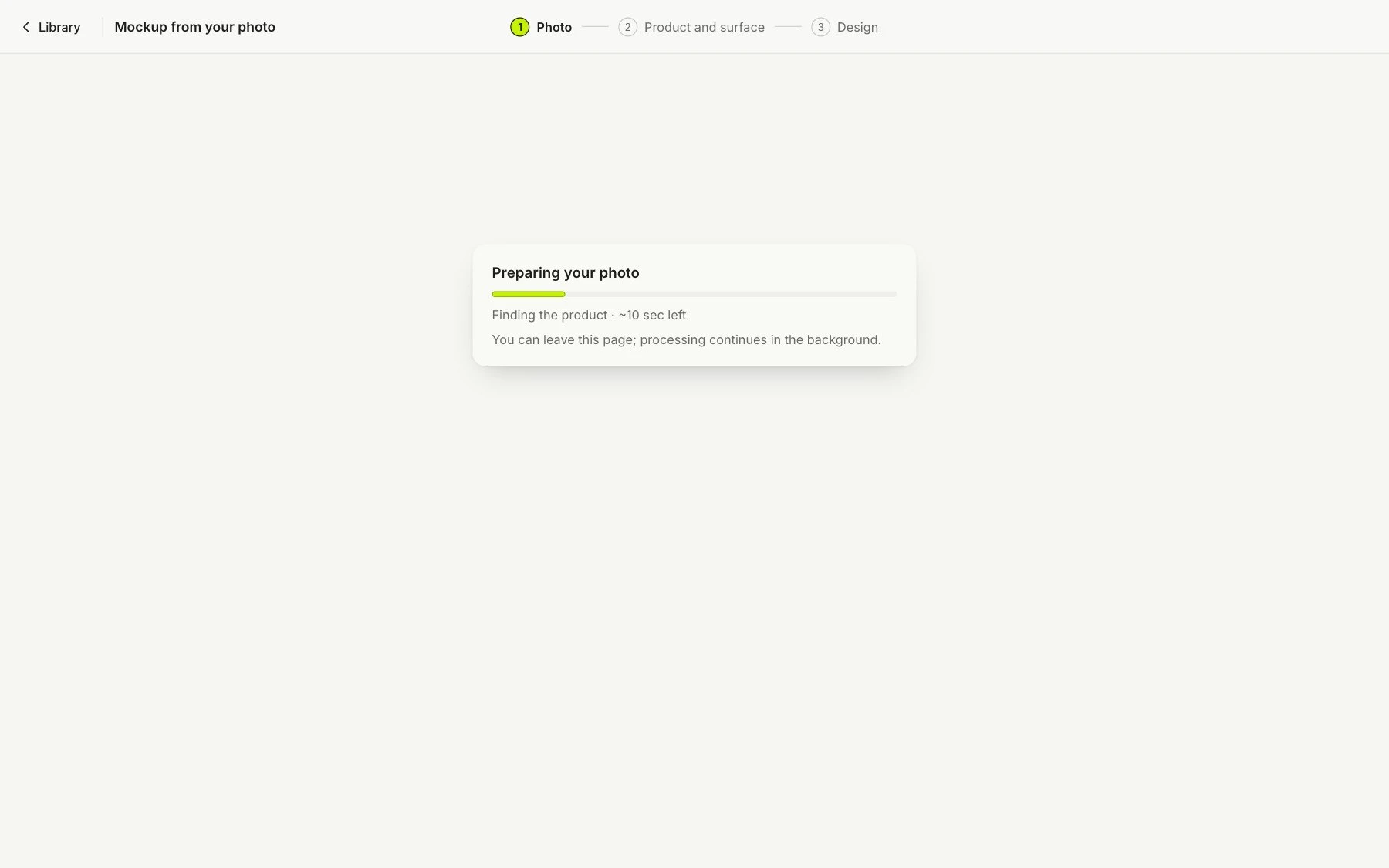
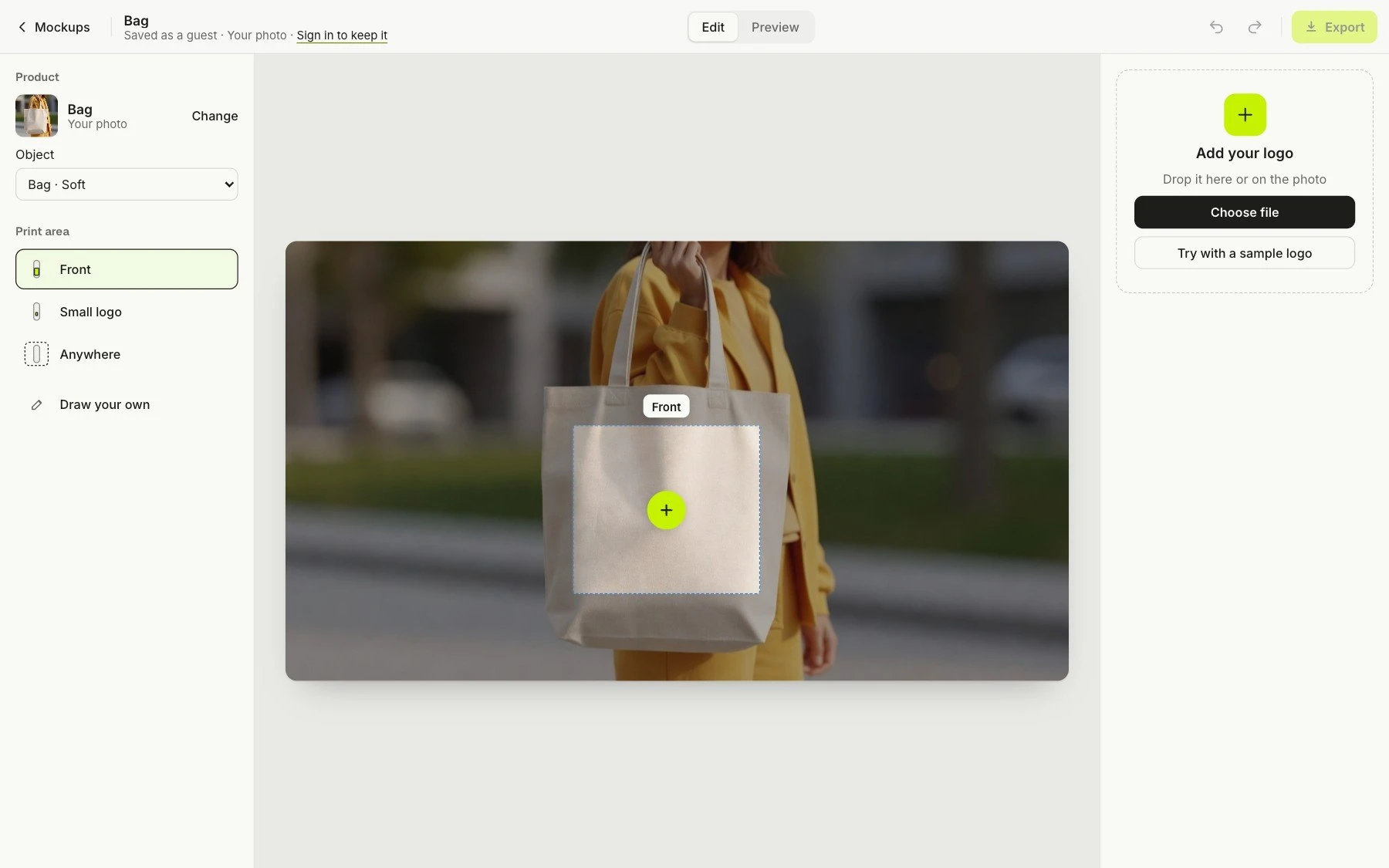
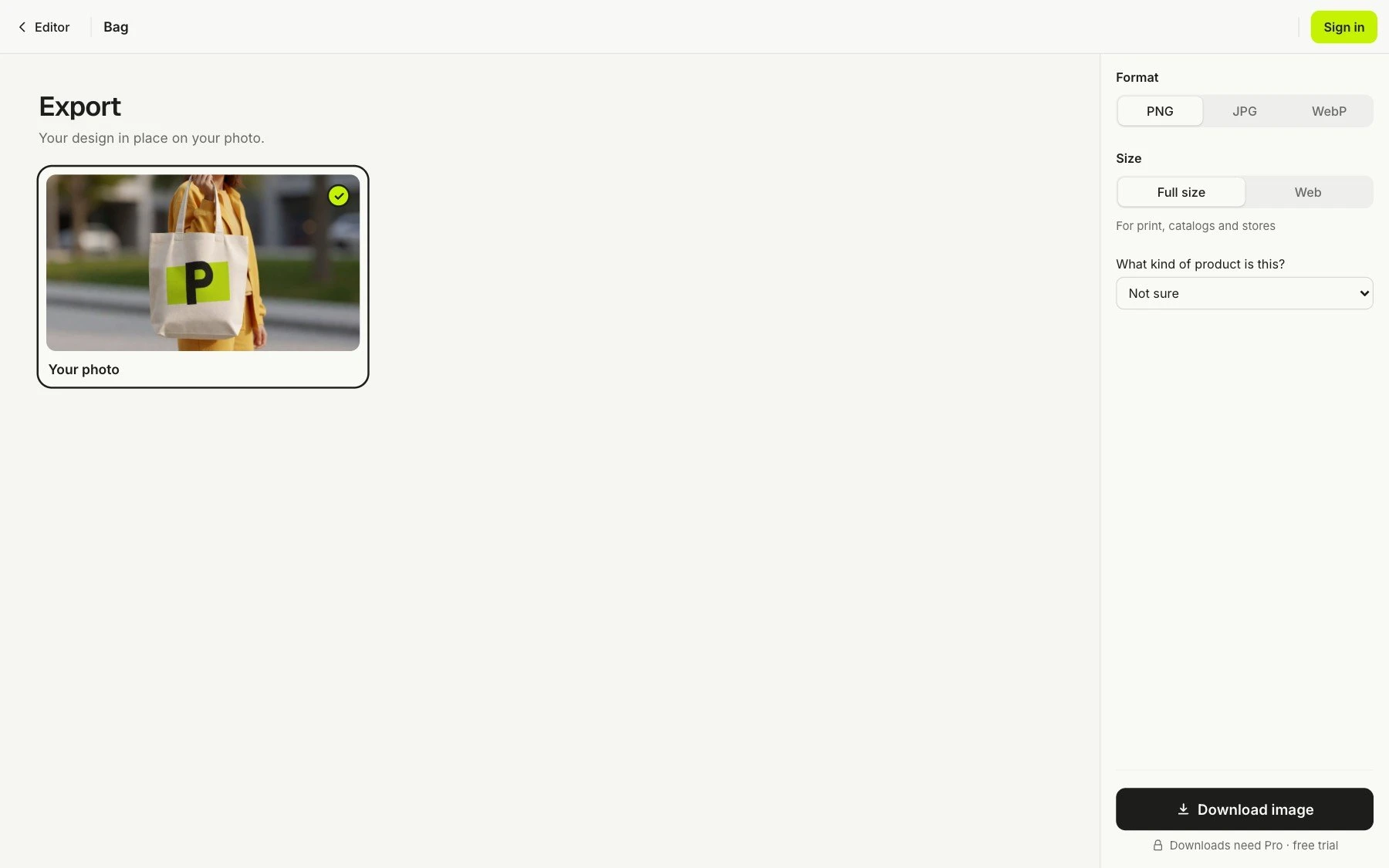
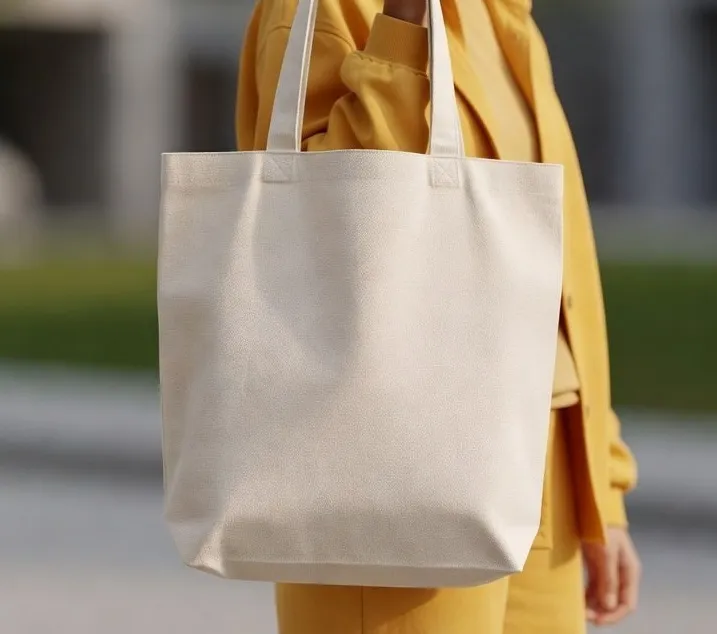
A screen recording of the PreviewFly app: a photo of a tote bag is uploaded, the app finds the bag, the PreviewFly logo is dropped on it, print is chosen, the view comes apart into three layers (the logo file, the print as it sits on the fabric, and the photo), which settle back into the finished mockup, and the mockup is exported.
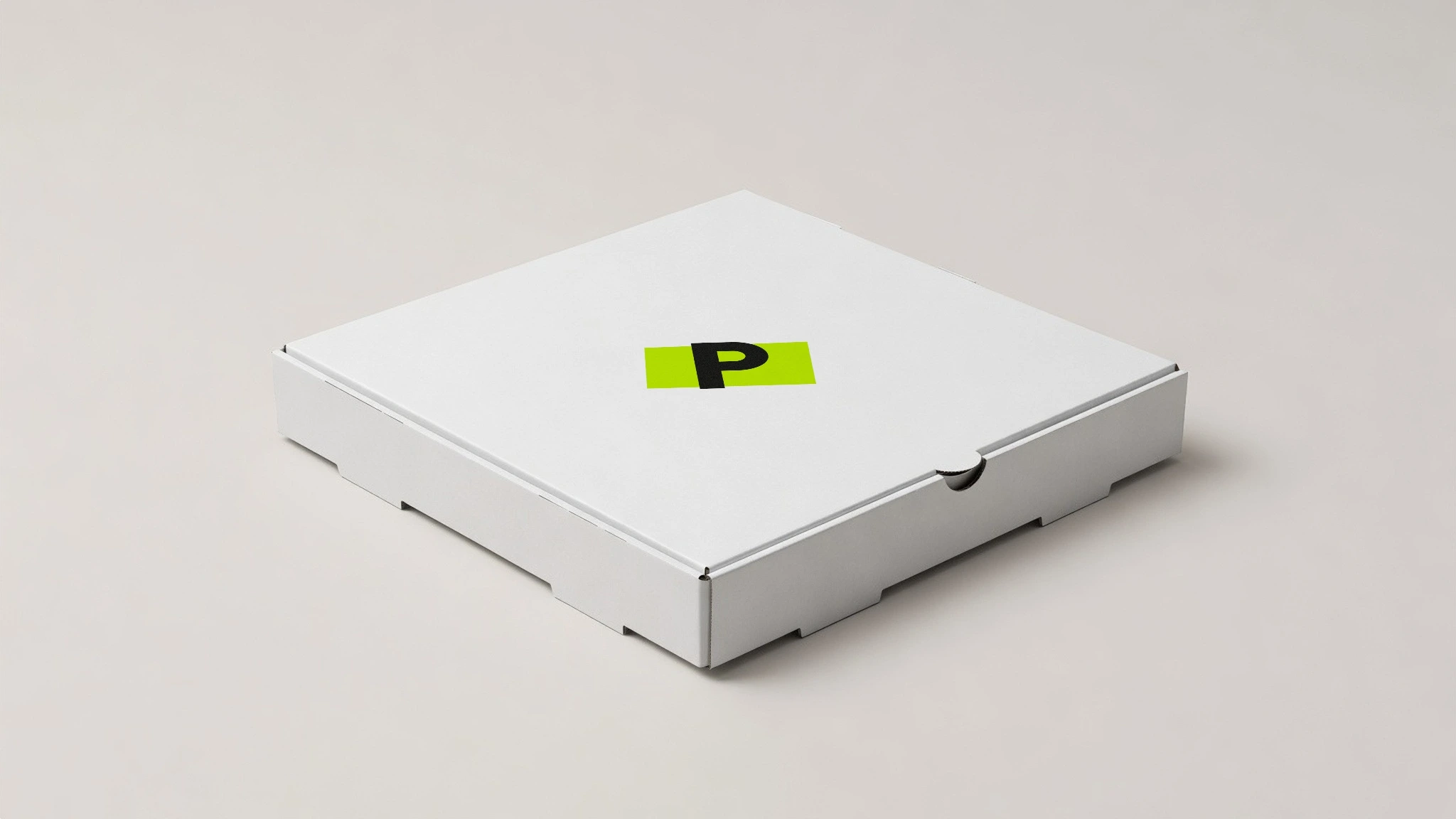
The pizza box below is a download from the app. Yours takes about a minute.
 Browse all 407 products →
Take a photo of your own product, against any background you like: your desk, your shelf, your shop window. PreviewFly finds it and puts your logo on it, the same way as everything here.
Use a photo of your own