

Preview every mockup free. Pro starts with a 7-day free trial. Send feedback 407 products · 15 techniques · any photo
Changelog

What's new in PreviewFly.

Every release since launch, newest first. The app and the Figma plugin are on 1.11.0.

1.11.0
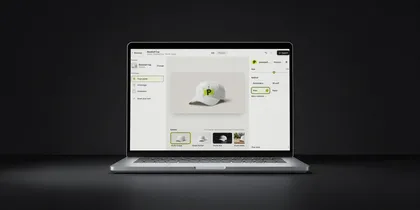
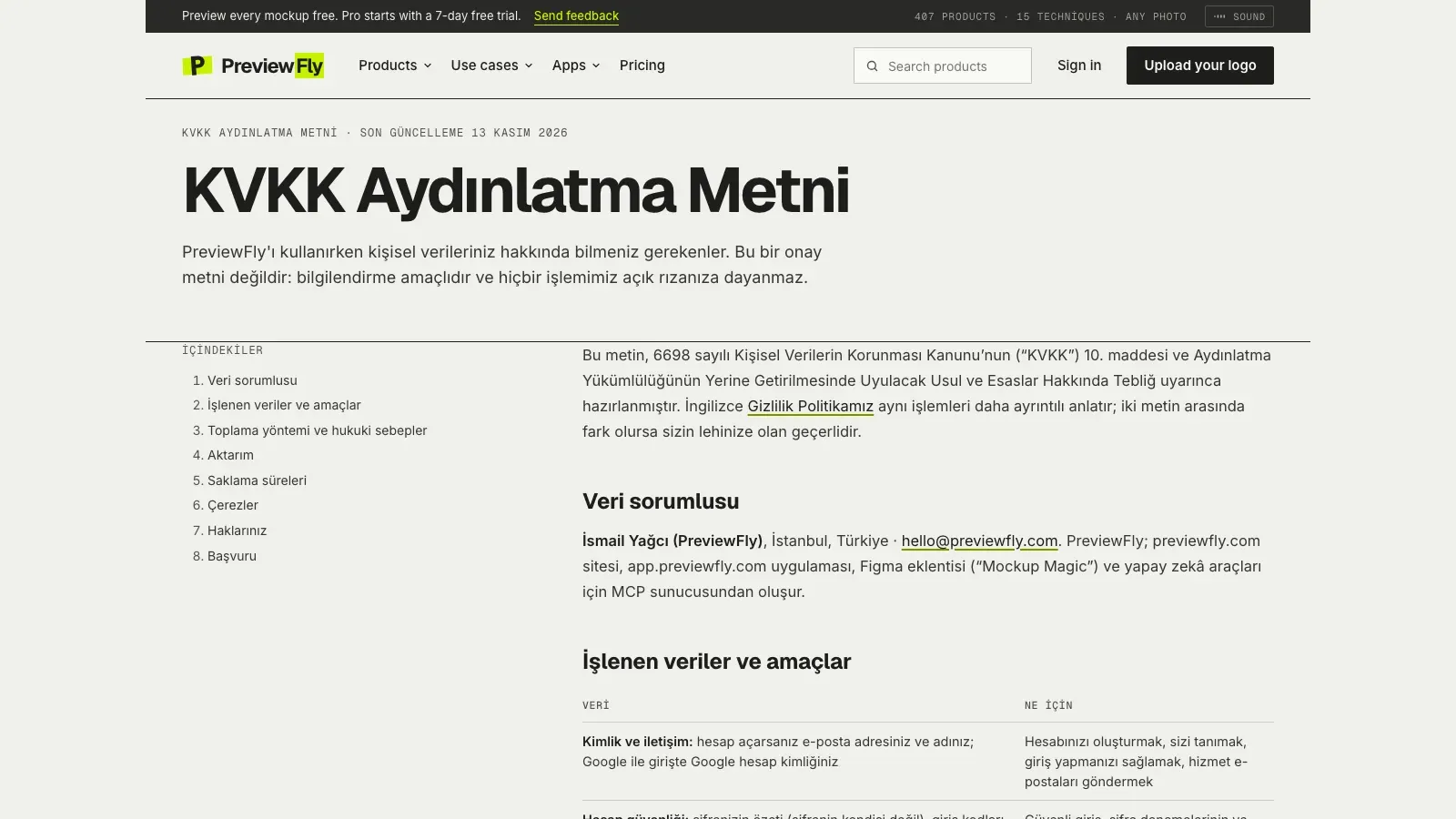
The KVKK information notice on previewfly.com, in Turkish

Your data, in plain words

A rewritten privacy policy, a Turkish KVKK notice, and a switch to stop us counting your visits.

  • New Don't count my visits, in the footer of the site and the app. Browsers that send Global Privacy Control get it without asking.
  • New The KVKK information notice on a page of its own, in Turkish.
  • Improved The privacy policy now covers support requests, error records, packs and Figma teammates, with every retention period, and how to object or complain.
  • Improved Sign-in, photo upload, support and checkout say what happens to your data where you give it.
  • Improved Guest cookies last 90 days instead of 400, renewed while you work; support requests are deleted 2 years after their last message.
  • Improved One less outside service on our pages: the only statistics left are our own.
1.10.2
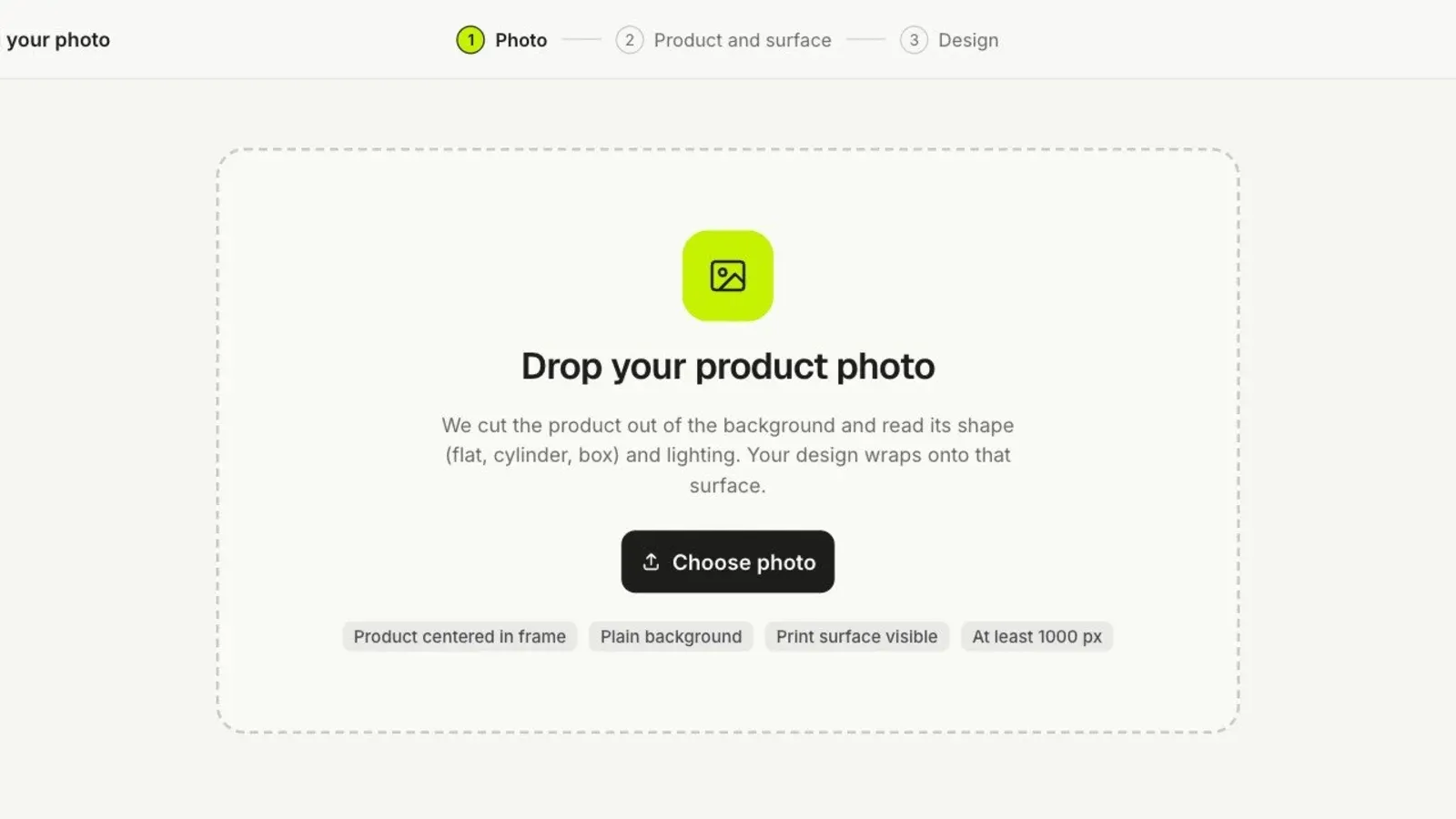
Drop your product photo, the start of a mockup from your own photo

Photos with plain surfaces get ready too

A photo of a product with large plain, untextured areas could stop while being prepared. It gets ready now.

  • Fixed A product photo with large plain areas, like a smooth white surface, no longer stops while it is being prepared.
1.10.1
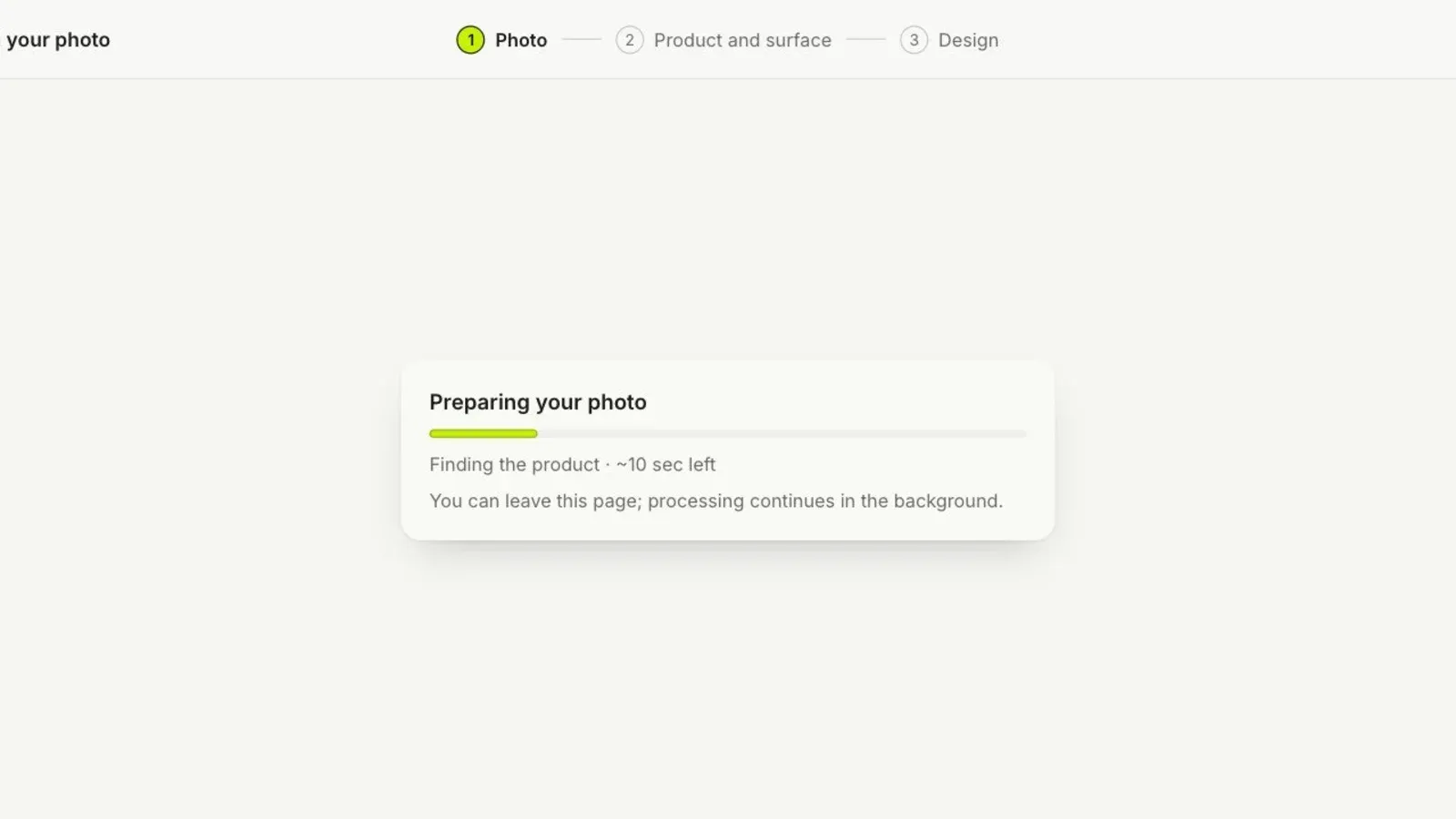
Preparing your photo, the first step of a mockup from your own photo

Every photo of your own gets ready

Some uploaded photos stopped while being prepared. They get ready now.

  • Fixed A photo whose surfaces face many different ways no longer stops while it is being prepared.
1.10.0
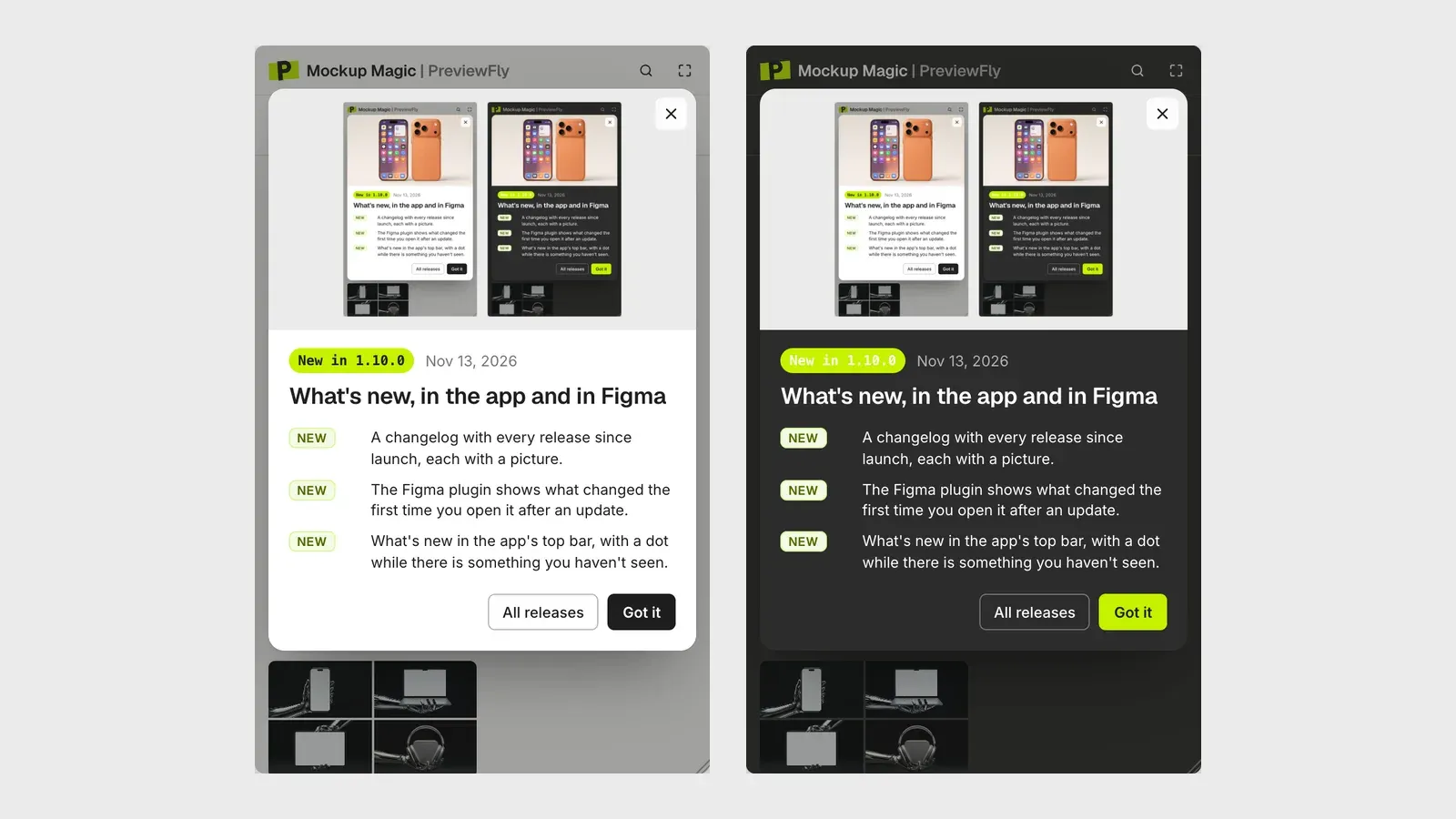
The What's new window in the Figma plugin with this release's notes and picture

What's new, in the app and in Figma

Every release now has its notes: on this page, in the app, and in the Figma plugin the first time you open it after an update.

  • New A changelog with every release since launch, each with a picture.
  • New The Figma plugin shows what changed the first time you open it after an update.
  • New What's new in the app's top bar, with a dot while there is something you haven't seen.
1.9.1
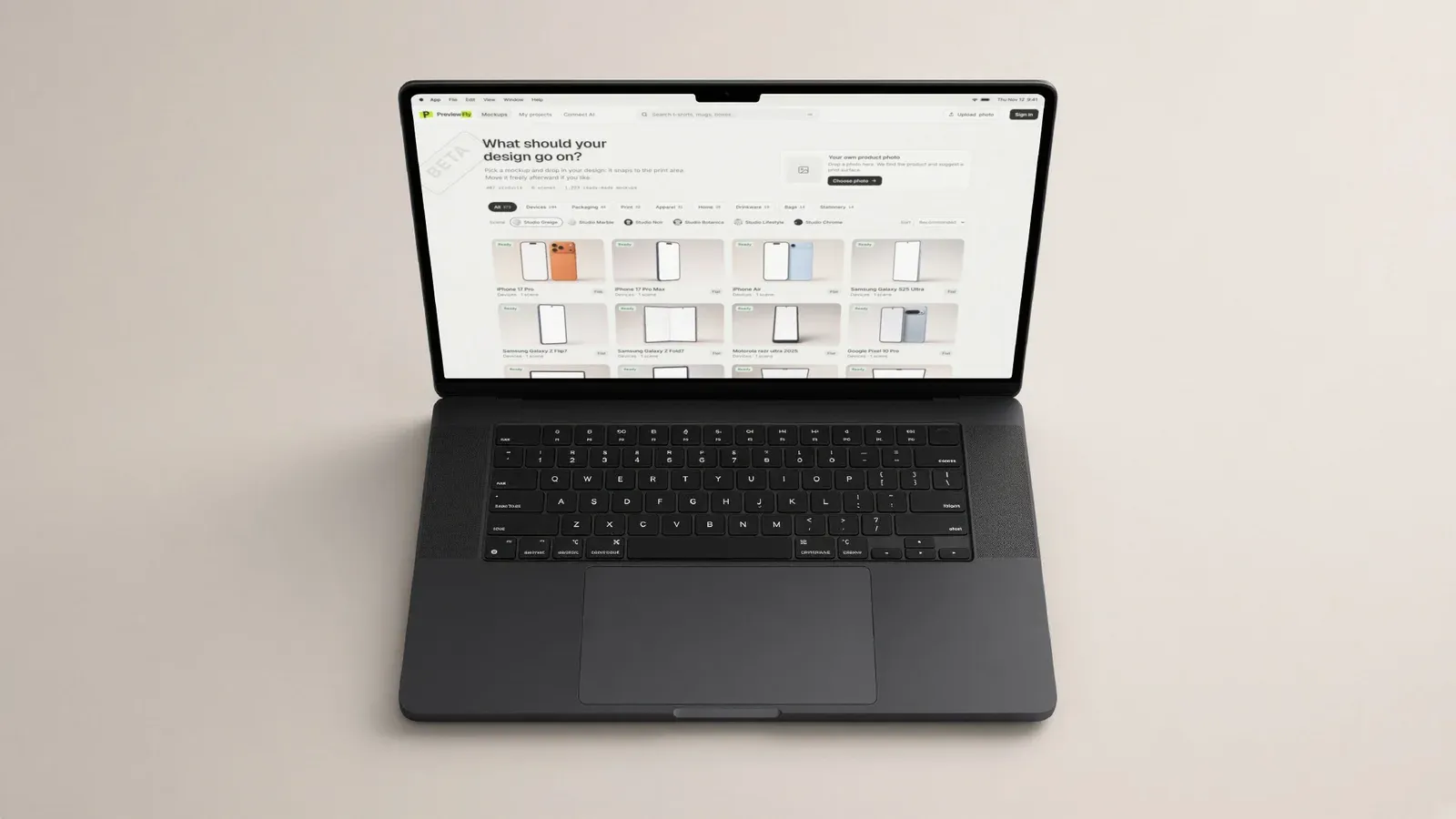
A website screenshot on a MacBook Pro, its shapes in their true proportions

Fixes for seams and device screens

Fewer false warnings, and screenshots that fit more devices exactly.

  • Fixed "Over a seam" shows only where the design really crosses a seam, like a cap's crown or a pocket's mouth, not on every fold of a plain T-shirt.
  • Fixed The iPhone 13 Pro's screen is found, so a screenshot fills it.
  • Fixed Screenshots on MacBooks are no longer stretched wide.
  • Fixed An app's own header is no longer taken for a status bar, so the status bar is added above it.
  • Fixed A render that is interrupted tries again by itself.
1.9.0
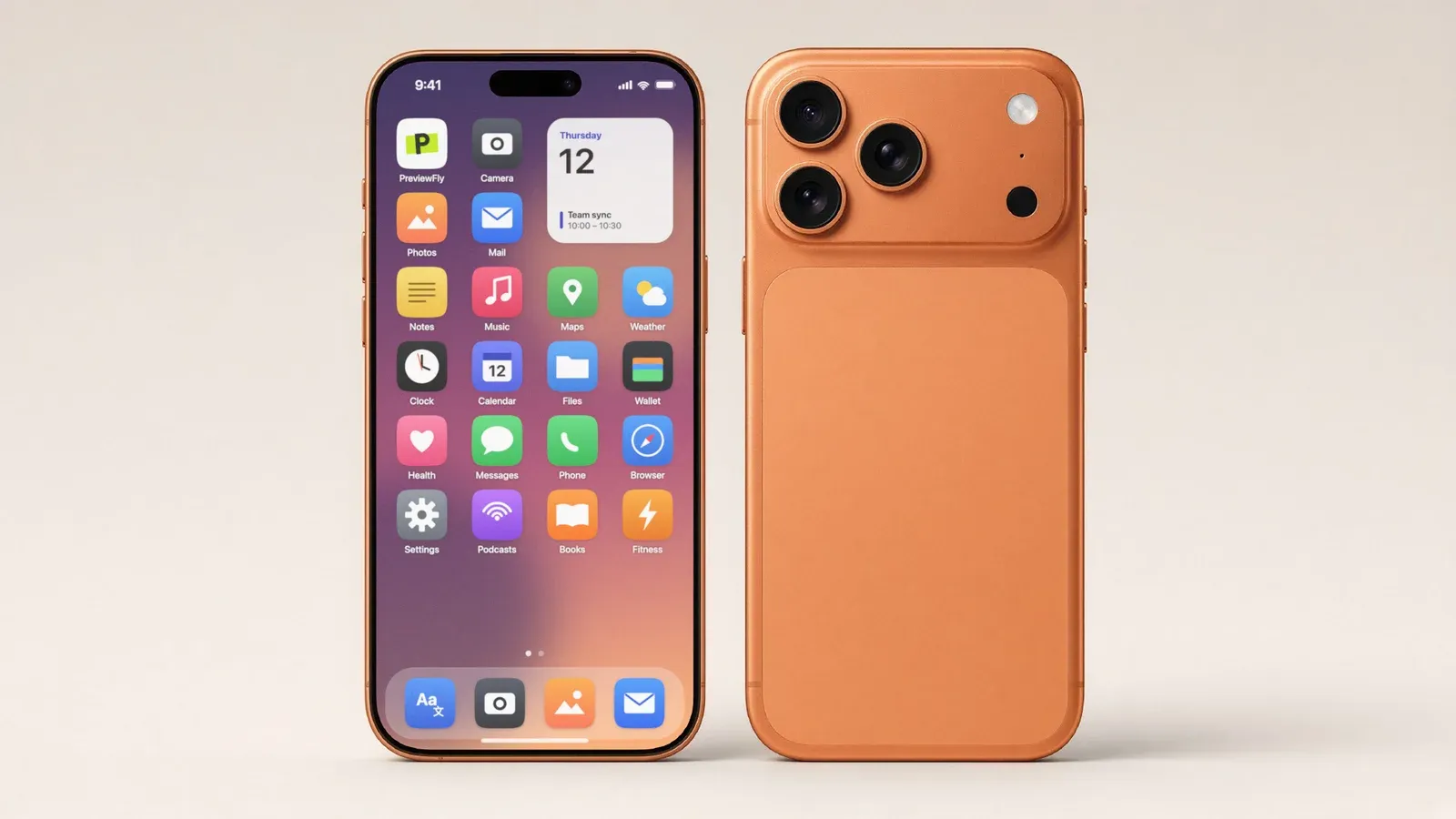
An iPhone with the PreviewFly icon on its home screen among other apps

Status bars, and your logo as the app

Device screens get the status bar their platform really has, and your logo can be the app on a home screen, a lock screen or a store page.

  • New A screenshot on a phone, tablet or laptop gets its platform's status bar: iPhone, Android, iPad or Mac. A screenshot that already has one keeps its own.
  • New Show your logo as the app: its icon on the home screen, a notification on the lock screen, a Live Activity in the iPhone's island, a launch screen or a store page.
  • New Your app's name and a message of your own on those screens.
  • Fixed Font previews in the font list show their real font.
1.8.0
The words made in istanbul printed on the chest of a folded hoodie

Text on products

Type a line and it is printed, embroidered or engraved like a logo, shaped to the product.

  • New Add text as a design: its lines fit the print area's shape and can bend along an arc.
  • New Every Google Fonts family in the font list, 1,960 of them, with bold and italic.
  • Improved Text redraws when you pause typing, and panel changes apply once you stop, so the editor stays smooth.
  • Improved Free previews carry fewer watermarks, and none over your design.
1.7.0
Two phones in one photo, an app on one screen and the PreviewFly logo on the back of the other

Several designs, and product colour

Each object in a photo can take its own design, and products can change colour while the print stays the same.

  • New Several designs on one mockup, each on an object of its own: an app on one phone's screen, your logo on the back of the other.
  • New Pick a colour for the product. The print stays exactly as it was.
  • New A colour picker of our own that shades out the colours a dark product can't really take.
1.6.2
The PreviewFly editor with a mockup saved

Safer saves

Two saves of the same project arriving together no longer break it.

  • Fixed A project saved twice at the same moment always opens again.
1.6.1
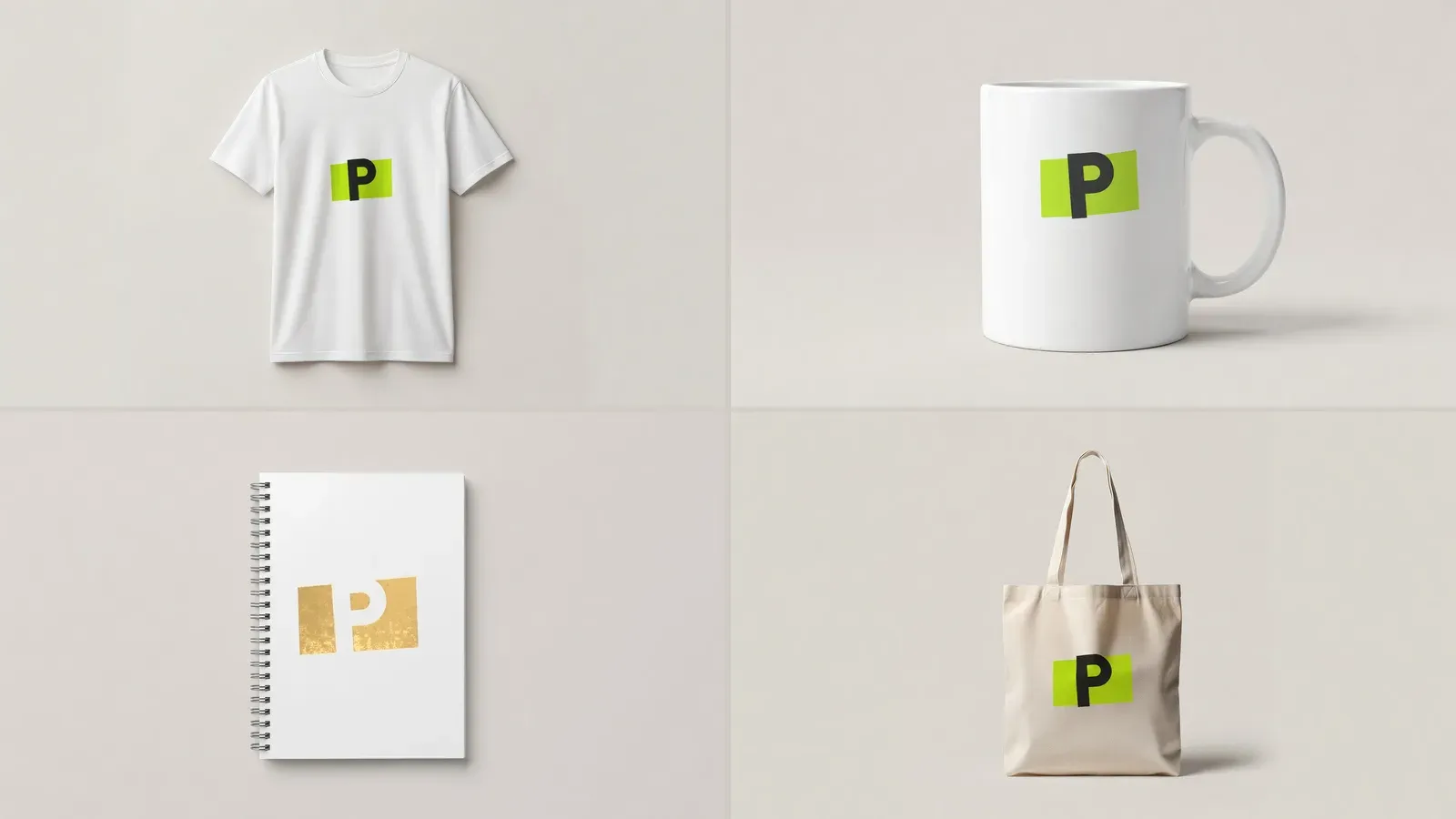
The PreviewFly logo on a T-shirt, a mug, a notebook and a tote

A round of fixes

Projects, saves and downloads behave the way you expect.

  • Fixed Projects no longer open on top of each other.
  • Fixed Your work is saved even if you close the tab right after a change.
  • Fixed A zip of several scenes holds each scene's own render.
  • Improved Your logo comes along when you move to the next product.
  • Improved Logos with a background are cut out more cleanly.
1.6.0
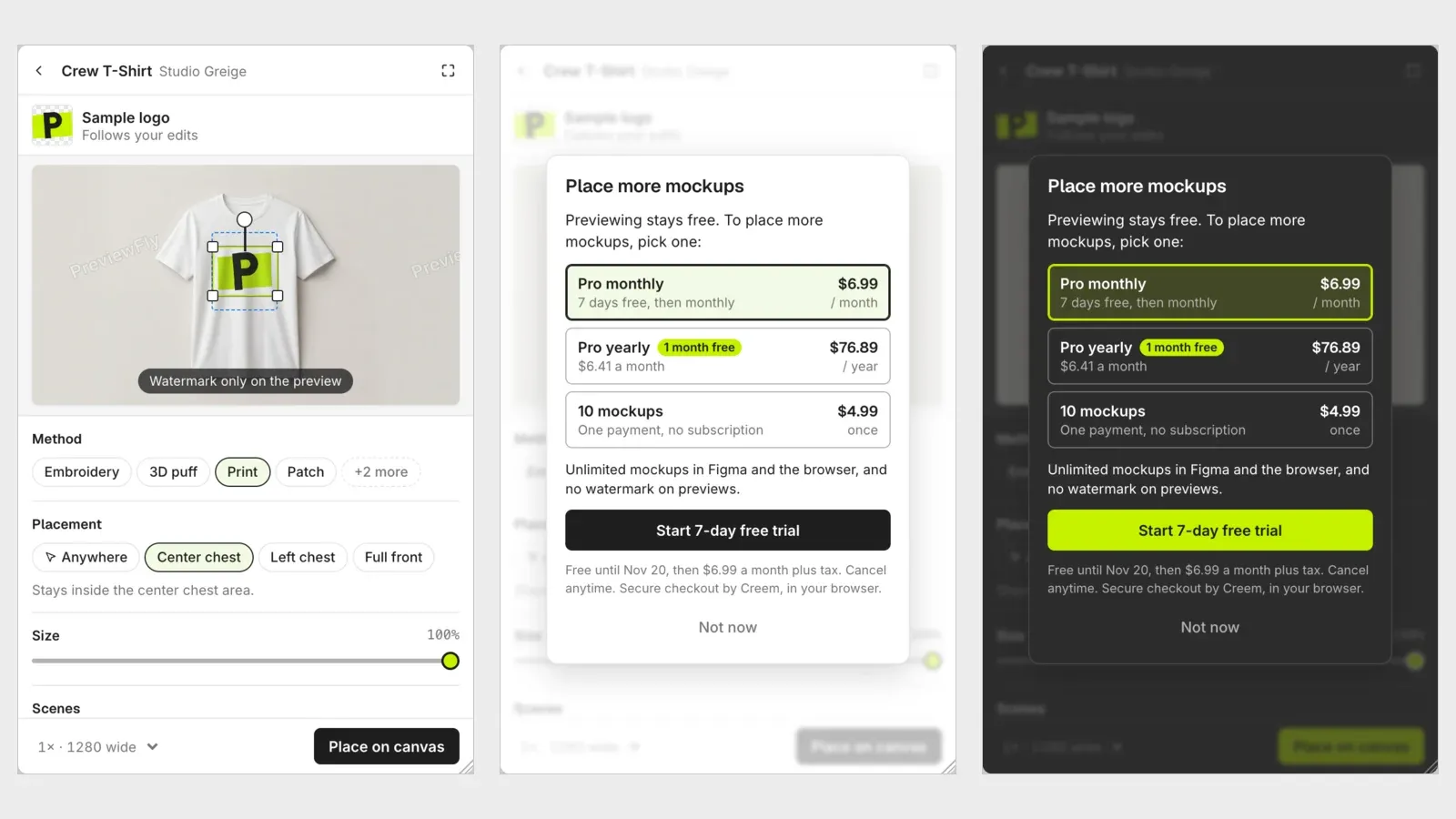
The Figma plugin: a watermarked preview, and its plans (Pro monthly with a free trial, yearly, and a 10-mockup pack) in light and dark

Pro and mockup packs, right in Figma

Buy Pro or a pack of 10 mockups without leaving the Figma plugin.

  • New Pro or a 10-mockup pack bought straight from the Figma plugin.
  • New Previews are free for everyone and carry a watermark without Pro. Downloads never do.
  • Improved The library loads as you scroll.
  • Improved Labels over the photo stay readable in Figma's dark theme.
1.5.0
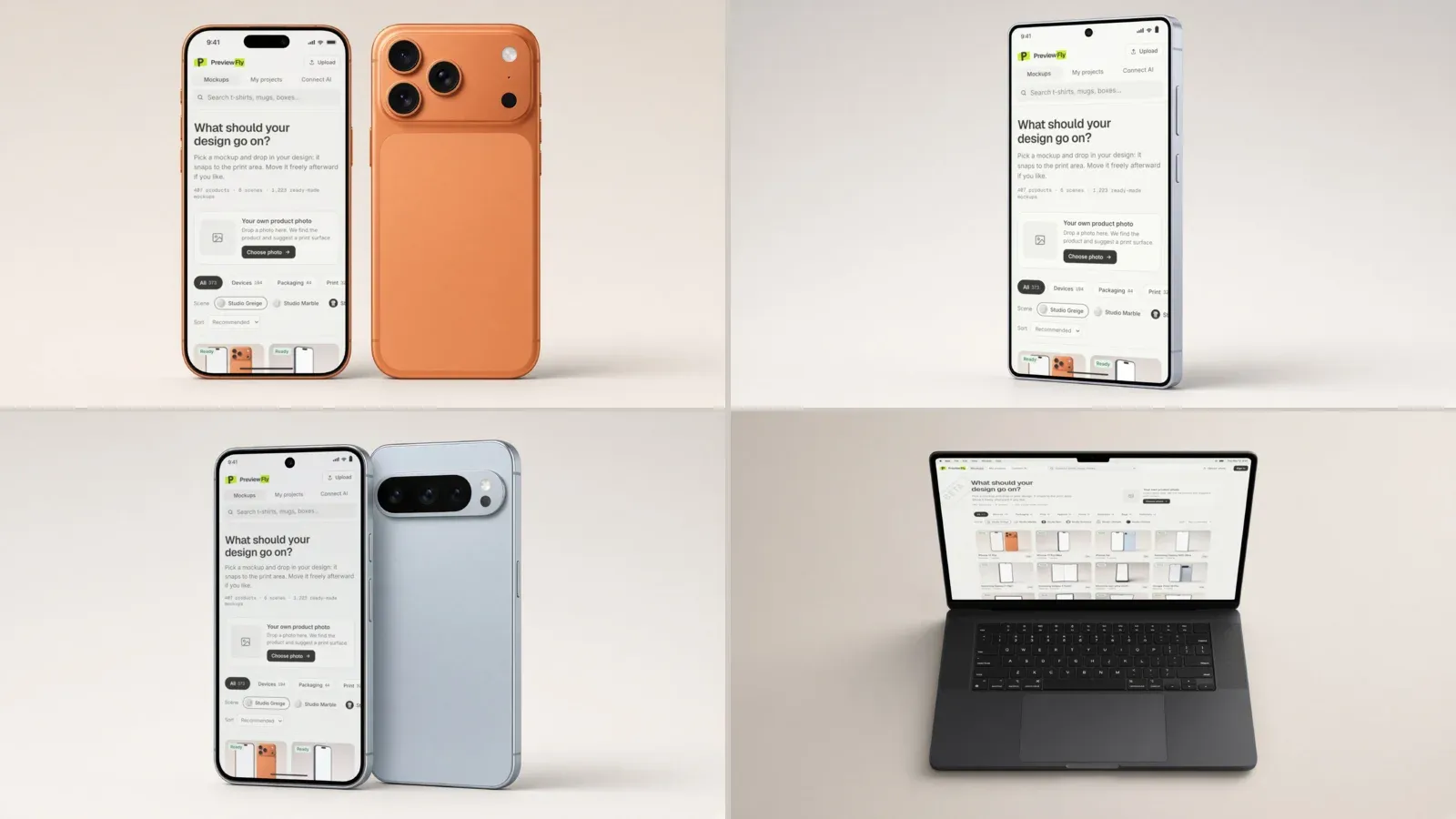
Four of the named devices: iPhone 17 Pro, Galaxy S25 Ultra, Pixel 10 Pro and MacBook Pro 14" M5

66 devices by their real names

Phones, tablets and laptops you know by name, from the front, the back, or both.

  • New 13 devices by name: iPhone 17 Pro, Galaxy S25 Ultra, Pixel 10 Pro, MacBook Pro 14" M5, iPad Pro 13" M5 and more.
  • New 53 more: iPhones from the X to the 16 Pro, Galaxy phones from the S7 Edge to the S26 Ultra, every Fold and Flip, and MacBooks since 2016, each from the front, the front and back, and the back.
1.4.0
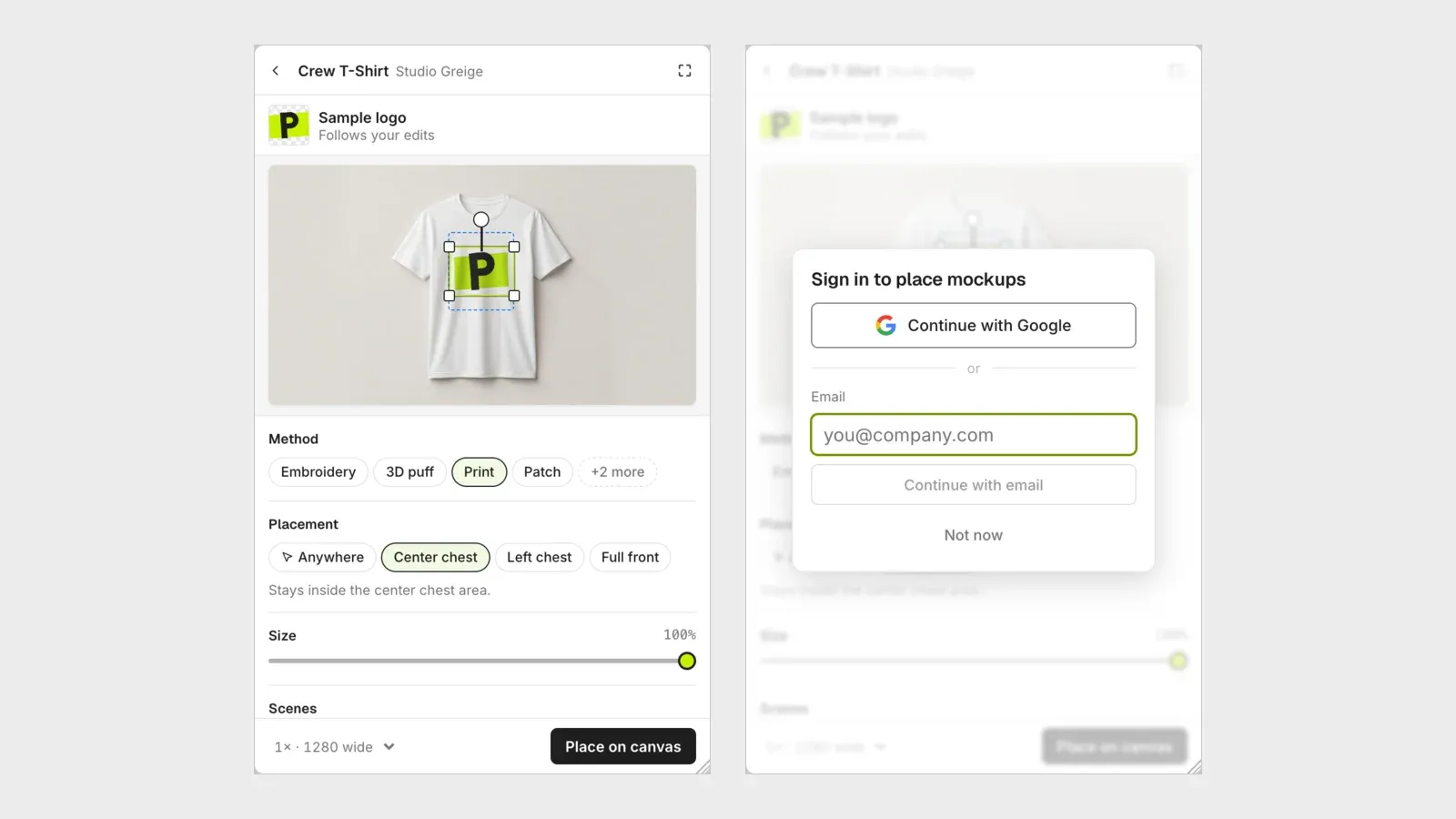
The Figma plugin's sign-in with Google and email

Easier sign-in in Figma

Sign in from the Figma plugin with Google or with your email, without losing your place.

  • New Continue with Google goes straight to Google and brings you back to Figma.
  • New Sign in with your email inside the plugin: a password, a code, or a new account.
1.3.0
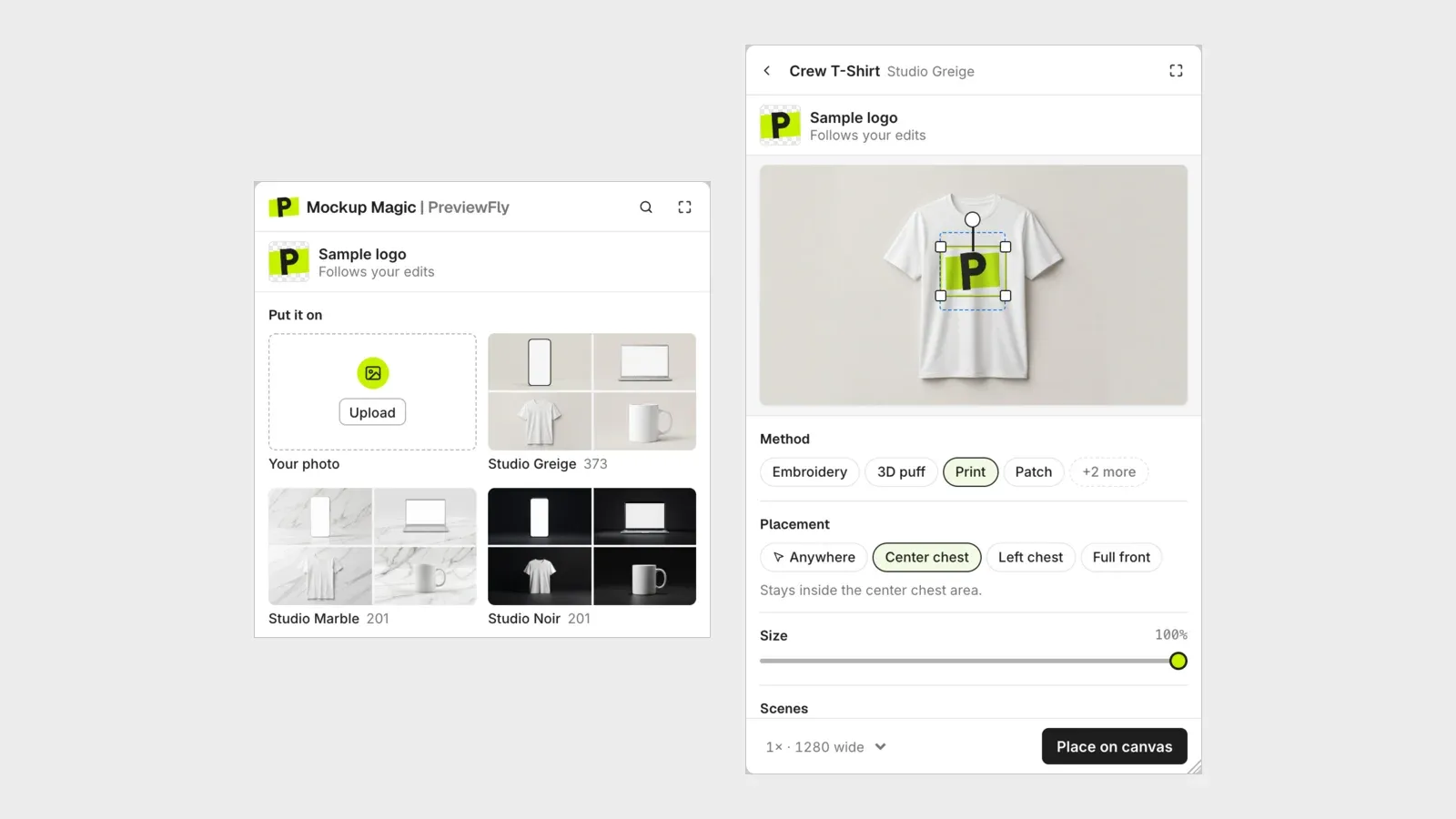
The Figma plugin's looks, each card showing four of its products

Mockup Magic is in the Figma Community

The Figma plugin is published, and every account's first download is free.

  • New The Figma plugin is published in the Figma Community as Mockup Magic.
  • New Every account's first download is free, in the browser and in Figma.
  • Improved Each look in the plugin shows four of its products, and Support is in the account menu.
  • Fixed An image used as the scene is never taken as the design too.
1.2.0
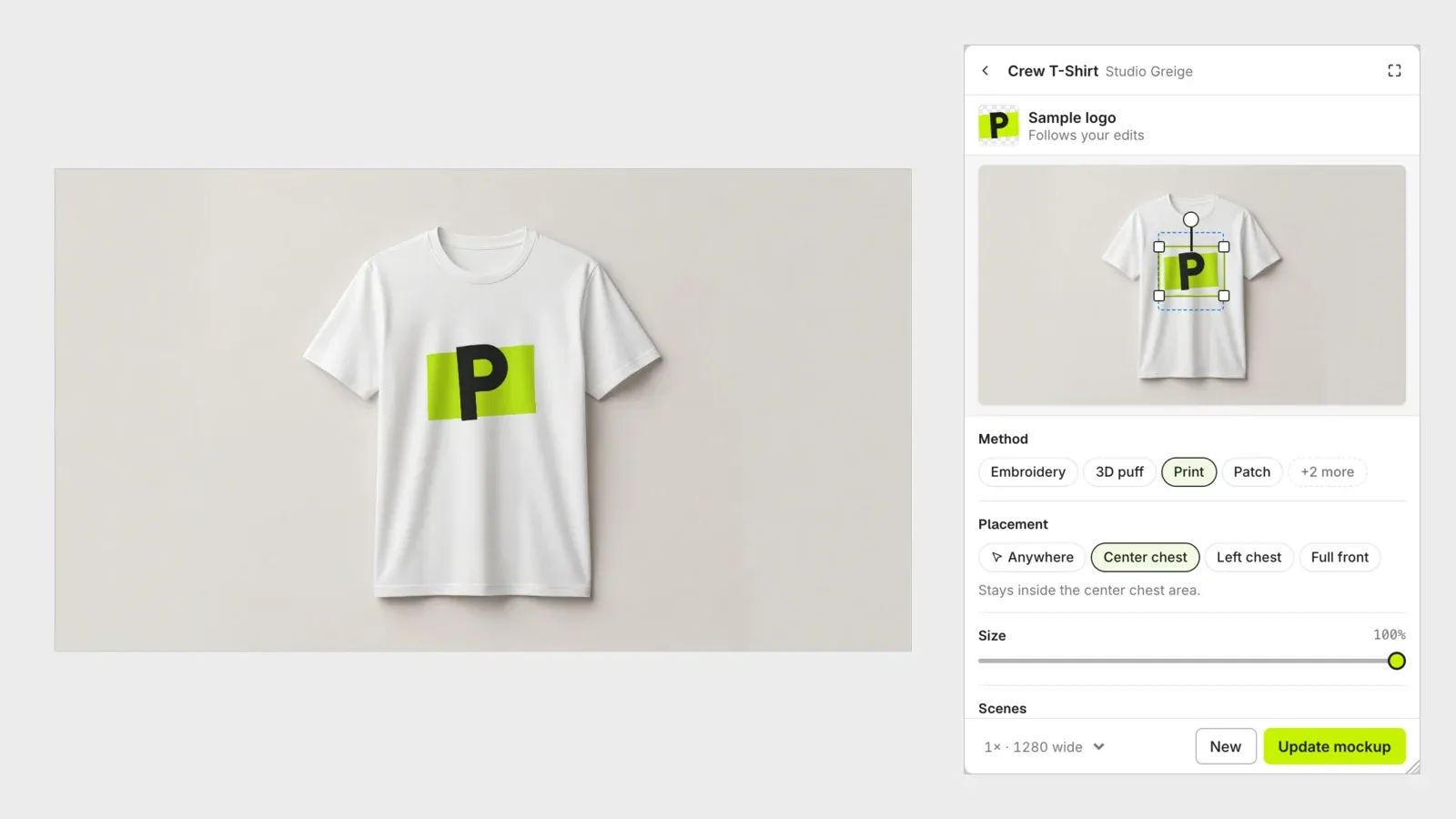
The Figma plugin beside the T-shirt mockup it placed

PreviewFly in Figma

Make mockups of your Figma designs and place them on the canvas, and see screens the way a camera would.

  • New A Figma plugin: pick a design, choose a product, and the mockup lands on your canvas. Edit or update it later from the layer.
  • New Teammates on the same file edit their own copy of a mockup.
  • Improved Designs on device screens look the way a camera sees them: deep blacks, full resolution, sharp small text.
1.1.0
The PreviewFly editor with its simpler panel

A simpler panel, and PreviewFly in your AI tools

The panel keeps only what you need, and your AI assistant can make mockups for you.

  • Improved The panel and export show only what you need, and export opens on the scene you edited.
  • New Connect PreviewFly to Claude Code, Claude Desktop, Codex, Cursor, VS Code or Gemini CLI and ask for a mockup in a sentence.
  • Fixed The library's search field no longer stacks over the editor.
1.0.0
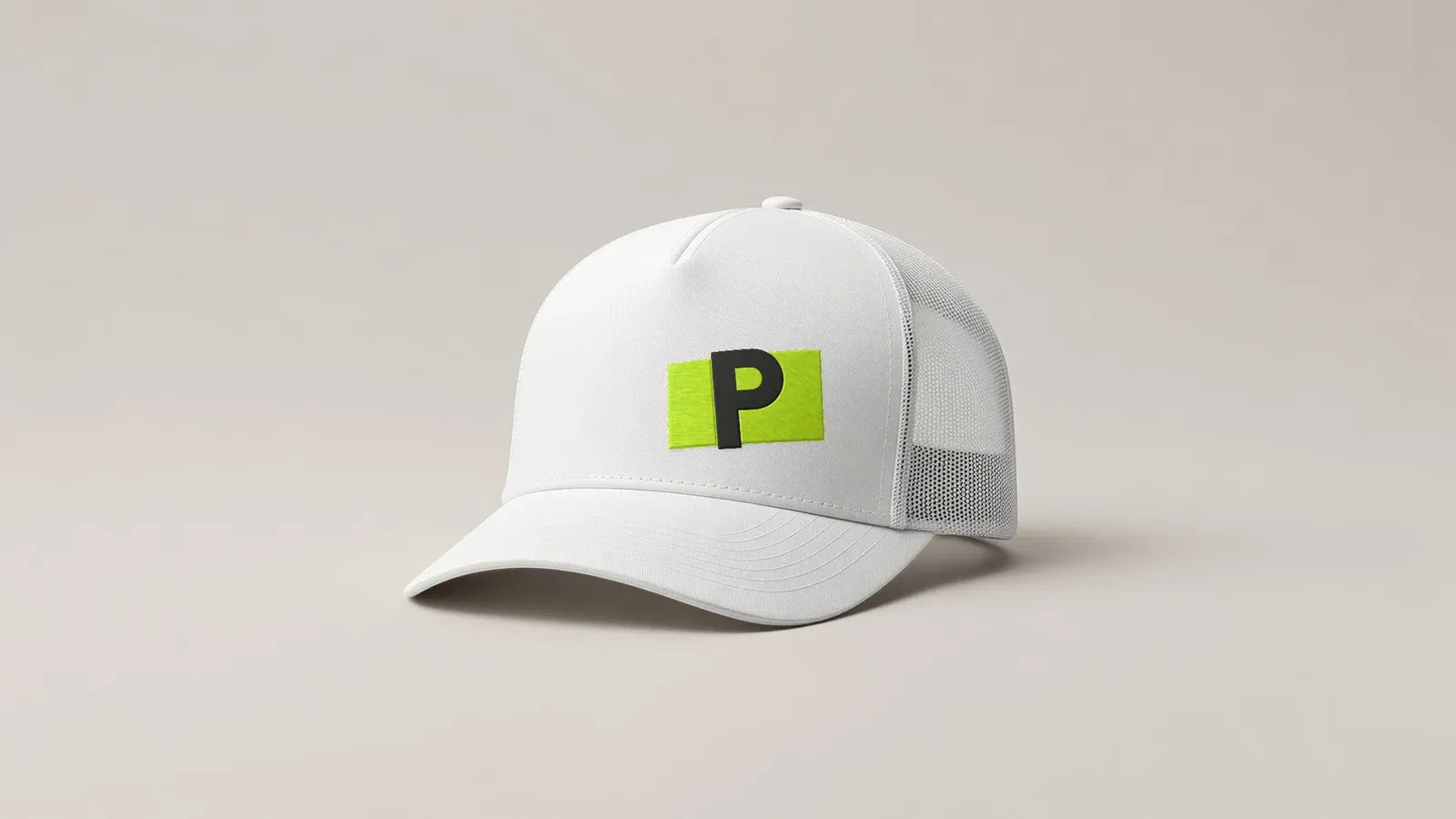
The PreviewFly logo embroidered on a cap

PreviewFly is live

Put your logo on a product photo and see it the way it will really be made.

  • New Your logo printed, embroidered, foiled, embossed or engraved on a library product or on a photo of your own, in the photo's own light.
  • New Try it without an account. Sign in with Google or your email to keep your mockups.
  • New Free previews, and Pro with a 7-day free trial for downloads.
  • New The whole library in high definition.
  • New Ask for help from inside the app, with your mockup attached.

Try what's new in the app or in Figma.

Mockup anything, in under a minute.

Upload your logo