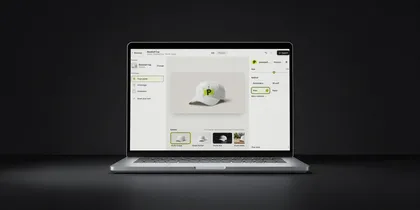
PreviewFly vs AI mockup generators
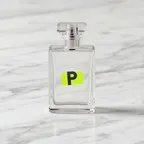
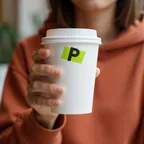
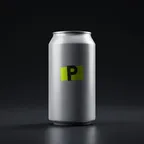
Image models are remarkable at making a picture of a product with a logo on it. Showing your logo the way it will be made is a different job. Here is where each approach wins, including where we don't.
Side by side
| Question | AI mockup generator | PreviewFly | Better at it |
|---|---|---|---|
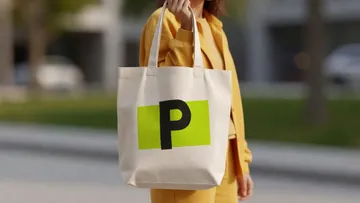
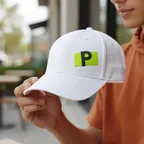
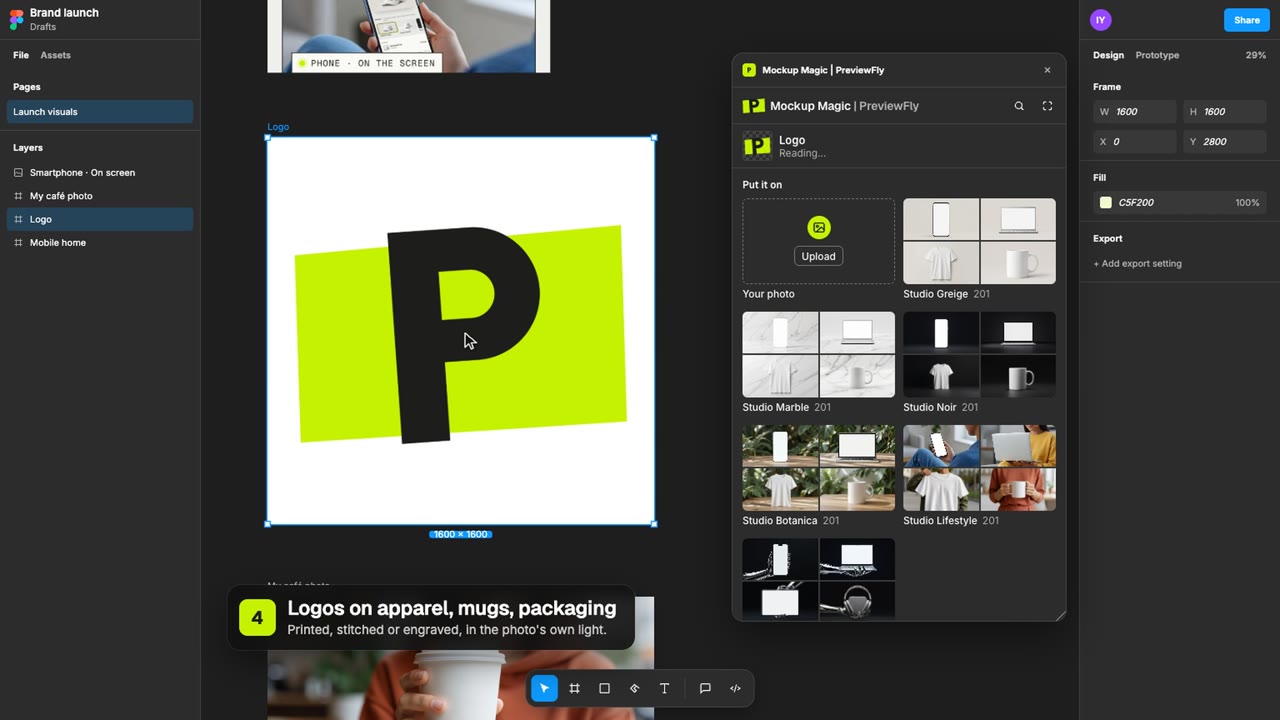
| Your logo | Often redrawn with the image; letters and proportions can drift. | Your file, pixel for pixel. Never redrawn. | PreviewFly |
| Colour | The model's interpretation. | Read from your file; only the light changes it. | PreviewFly |
| Same request twice | A different picture. | The same file, bit for bit. | PreviewFly |
| The rest of the photo | May be regenerated too. | Not redrawn: the print goes where you put it. | PreviewFly |
| Size | No real scale. | True to the product's real scale. | PreviewFly |
| Process | A texture that suggests embroidery or foil. | Built per process: thread, foam height, metal, relief. | PreviewFly |
| Production limits | Ignored: white sublimation, colour lasers, tiny puff text. | Shown as they are, with the reason. | PreviewFly |
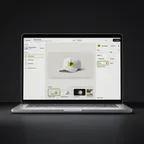
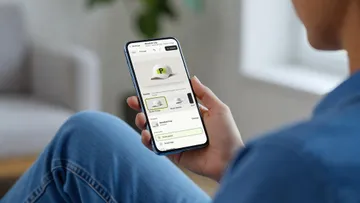
| How you ask | A prompt, then retries. | Drag, drop, pick a process. | PreviewFly |
| New scenes from a sentence | Any scene you can describe. | 1,223 library scenes, or your own photo. | Generator |
| People and context | Easy to stage. | A Lifestyle studio, or a photo you bring. | Generator |
| Early mood and concepts | Fast and loose, which is the point. | Precise, which can be too much this early. | Generator |
| Speed of the first image | Seconds. | A short wait to read a new photo, then live. | Generator |
When to use which
- Mood boards and early concepts, before the logo is final.
- Scenes no library has.
- Social posts where the mood matters more than the exact mark.
- Approvals: a client signs off on the mark they will actually get.
- Choosing a process: embroidery or puff, foil or spot UV, on the same photo.
- Store and catalogue images where the logo must be exact, at real size.
- Supplier briefs, with production limits already visible.
Asked often
Do AI mockup tools change my logo?
They can. A model that redraws the whole image redraws the logo too, so letters, spacing and colours may drift. Some tools paste your file first and blend it afterwards. Either way, zoom in and check the letters before you send it to a client.
Isn't PreviewFly AI too?
Partly, and we list exactly where. Models measure the photo, and our library scenes are AI-generated. Your logo never goes through a generative model; it is placed and lit by code.
Can an image generator show embroidery?
It can make something that looks like embroidery. It won't respect what a machine can do: thread colour limits, how small text stitches, how foam holds. PreviewFly builds those rules in.