
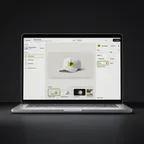
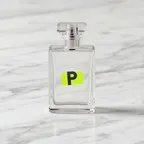

 Shown on a spiral notebook
Renders are PreviewFly downloads · blank scenes are AI-generated
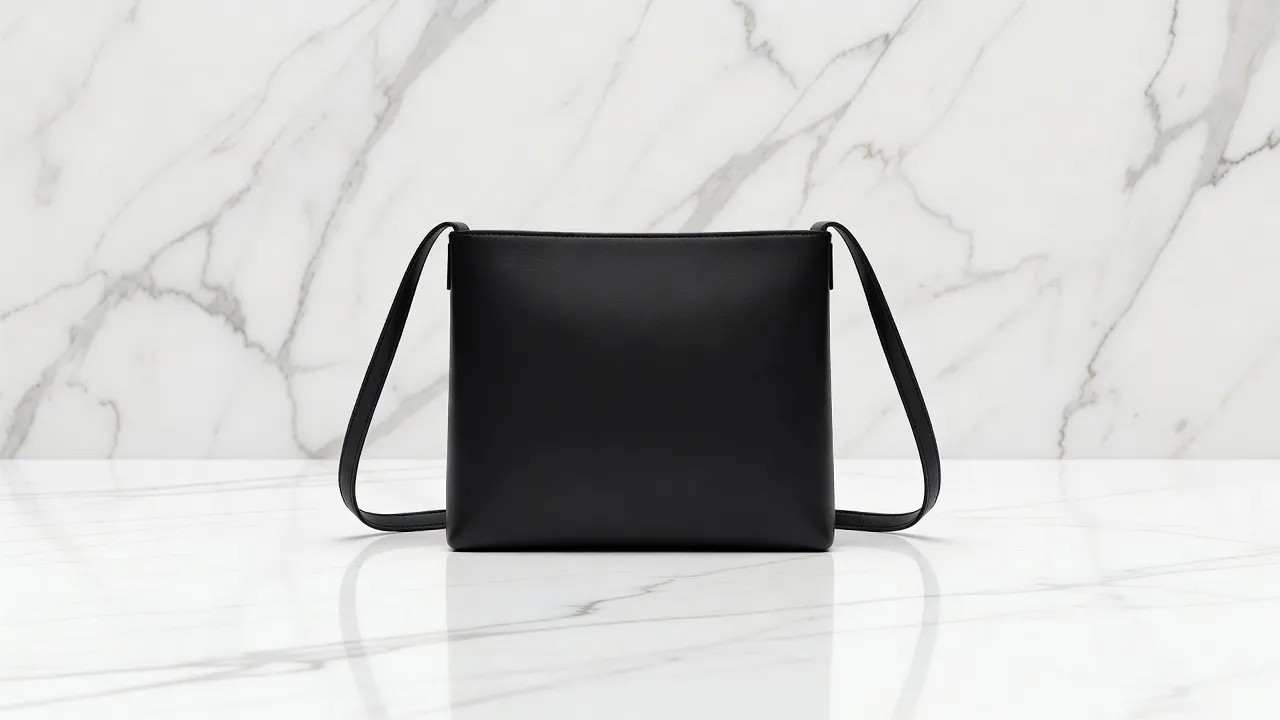
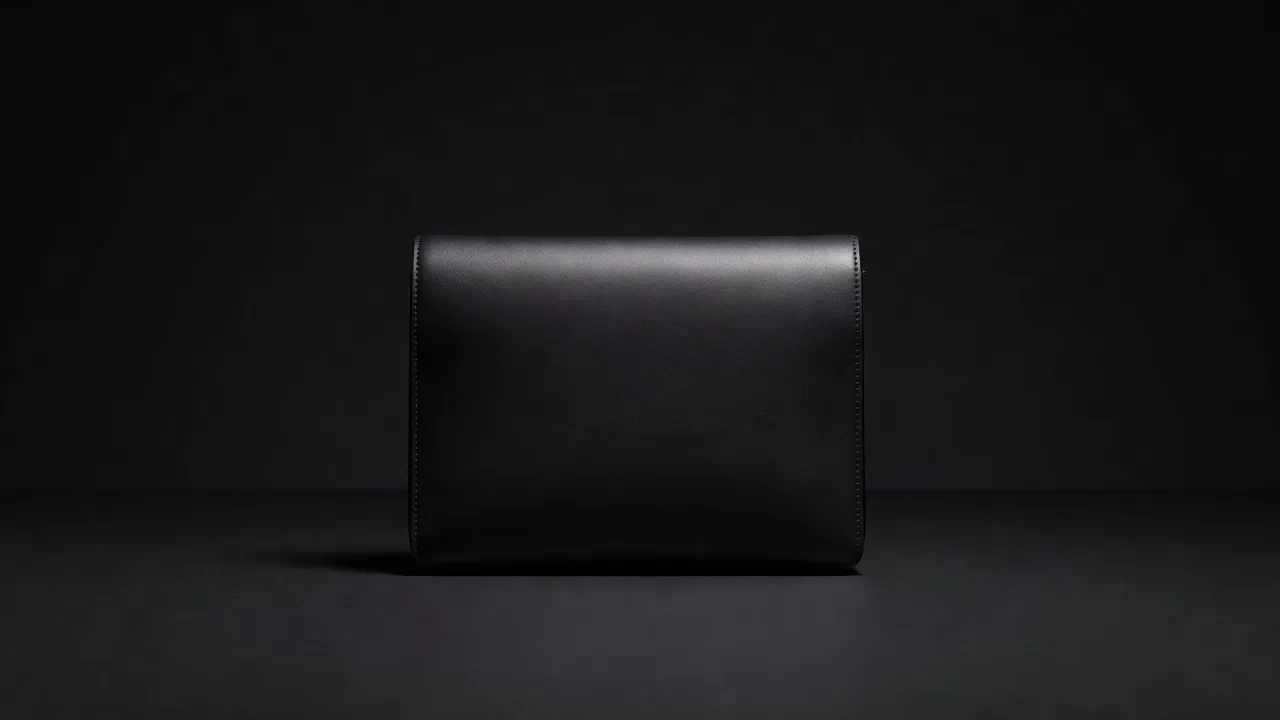
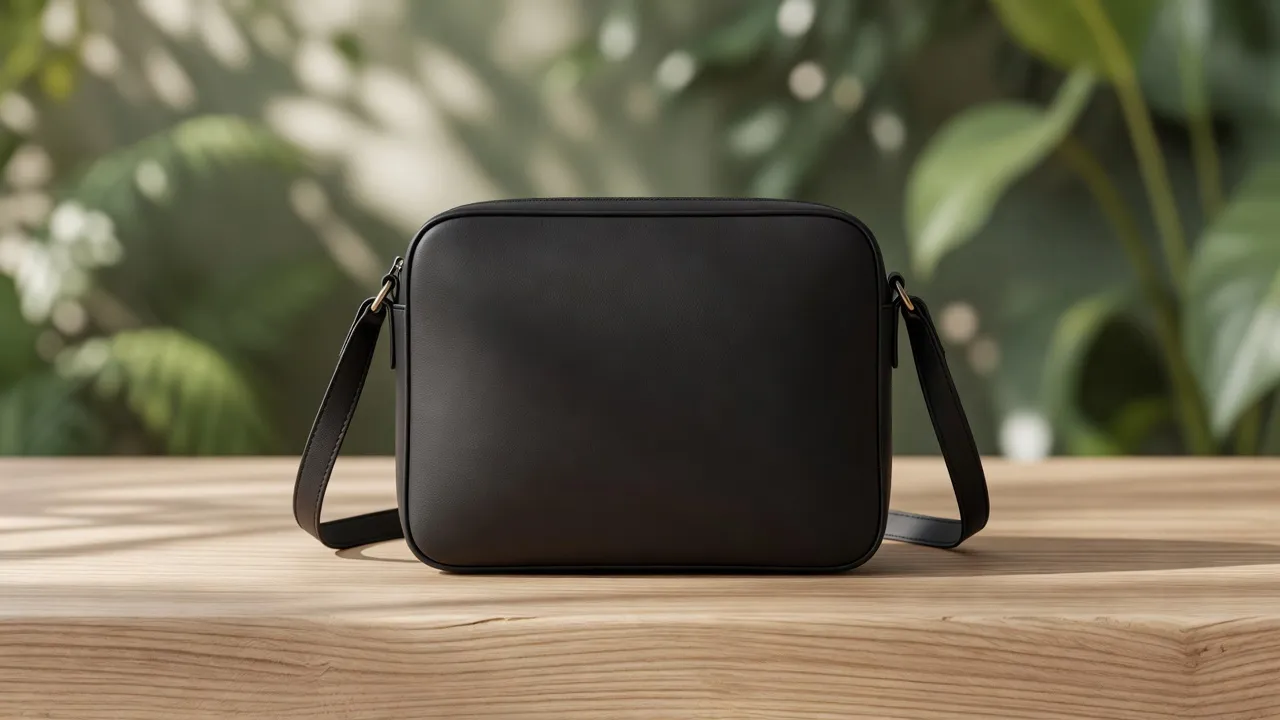
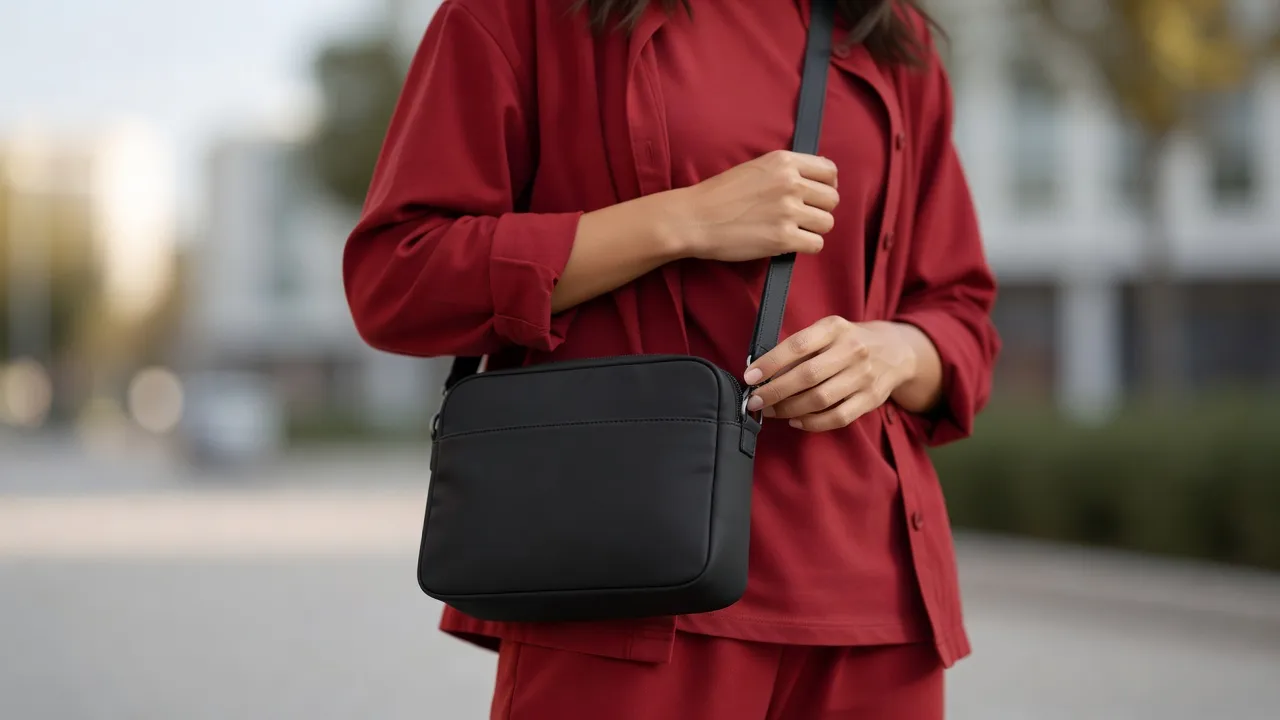
Your file, untouchedNothing is redrawn or generated.
The light of the photoShading and texture come from the scene.
Made the real wayOnly what this crossbody bag is really made with.
- Material
- Leather
- Looks
- 5 studios
- Techniques
- 5 on this crossbody bag
Crossbody Bag in three steps.
1
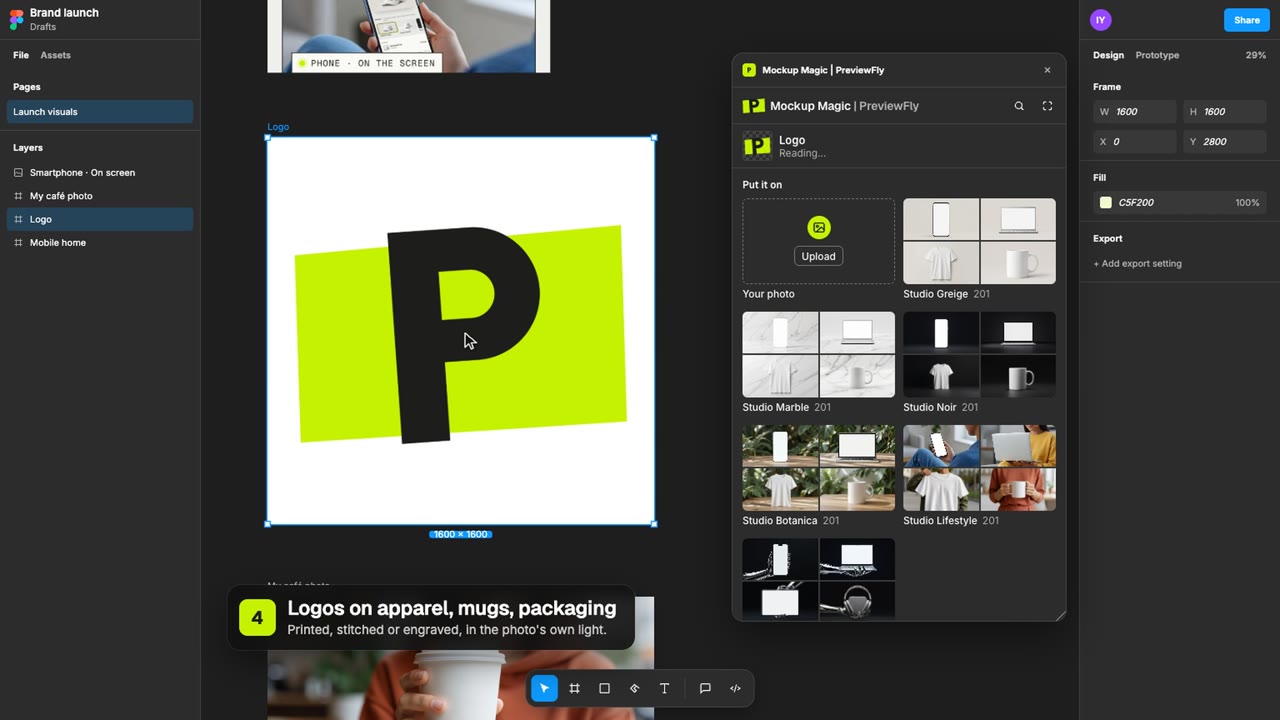
Upload your logoPNG, JPG or SVG. A transparent background works best.
2
Pick the look and techniqueOnly what this crossbody bag is really made with is offered.
3
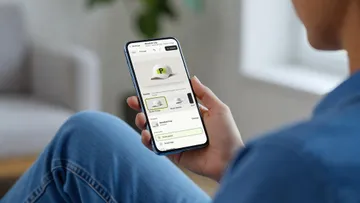
DownloadYour mockup as an image, for a listing, a deck or a site.
5 looks, one crossbody bag.
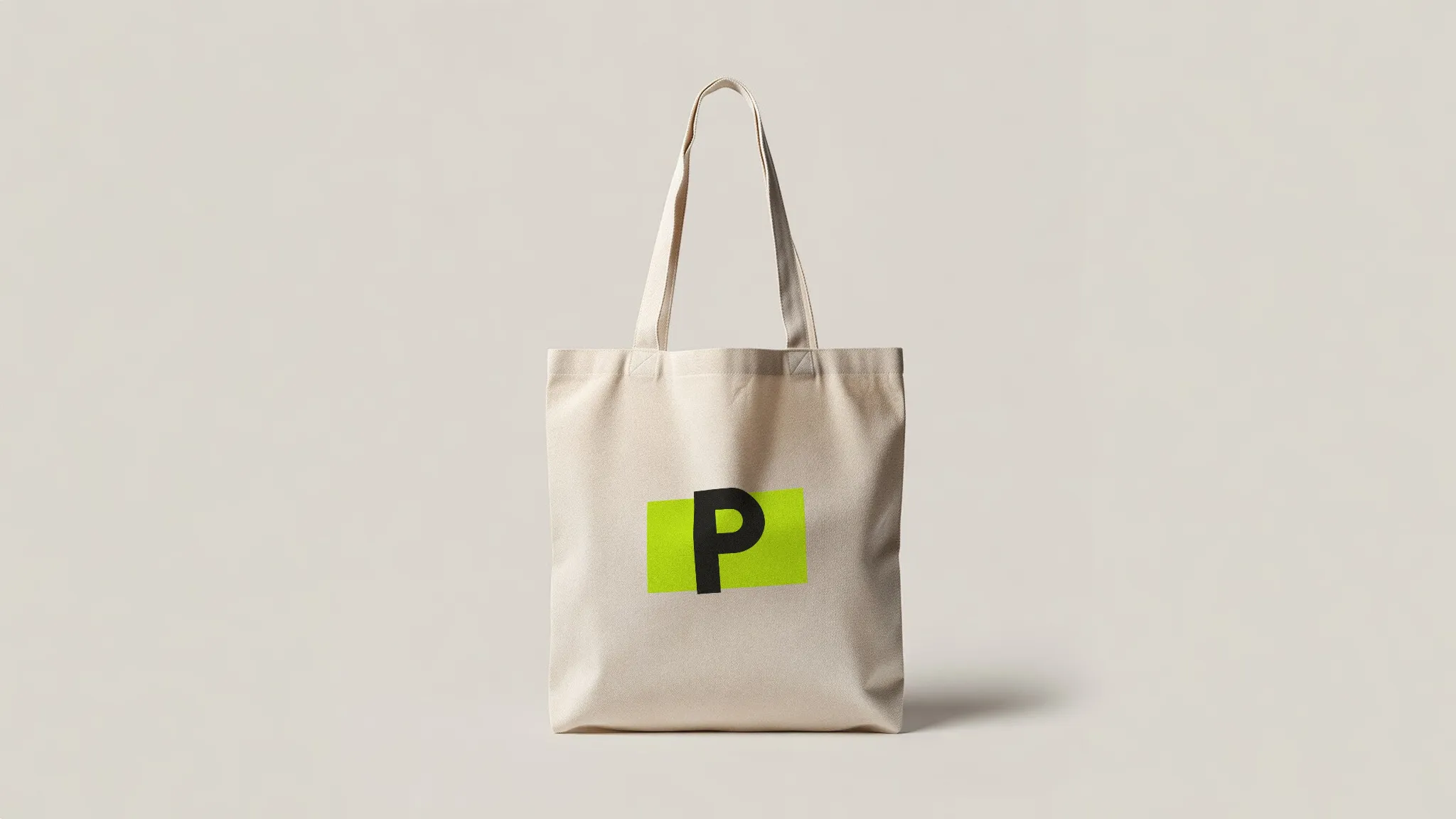
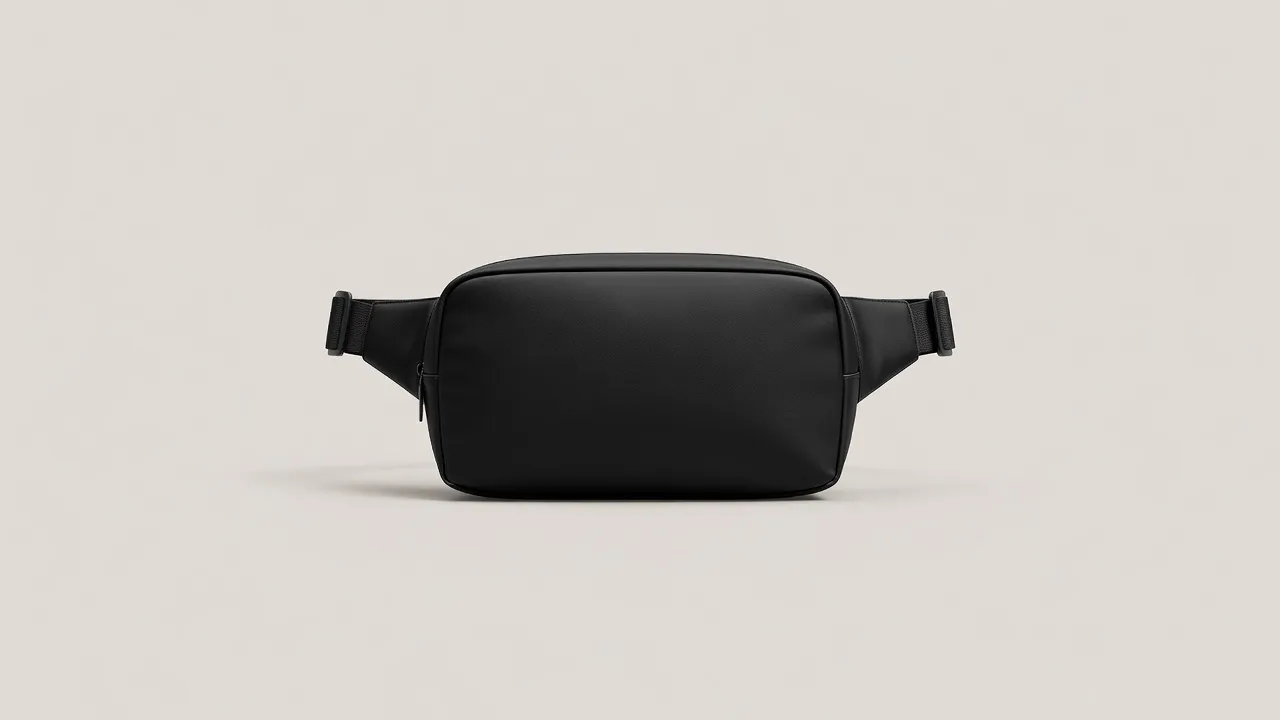
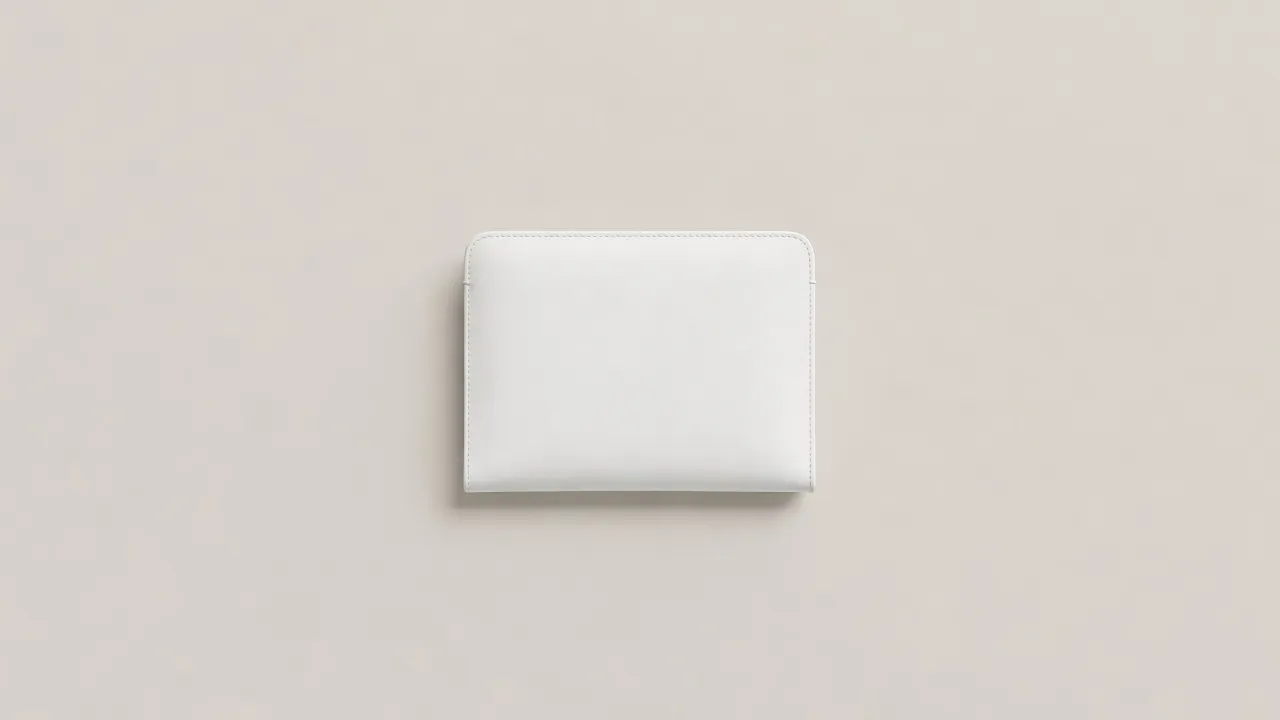
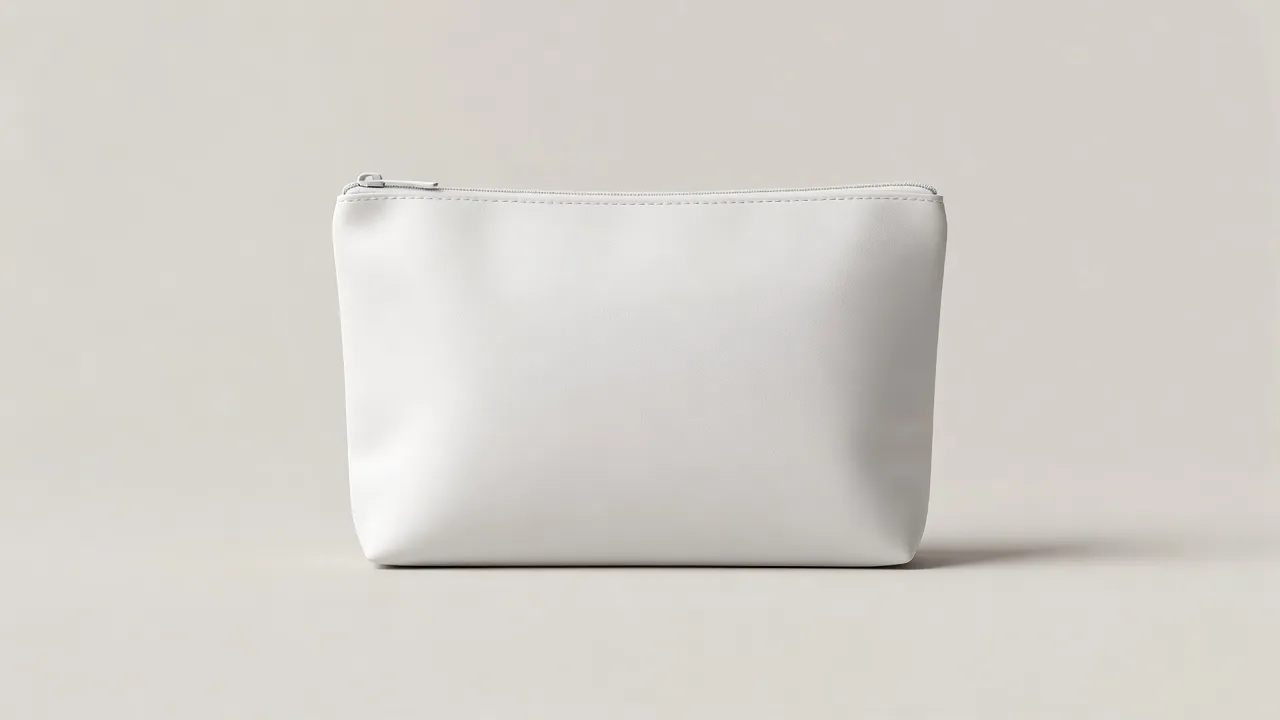
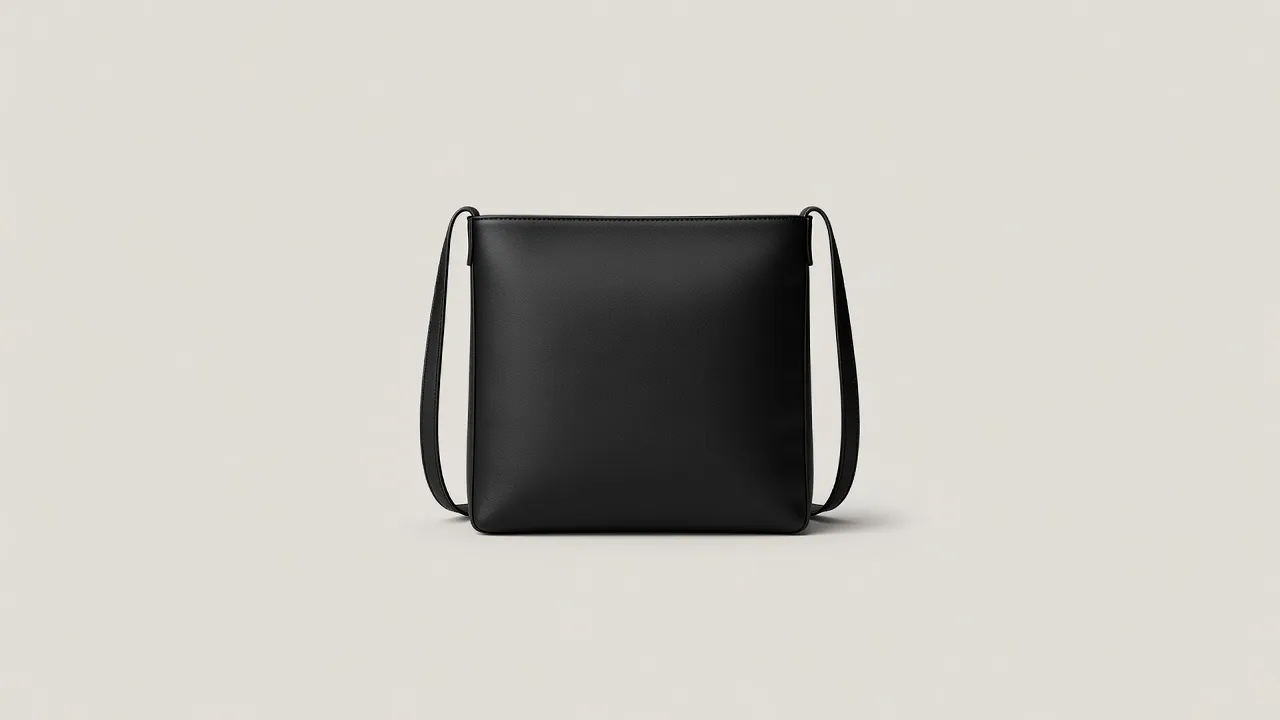
The same crossbody bag in 5 studio scenes. Switch looks in the editor and the print comes along.
How it's made on a crossbody bag.
The editor offers what leather is really made with, and each one looks the way it does in real life.
Shown on a spiral notebook 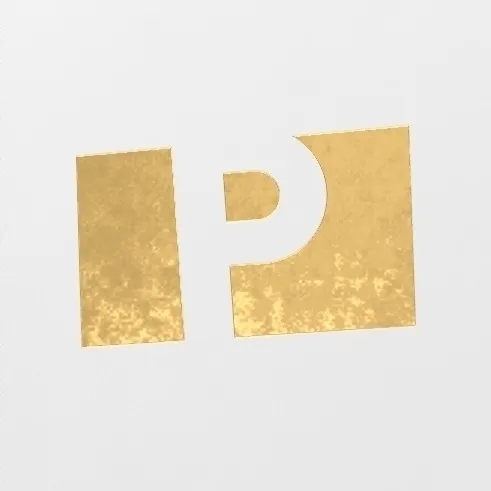 Shown on a spiral notebook
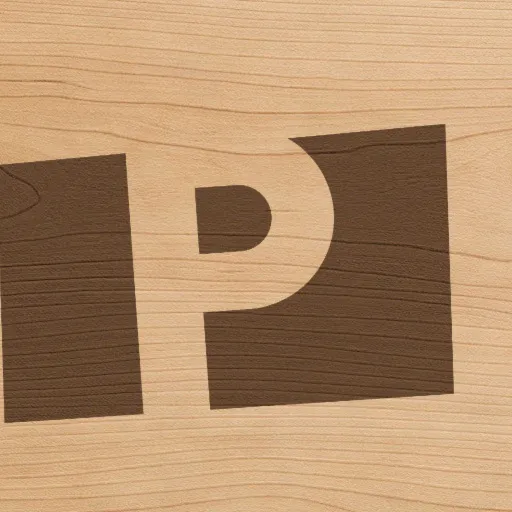 Shown on a cutting board
03
Laser engraving
One tone: strips paint, darkens bare steel, burns leather and kraft.
About laser engraving →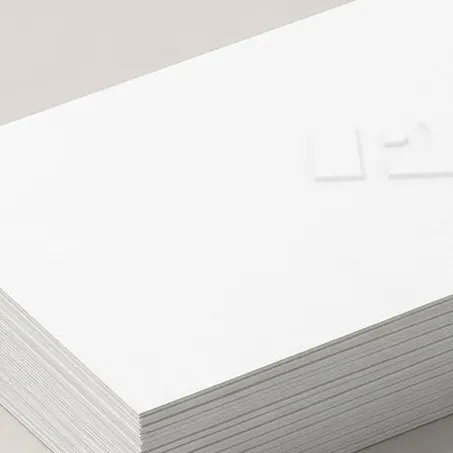 Shown on a business cards
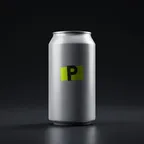
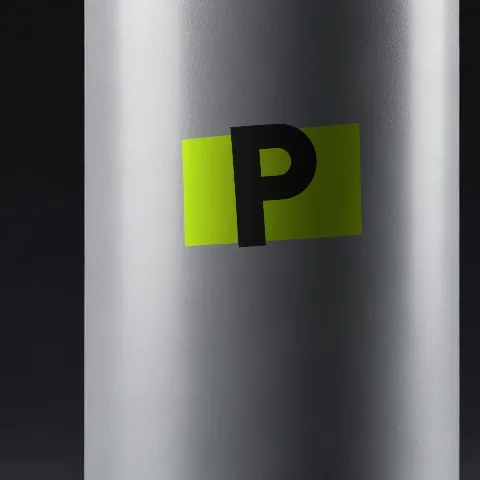 Shown on a soda can
05
Print (screen / UV)
Opaque ink: matte in the weave on fabric, glossy on hard goods.
About print (screen / UV) → Not offered here
Embroidery, 3D puff embroidery, Embroidered patches, Water-based discharge, Sublimation, Ceramic decals, Offset & flexo, Stickers & labels, Spot UV, Glass etching: leather is not made that way, so the editor does not offer them on this crossbody bag.
Not in the library?
Have your own crossbody bag? Use that photo.
Take a photo of your own crossbody bag, against any background you like: your desk, your shelf, your shop window. PreviewFly finds it and puts your logo on it, the same way as everything here.
Use a photo of your own crossbody bag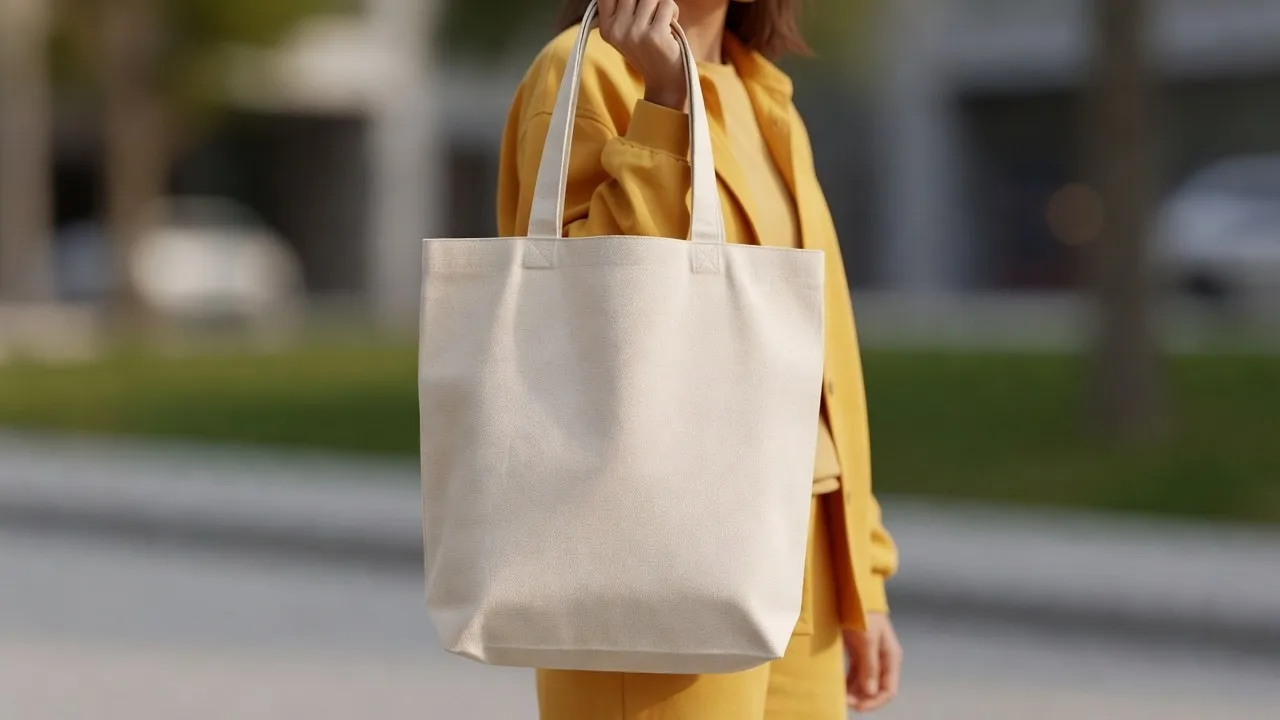
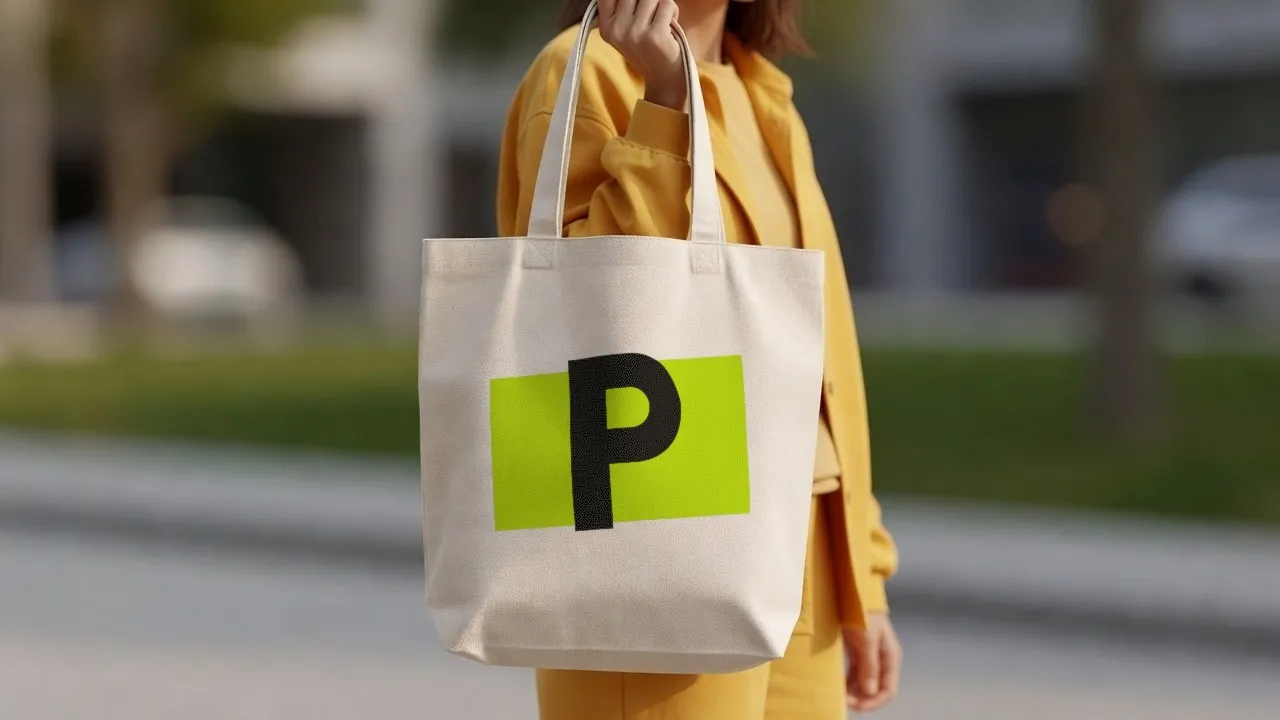
Crossbody Bag mockups, asked often
Something else? We are in beta and read every message.
Which techniques can I use on a crossbody bag?
Debossing, Hot foil stamping, Laser engraving, Embossing, Print (screen / UV). These are the ways leather is really decorated.
Is the crossbody bag photo real?
The scenes are AI-generated photos of a blank crossbody bag, labelled as such. Your logo on it is placed from your file, never generated.
Can I use a photo of my own crossbody bag?
Yes: JPG, PNG, WebP or HEIC. PreviewFly finds the product in your photo and follows its shape and light the same way.