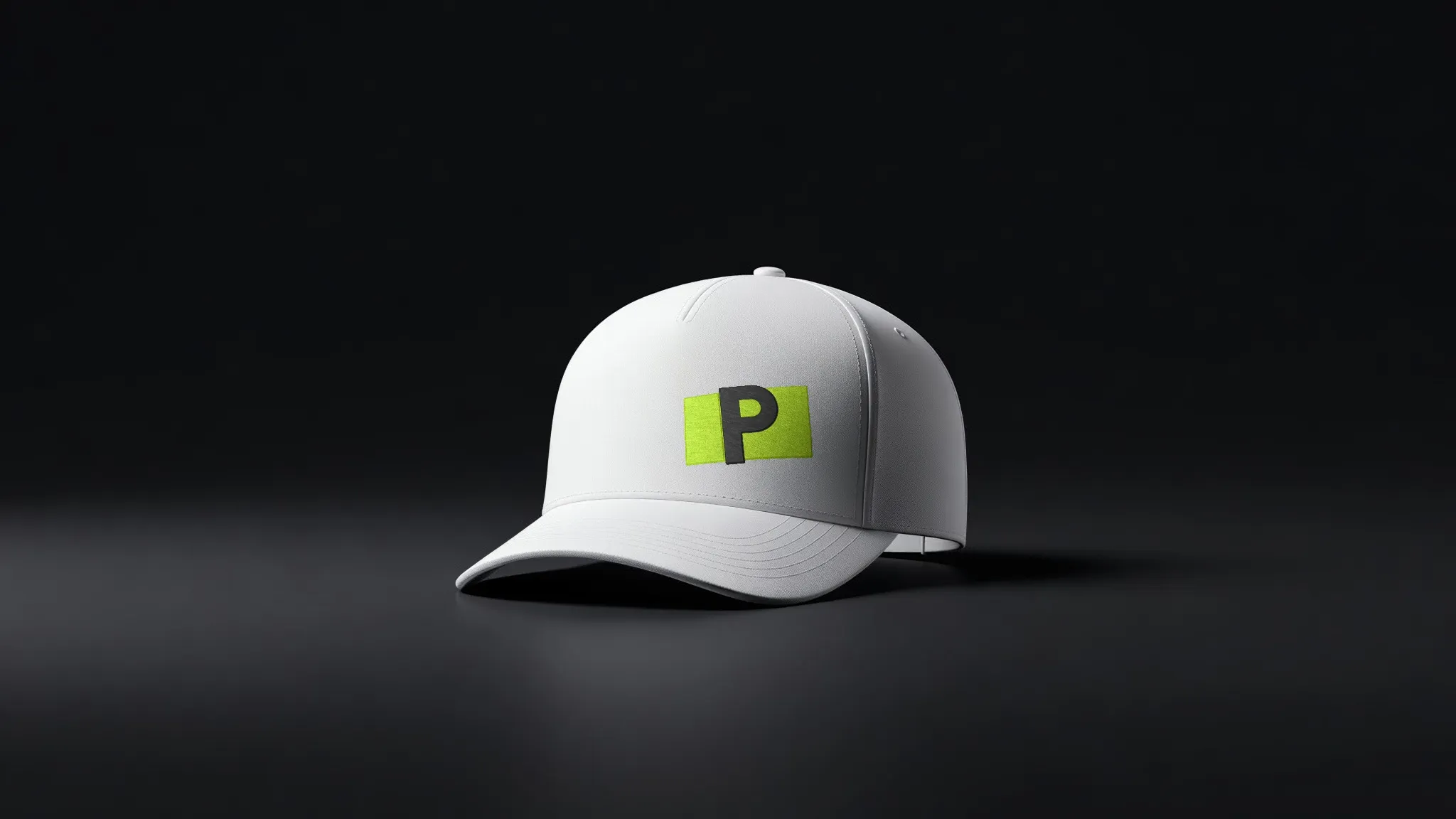
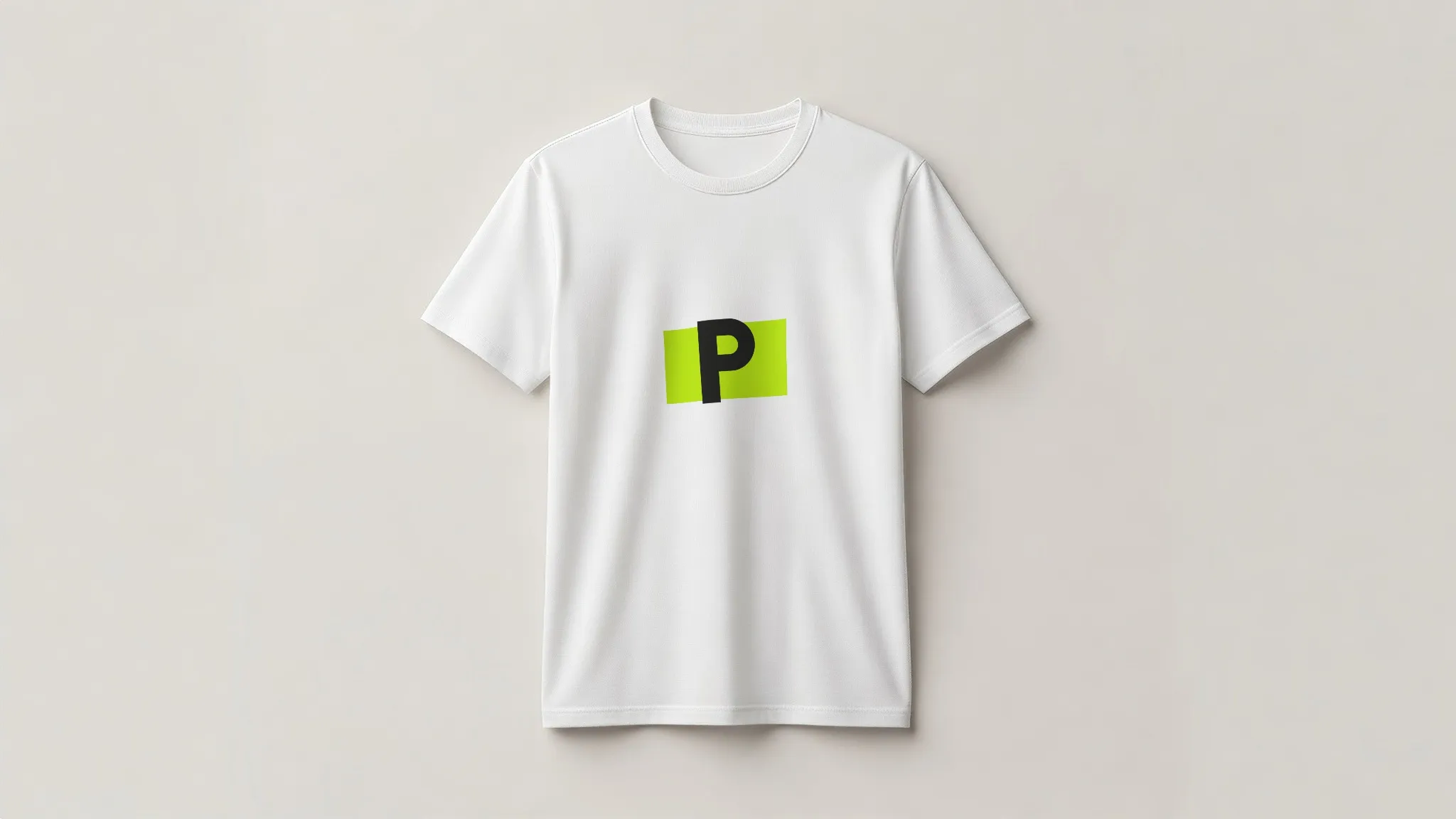
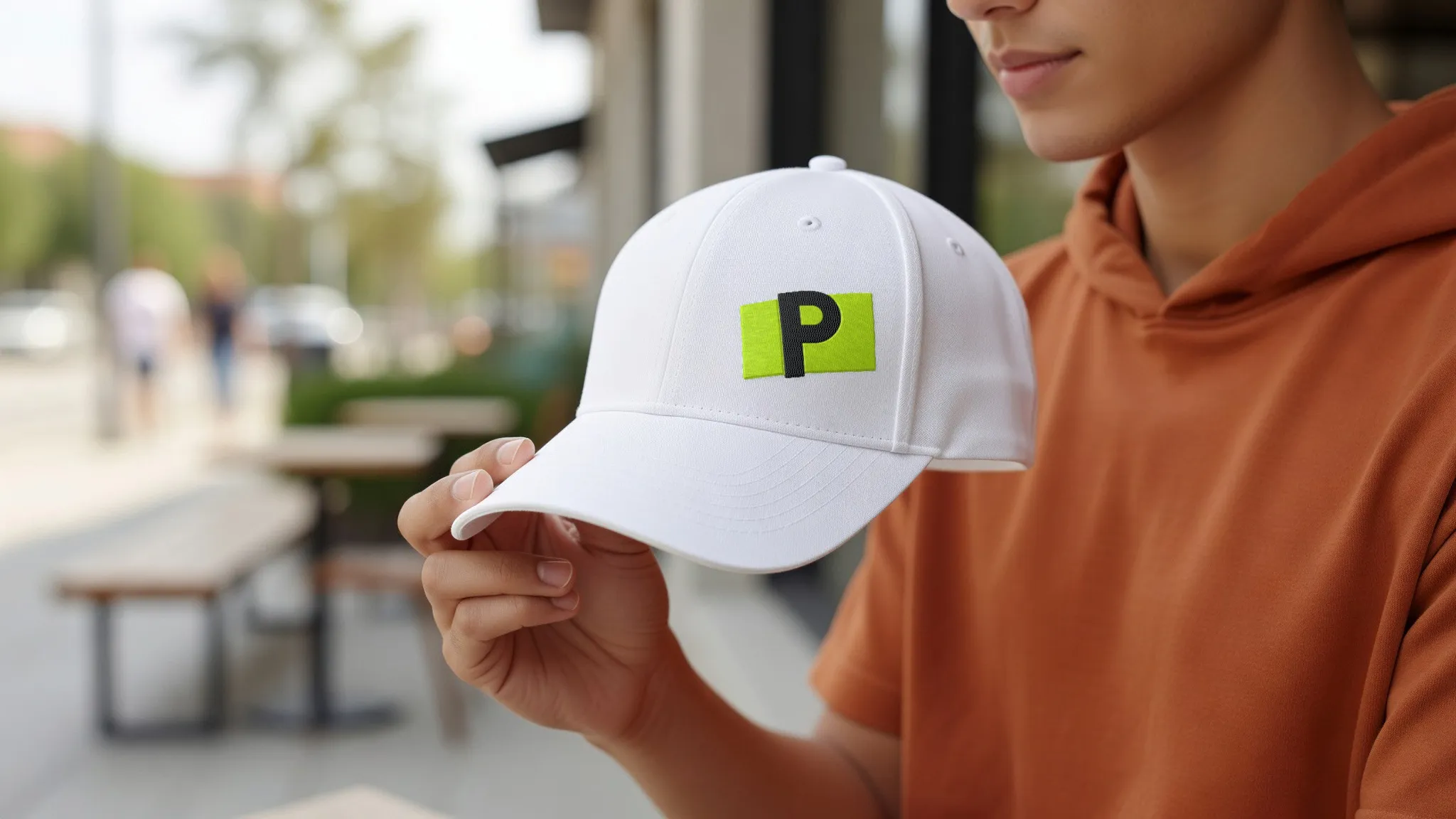
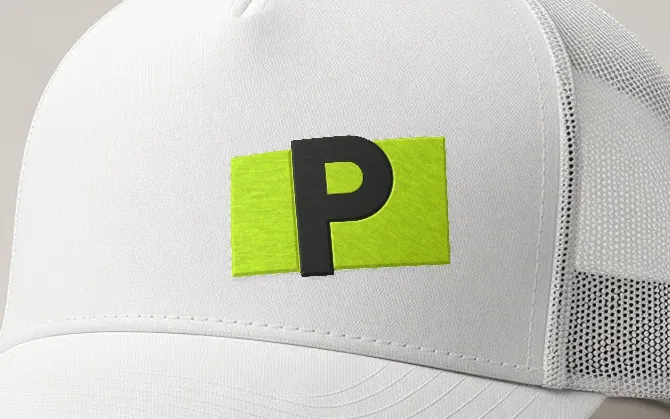
 Shown on a trucker cap
01
Embroidery
Satin and fill stitches; the thread follows the shape and the fabric.
About embroidery →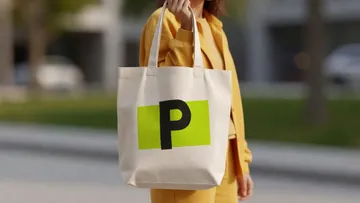 Not in the list? Use a photo of your own product. Shot on a phone is fine. PreviewFly finds the product for you.
 Merch and swag Caps, tees, bottles and totes for a team or an event.
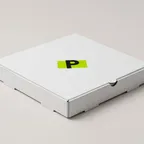 Packaging Boxes, bags and labels, before anything is printed.
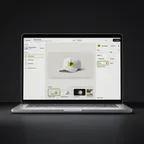 App and web launches Your screens on phones, laptops and watches.
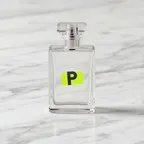 Online stores Listing images of the product you actually sell.
 Client pitches Show a client their logo on the real thing.
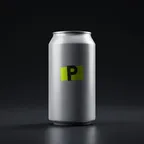 Food and drink Cups, cans, pizza boxes and menus.
 Merch, packaging and screens in one place.
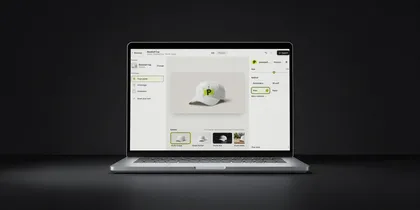 In your browser Web app Upload your logo, pick a product, download. Nothing to install.
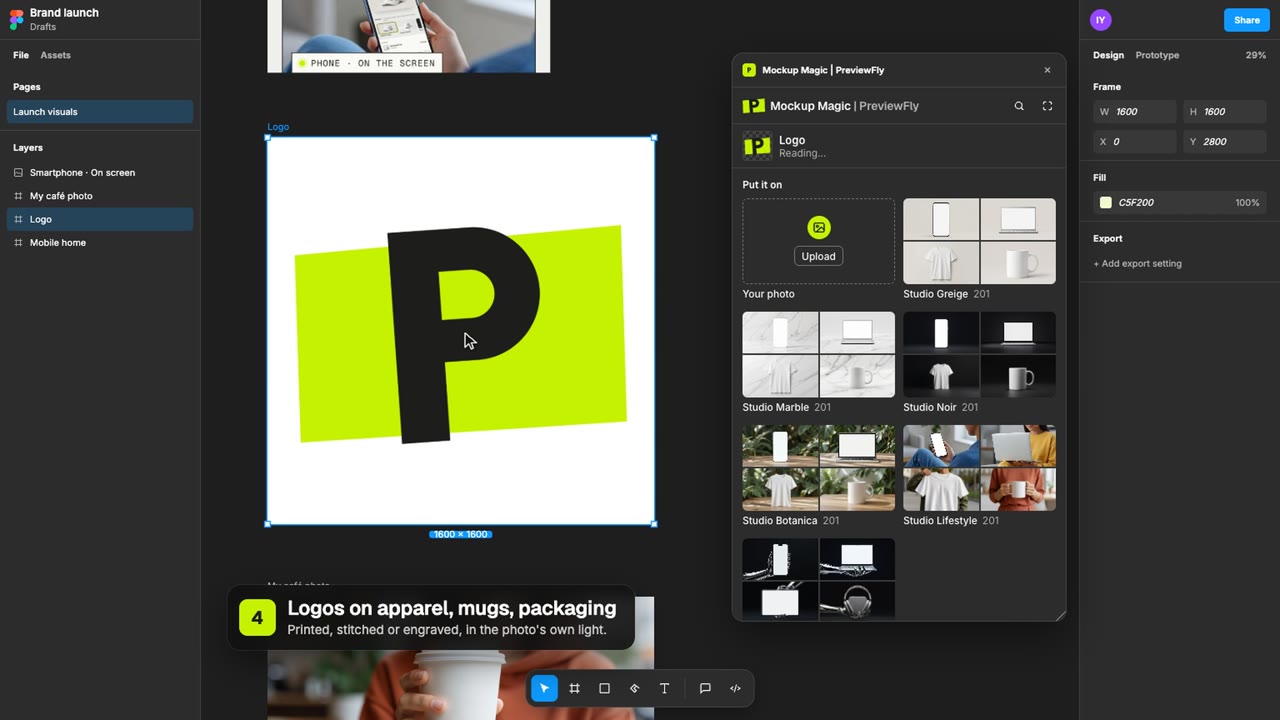 In Figma · Mockup Magic Figma plugin Your layers on real products, placed right on your canvas. In your AI tools · MCP Claude, Codex, Cursor Ask for a mockup in your chat and get its link back.
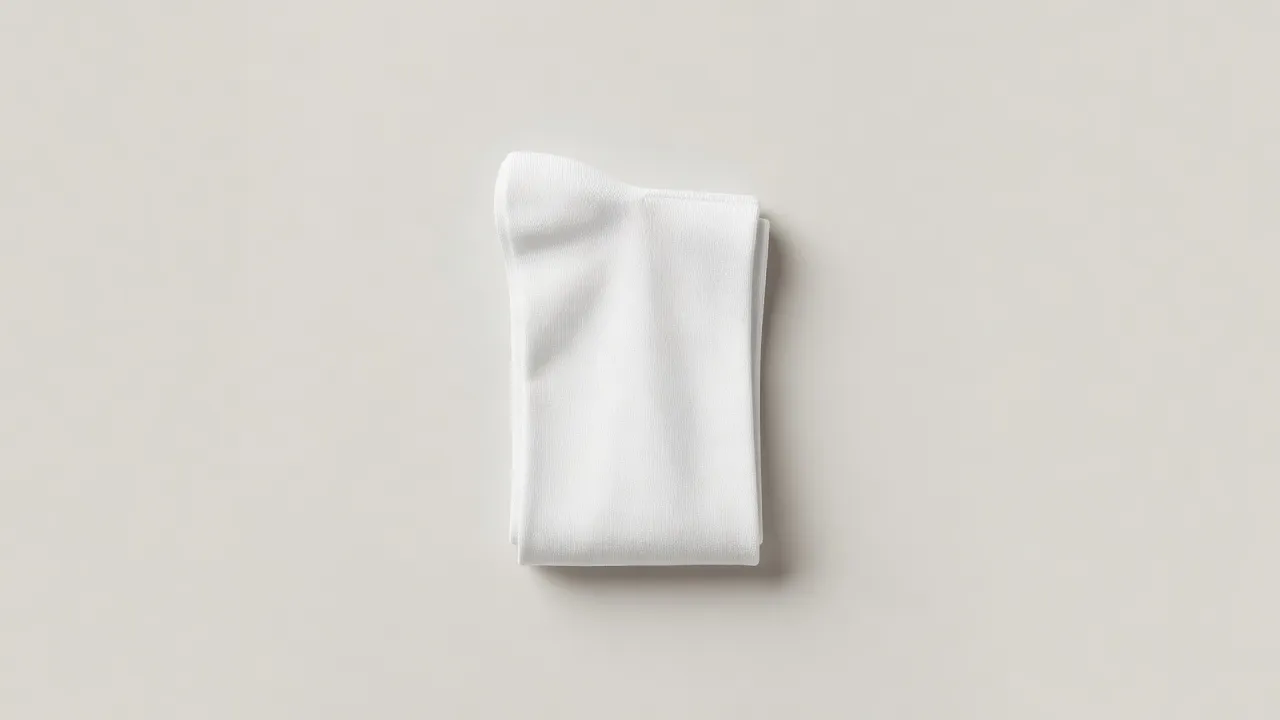
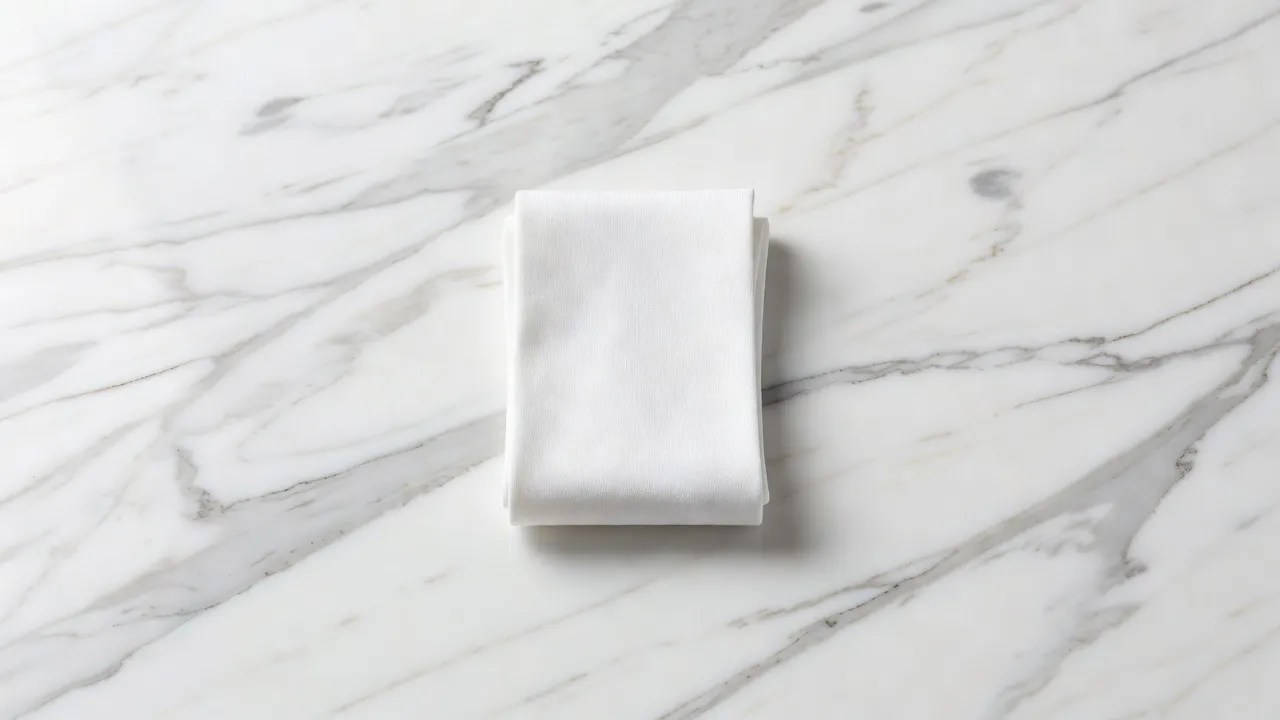
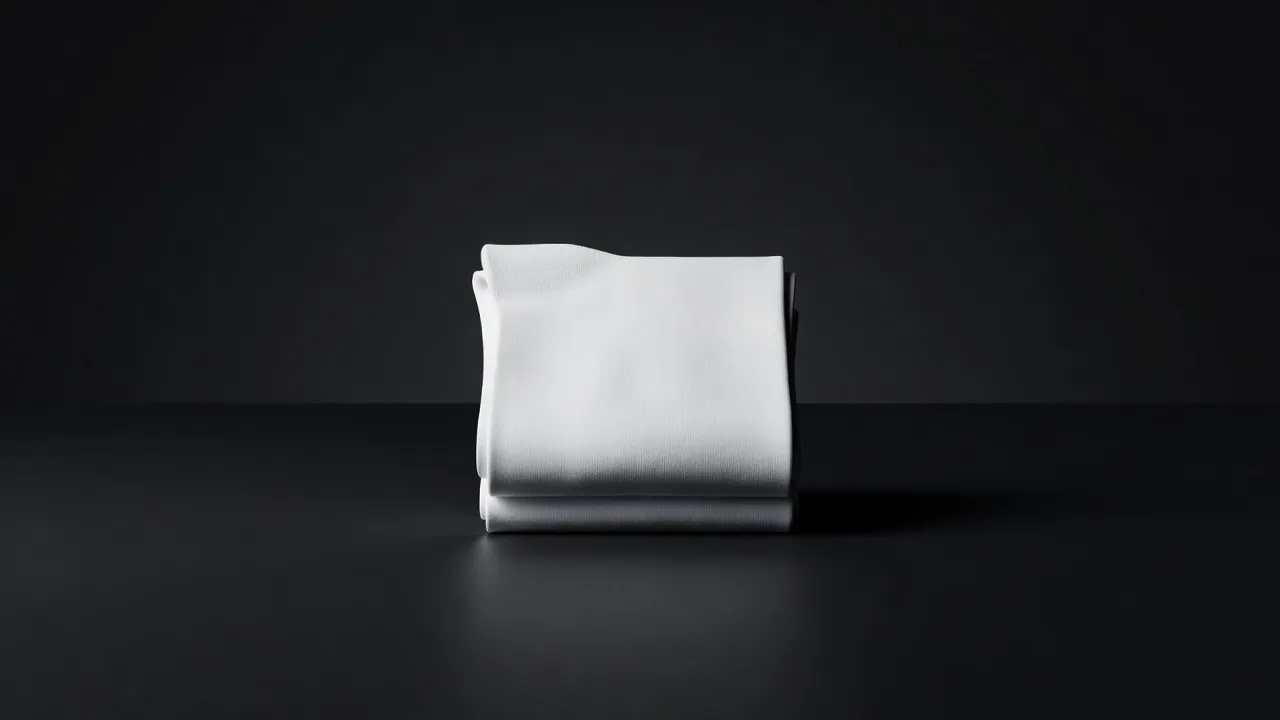
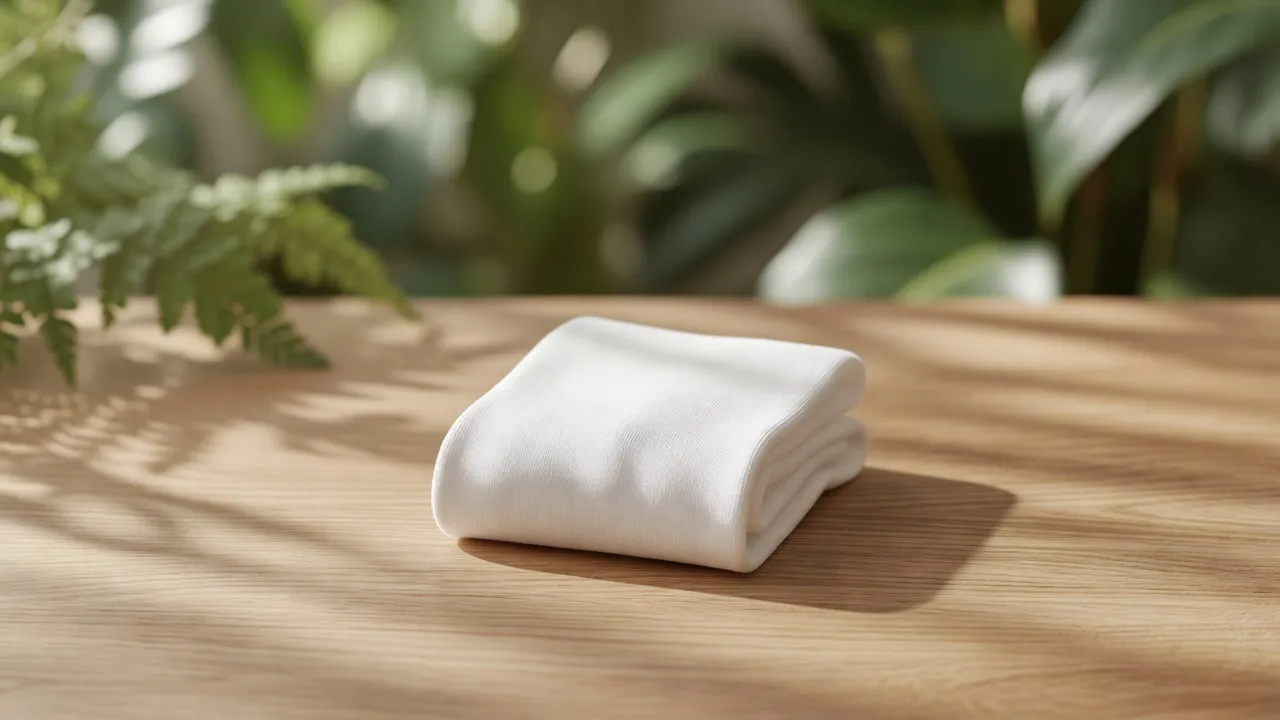
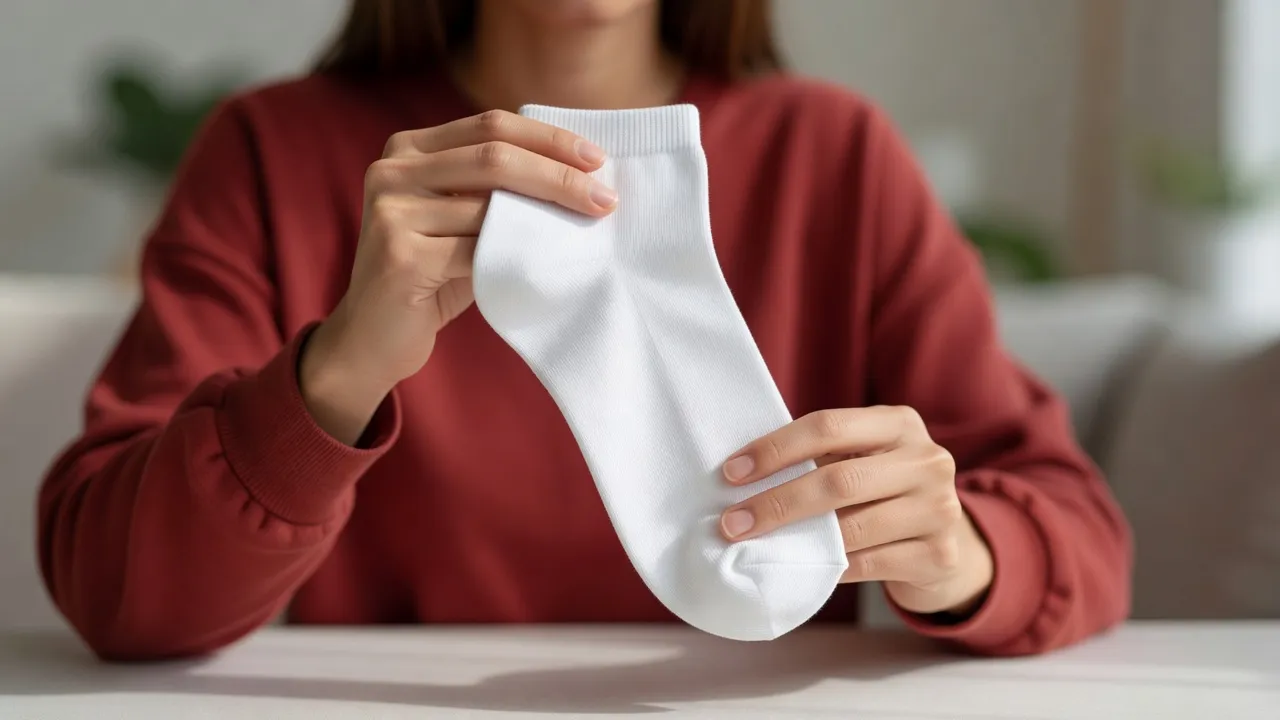
The same socks in 5 studio scenes. Switch looks in the editor and the print comes along.
The editor offers what cotton is really made with, and each one looks the way it does in real life.
Shown on a trucker cap Satin and fill stitches; the thread follows the shape and the fabric.
About embroidery →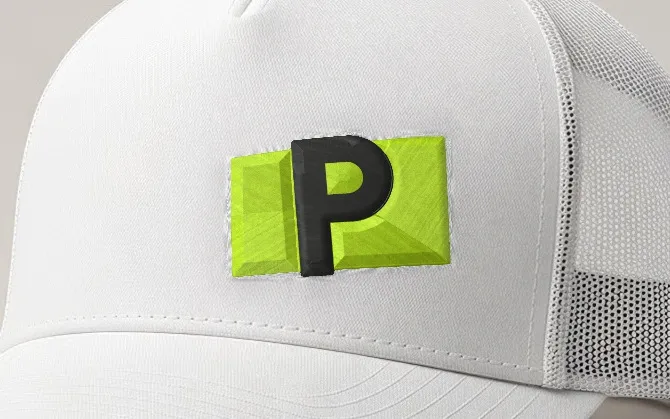 Shown on a trucker cap
Raised stitches over a foam layer; edges catch light and throw shadow.
About 3D puff embroidery →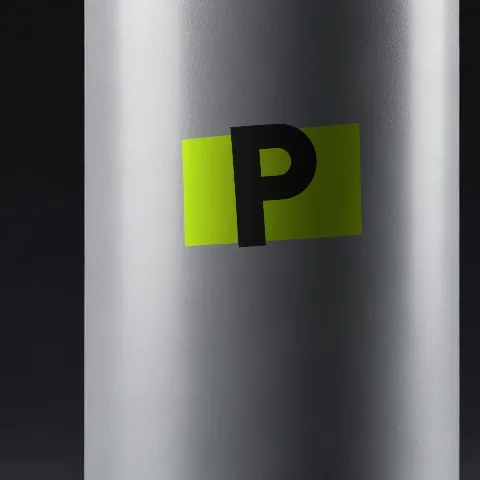 Shown on a soda can
Opaque ink: matte in the weave on fabric, glossy on hard goods.
About print (screen / digital) →A stiff, sewn-on piece: raised, matte, with its own edge shadow.
About embroidered patches →Sublimation, Ceramic decals, Offset & flexo, Stickers & labels, Embossing, Debossing, Spot UV, Laser engraving, Glass etching: cotton is not made that way, so the editor does not offer them on this socks.
Take a photo of your own socks, against any background you like: your desk, your shelf, your shop window. PreviewFly finds it and puts your logo on it, the same way as everything here.
Use a photo of your own socks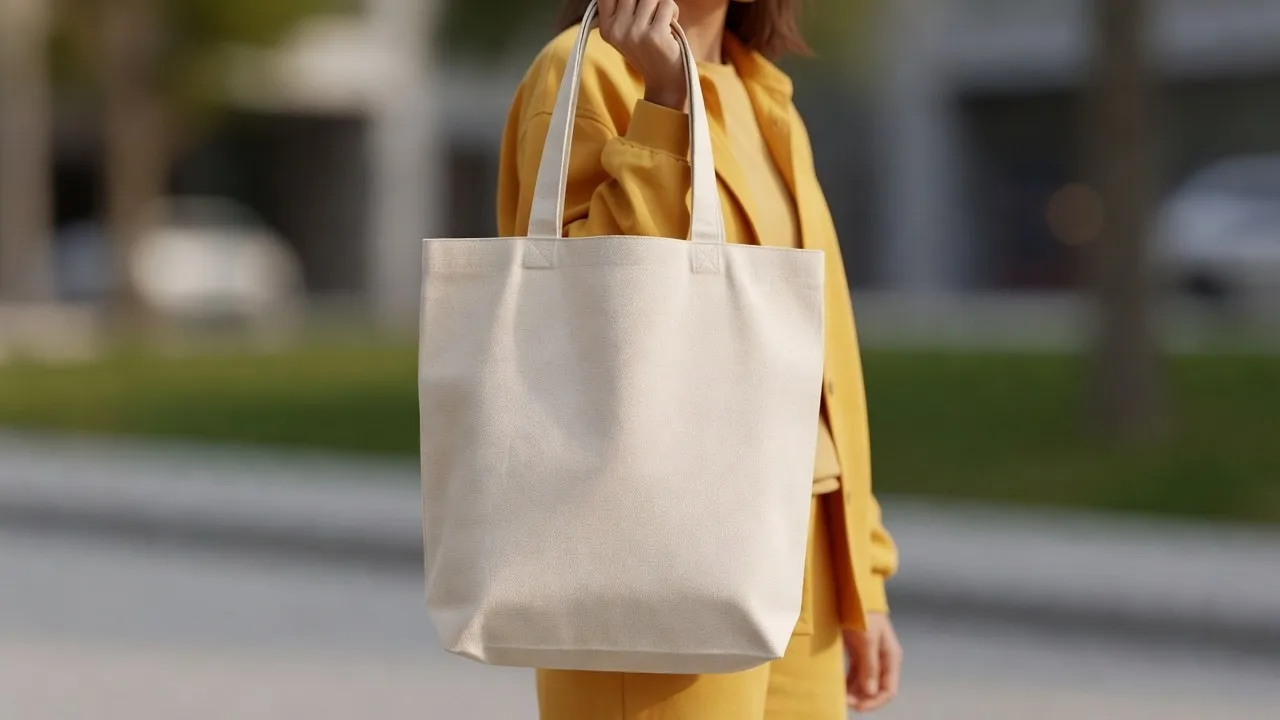
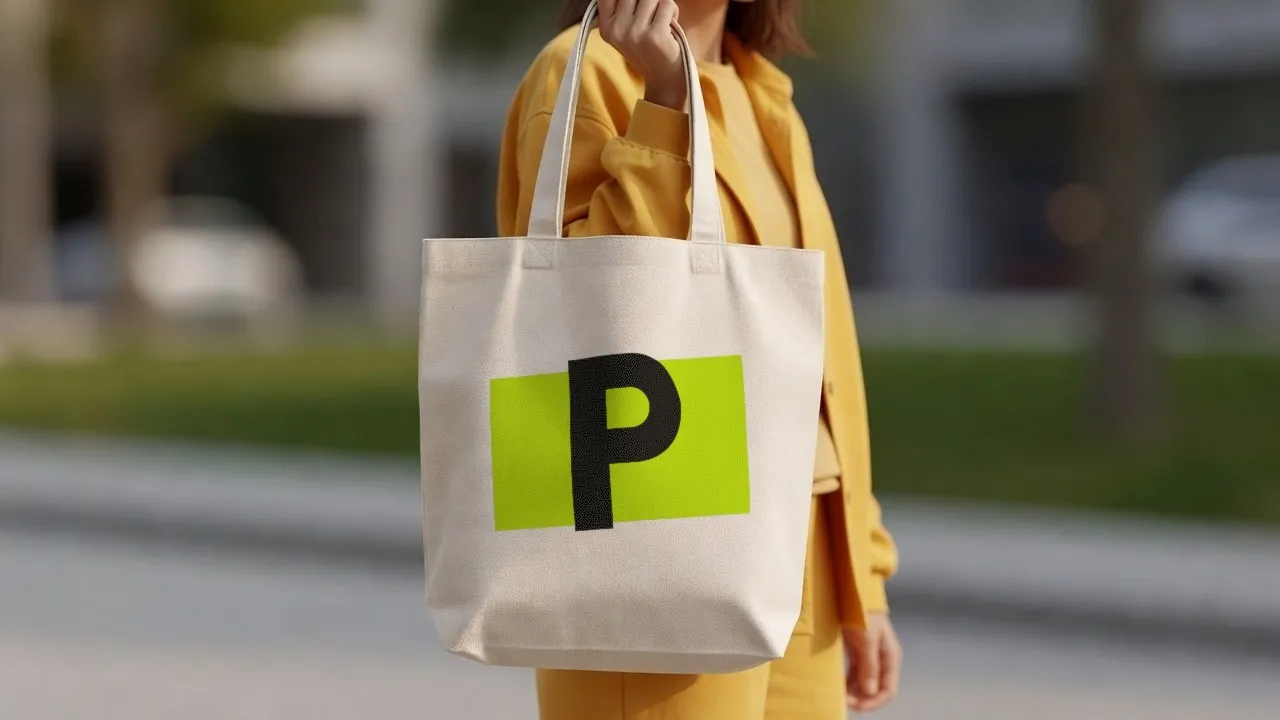
Something else? We are in beta and read every message.
Embroidery, 3D puff embroidery, Print (screen / digital), Embroidered patches. Under other methods: Water-based discharge, Hot foil stamping. These are the ways cotton is really decorated.
The scenes are AI-generated photos of a blank socks, labelled as such. Your logo on it is placed from your file, never generated.
Yes: JPG, PNG, WebP or HEIC. PreviewFly finds the product in your photo and follows its shape and light the same way.