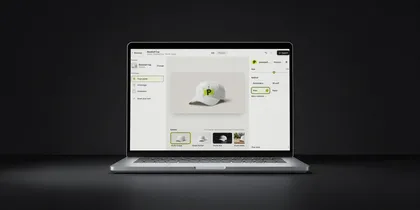
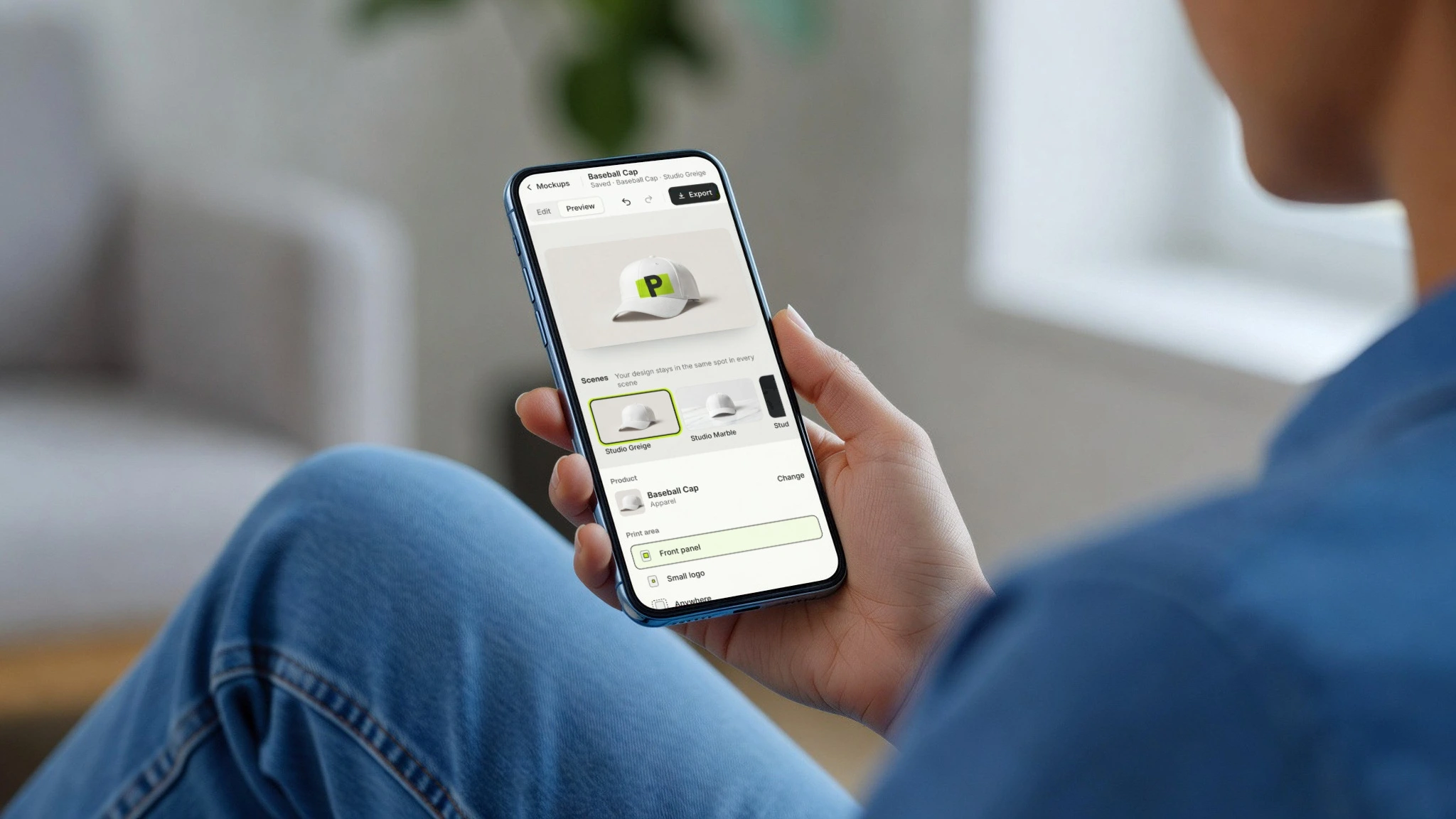
Mockup anything.
Pick one of 407 products, or bring your own background: any photo you take. Your logo comes out printed, stitched or engraved, in the photo's own light. Nothing is redrawn.
Preview free · 7-day free trial on Pro · PNG, JPG, SVG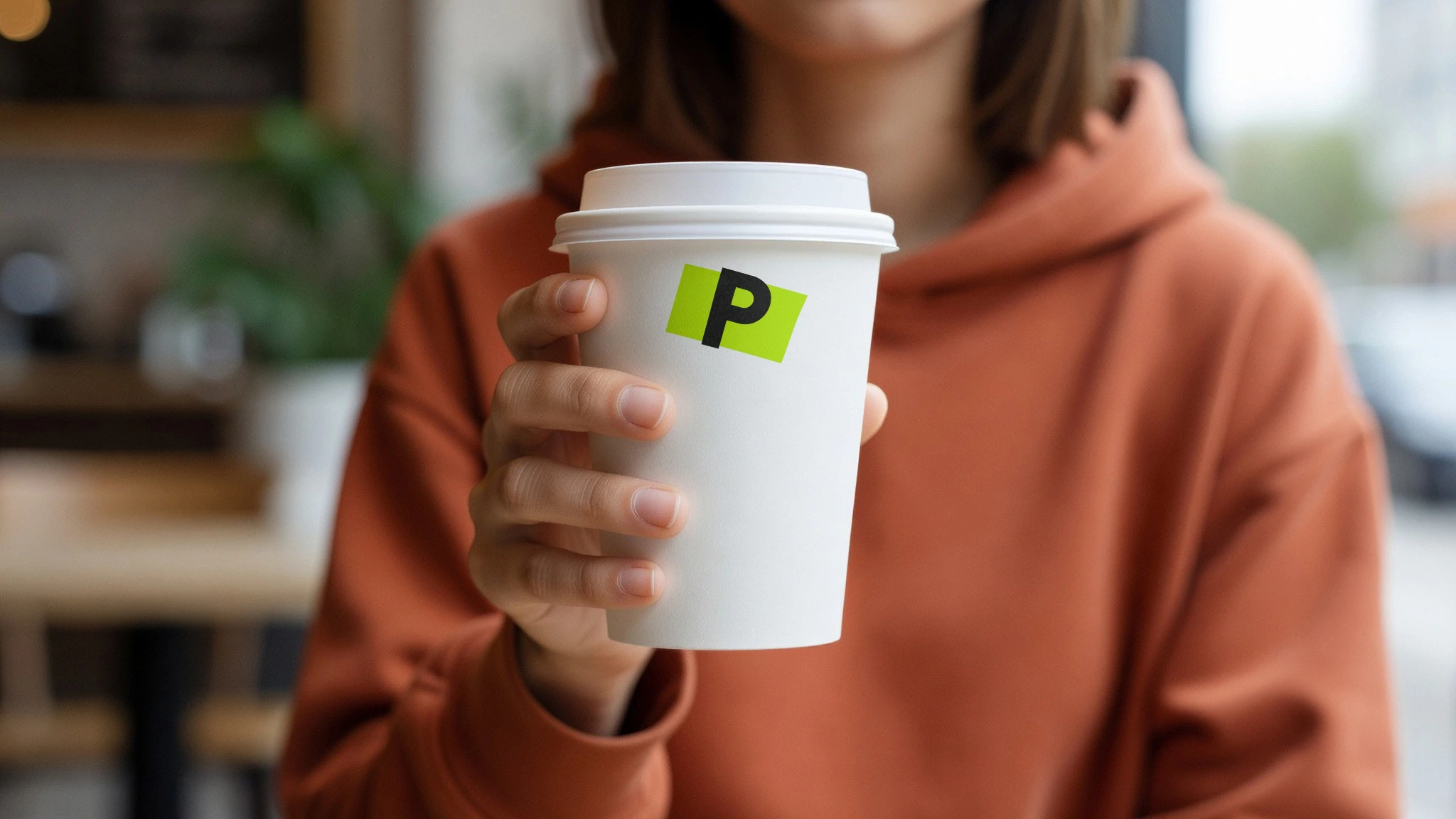

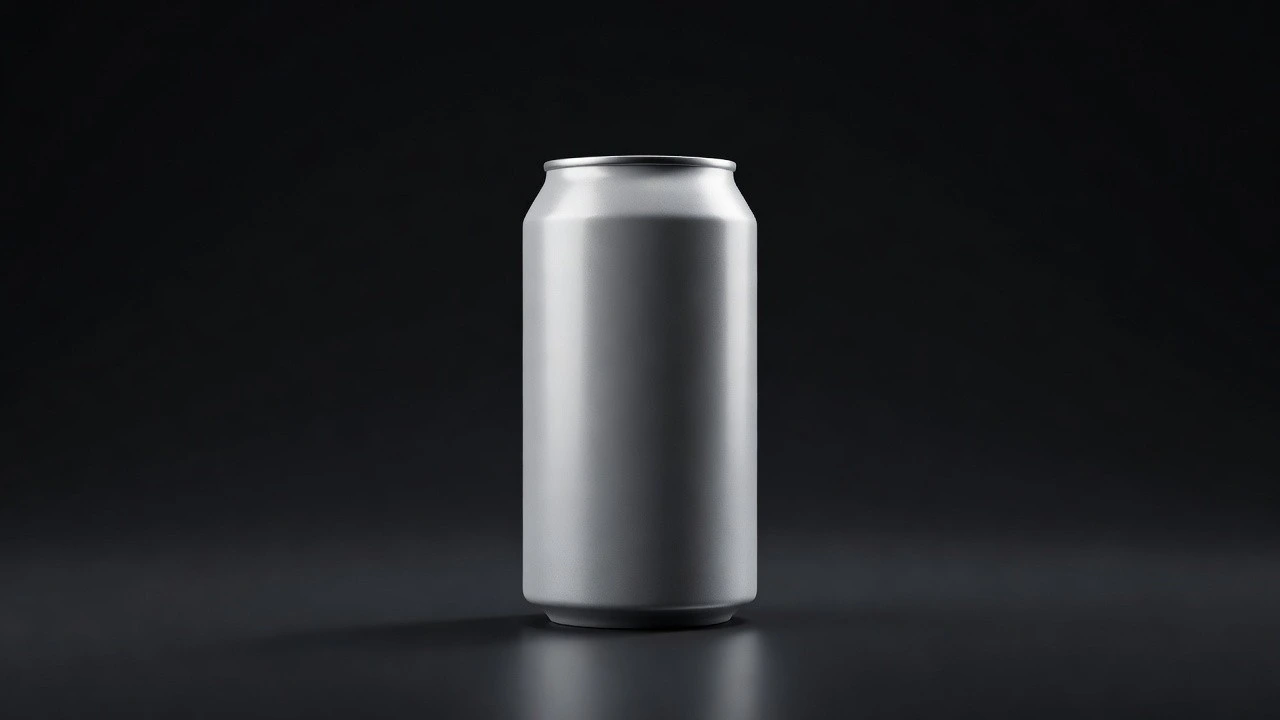
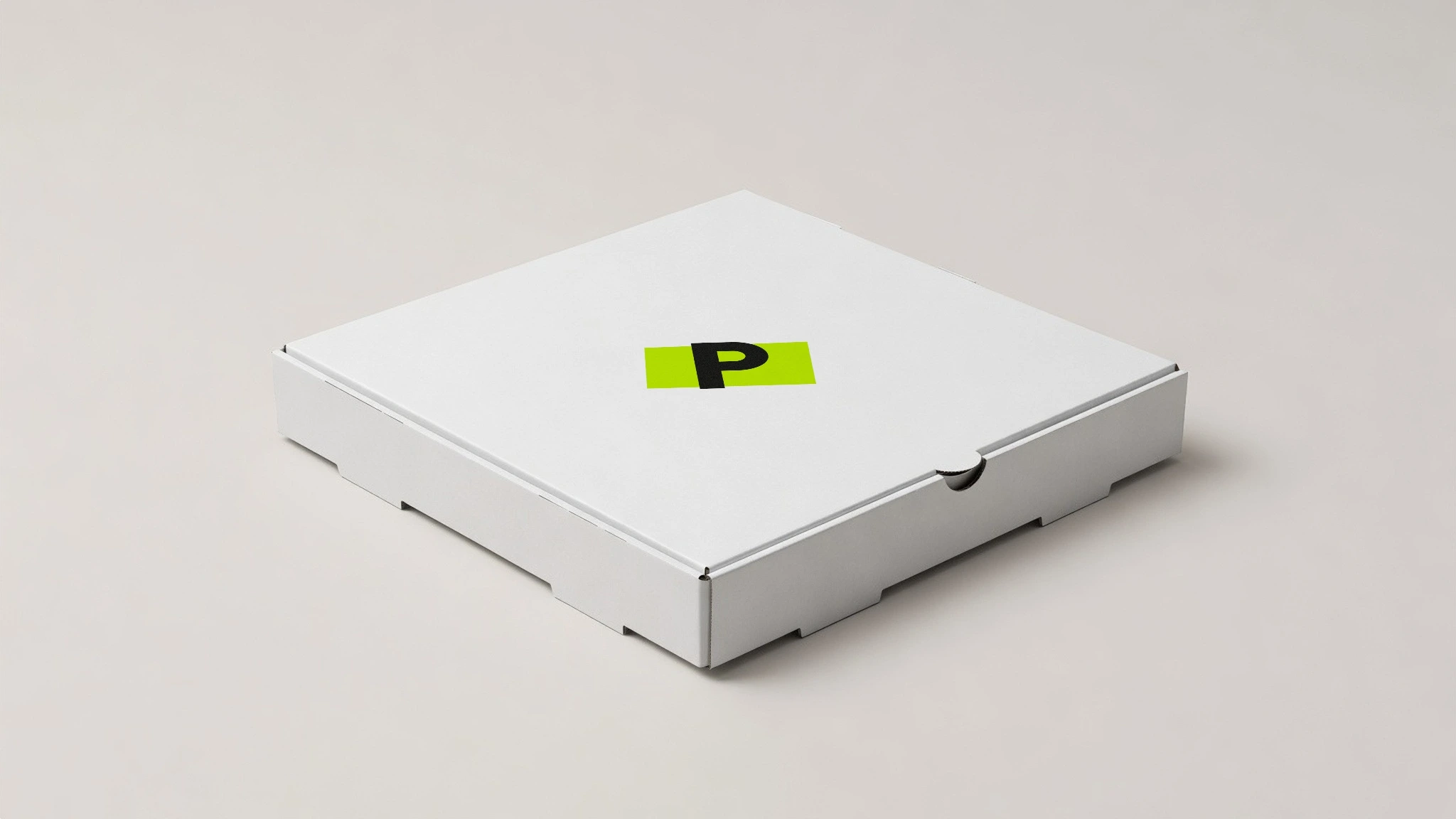
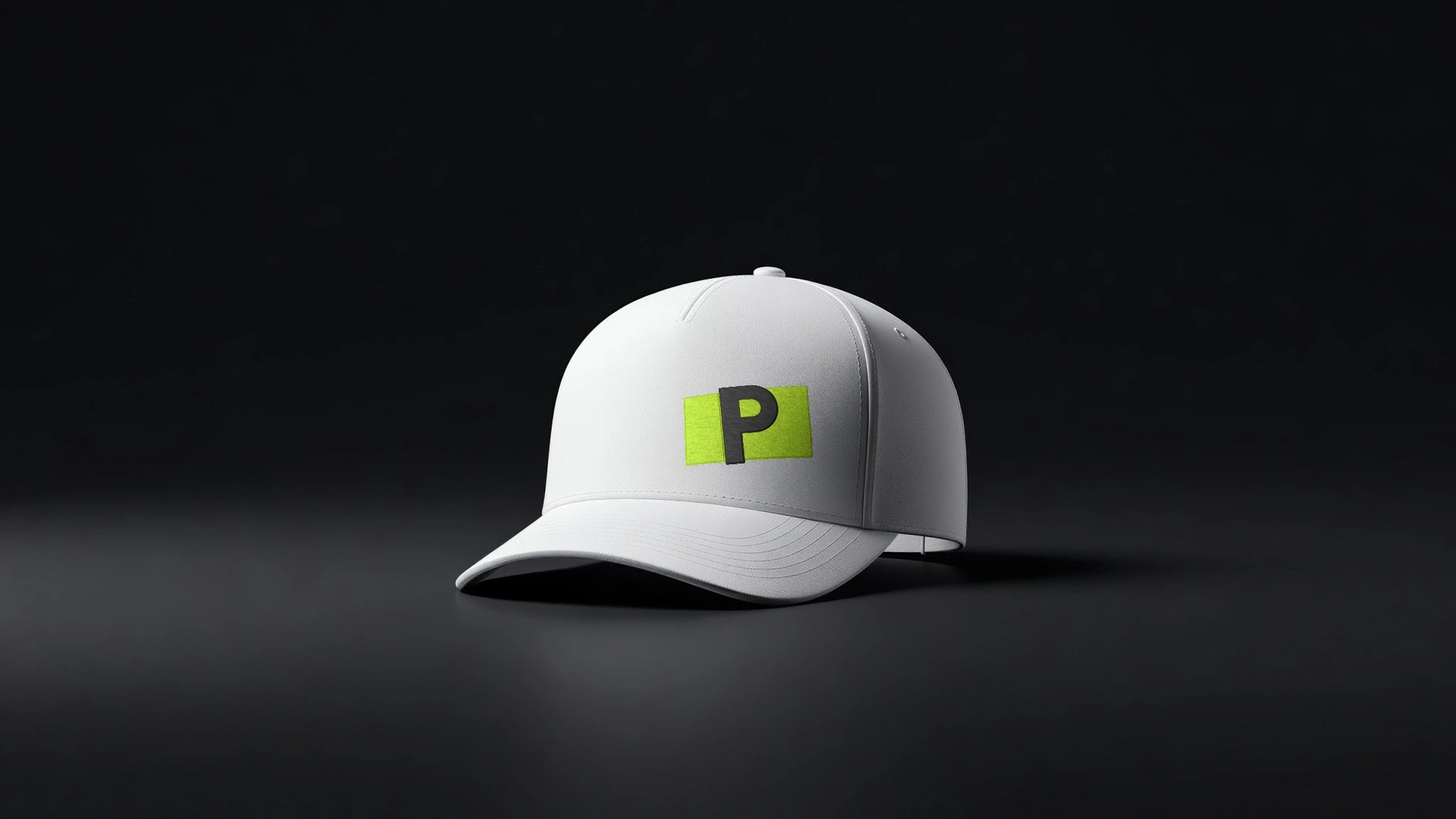
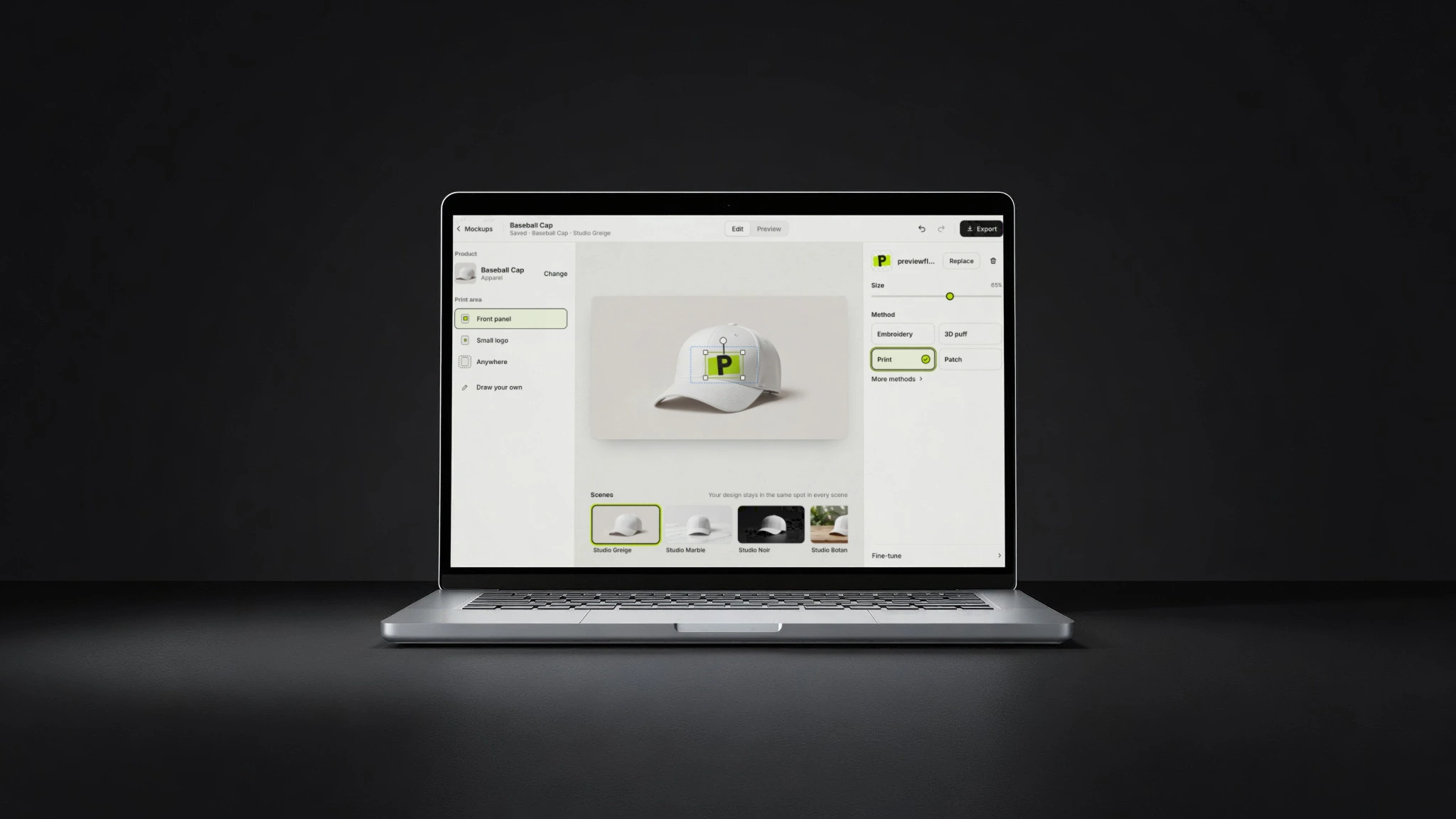
Coffee cups, phones, cutting boards, pizza boxes and 403 more. Or any photo you take.
One logo.
Everything.
The same file on fourteen things that have nothing in common. Each one is printed the way that thing is really made: ink on a can, thread on a cap, a laser on wood, light on a screen.
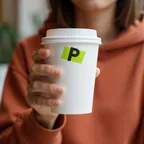
Every image here is a PreviewFly download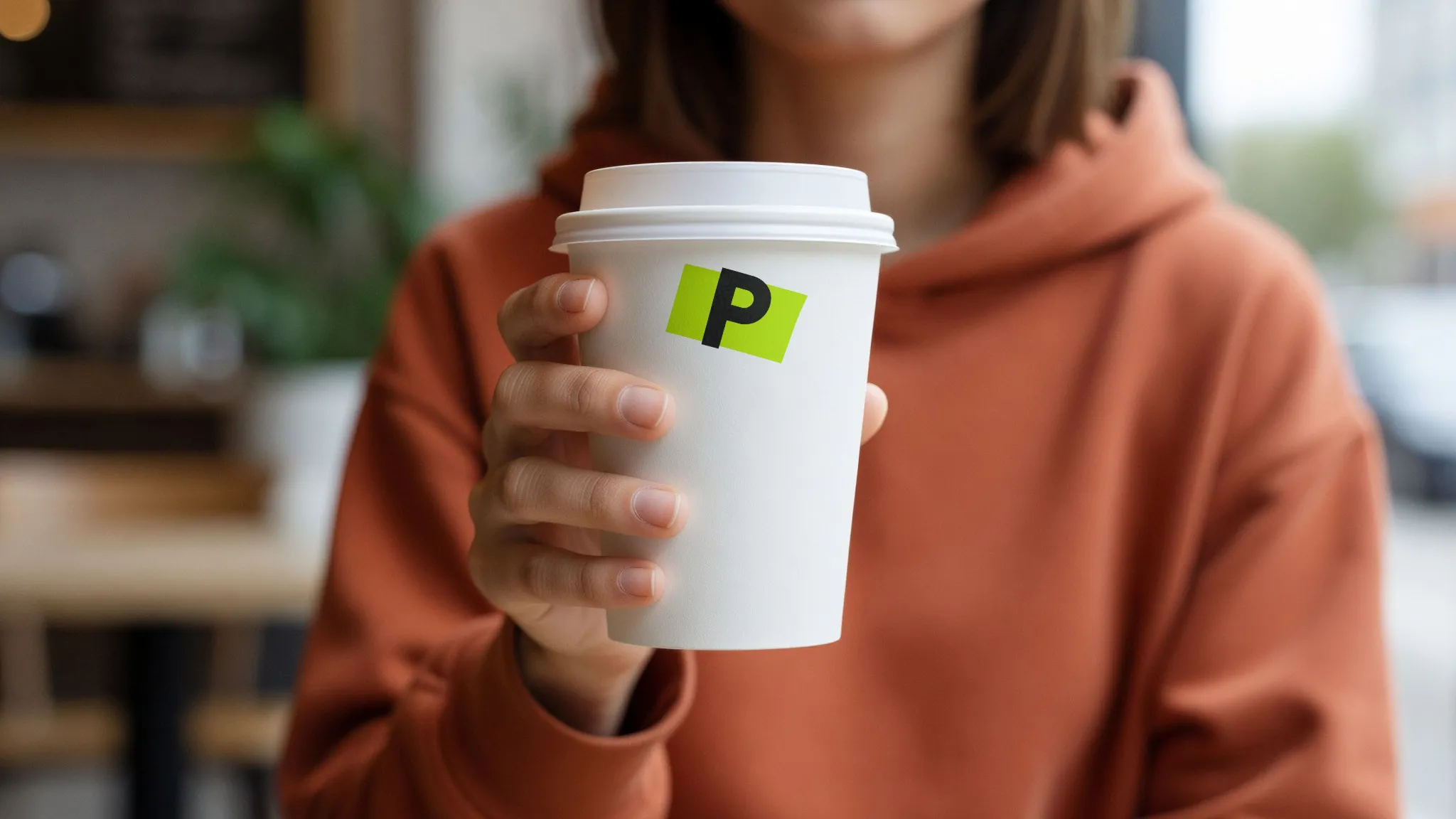 Coffee cup · offset & flexo
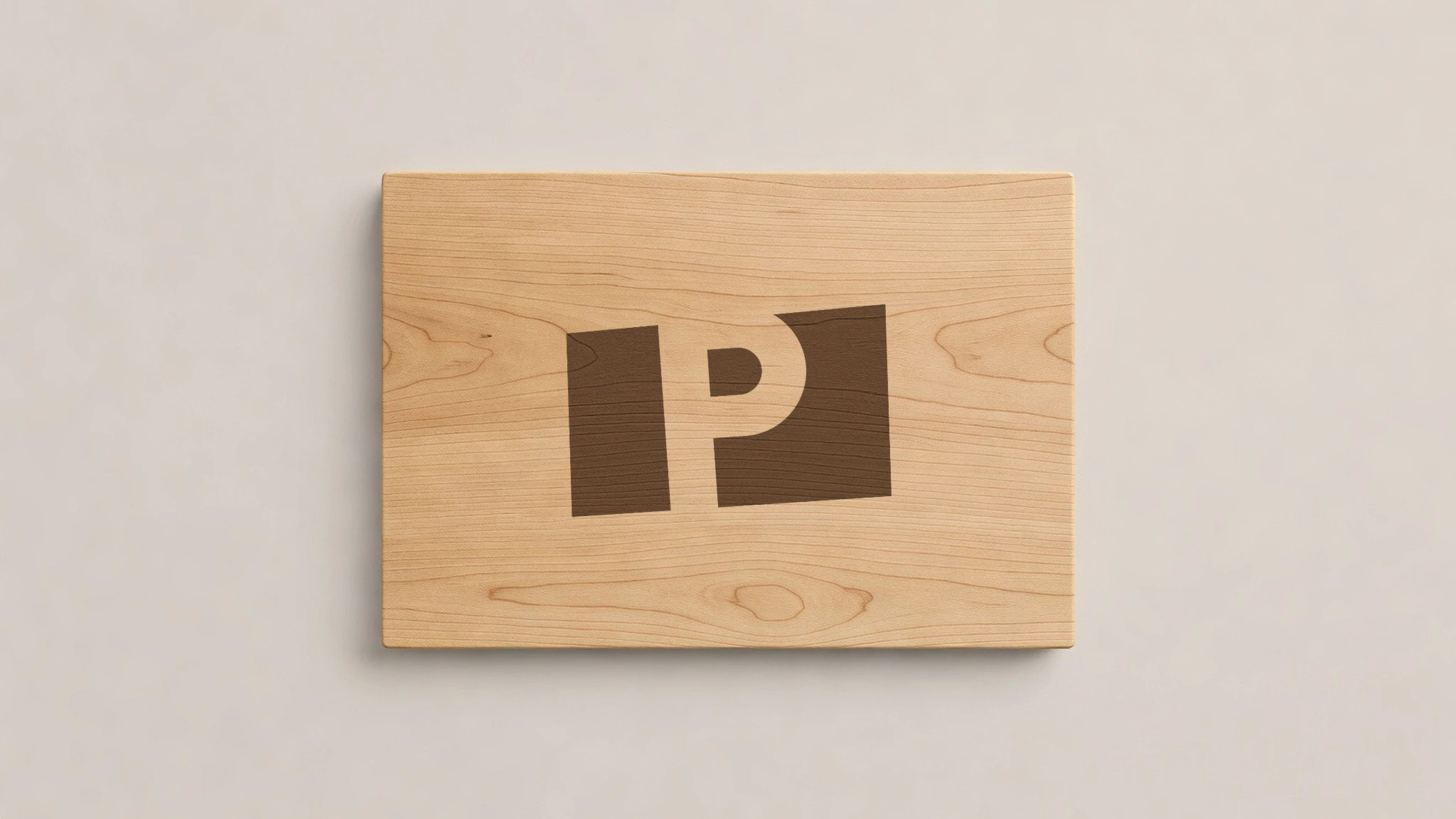
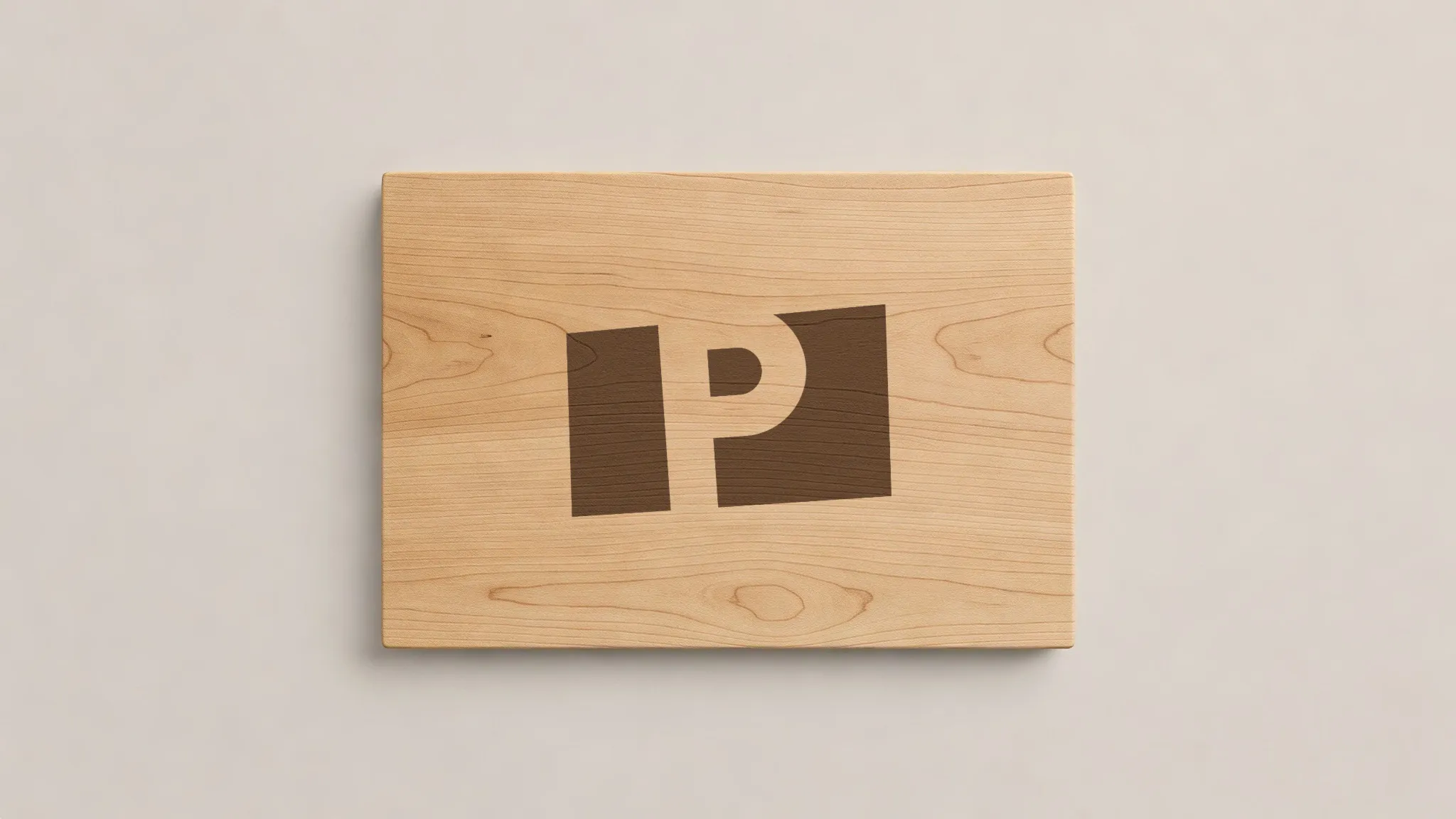 Cutting board · laser engraving
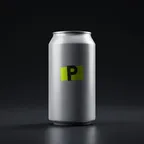
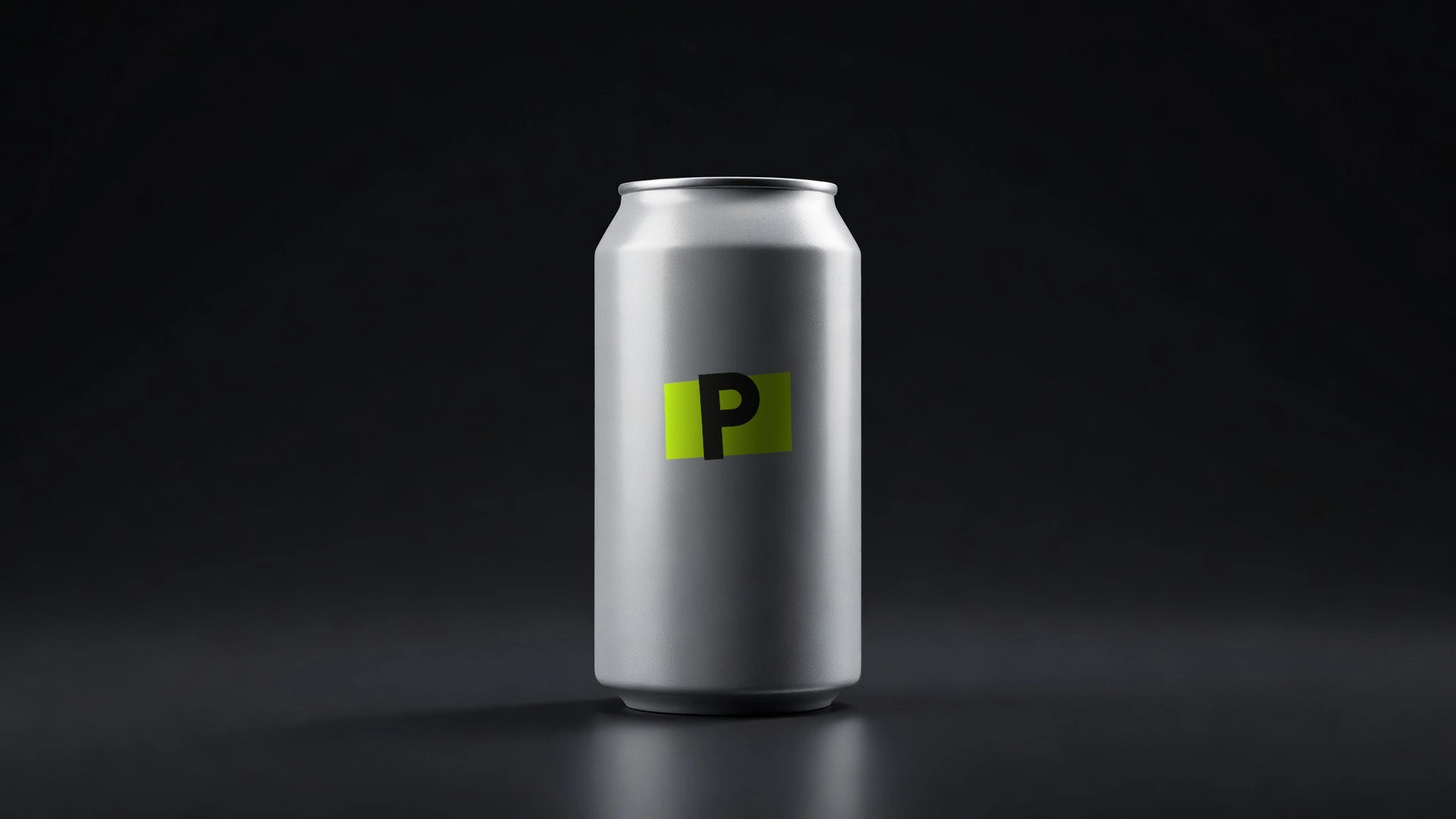
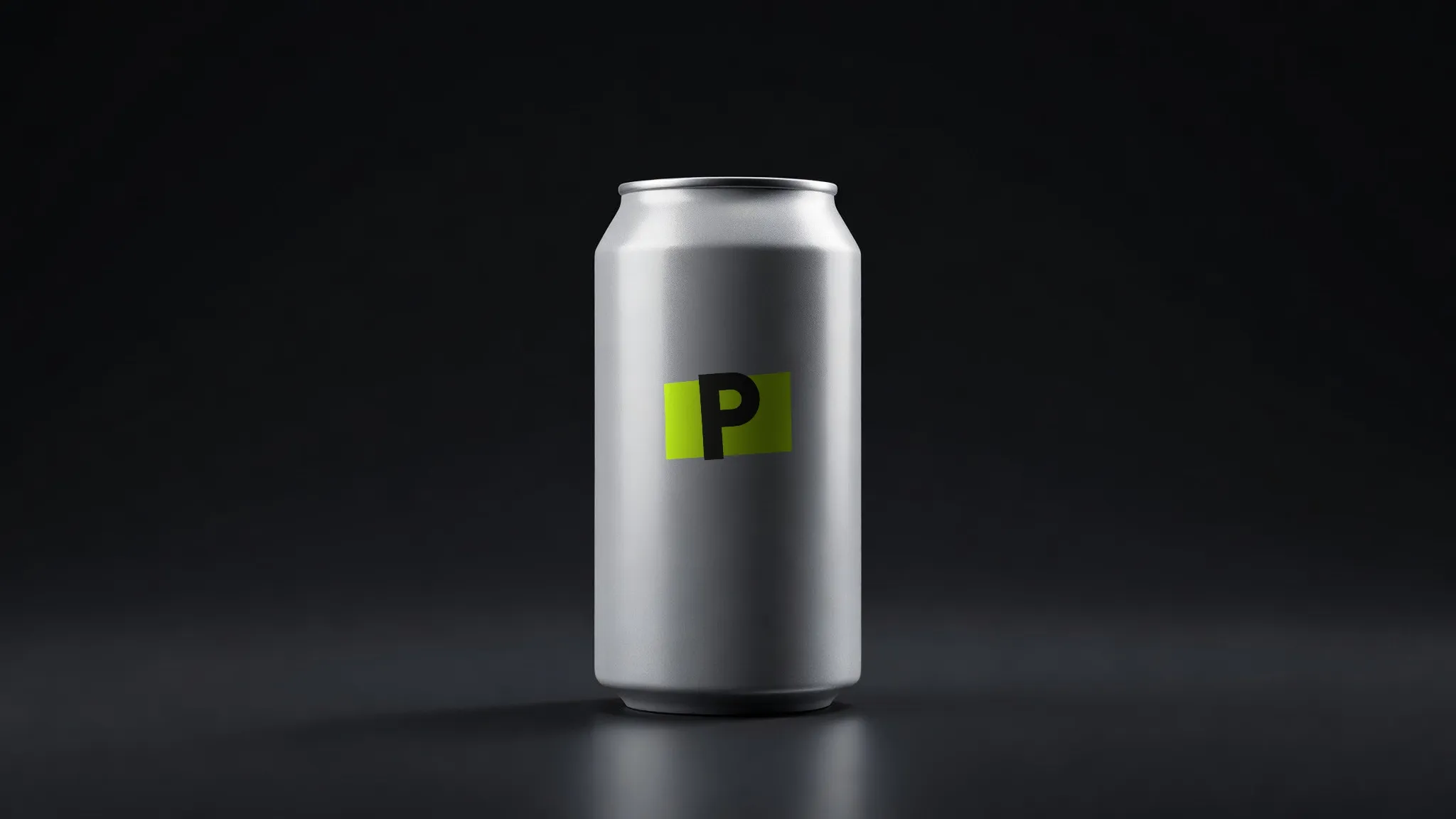 Soda can · screen & digital print
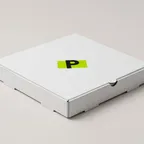
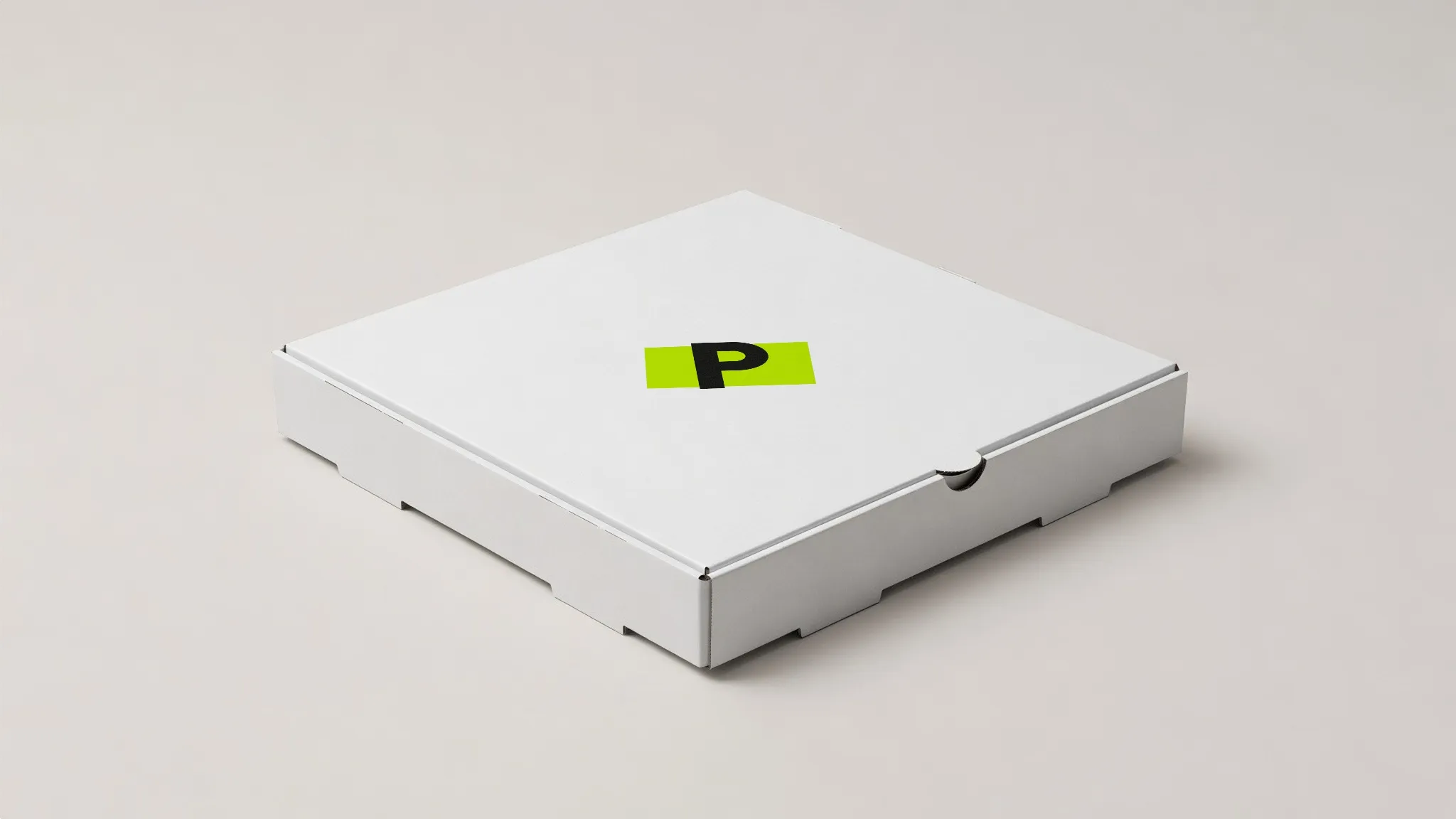 Pizza box · offset & flexo
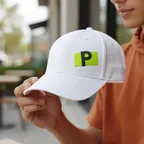
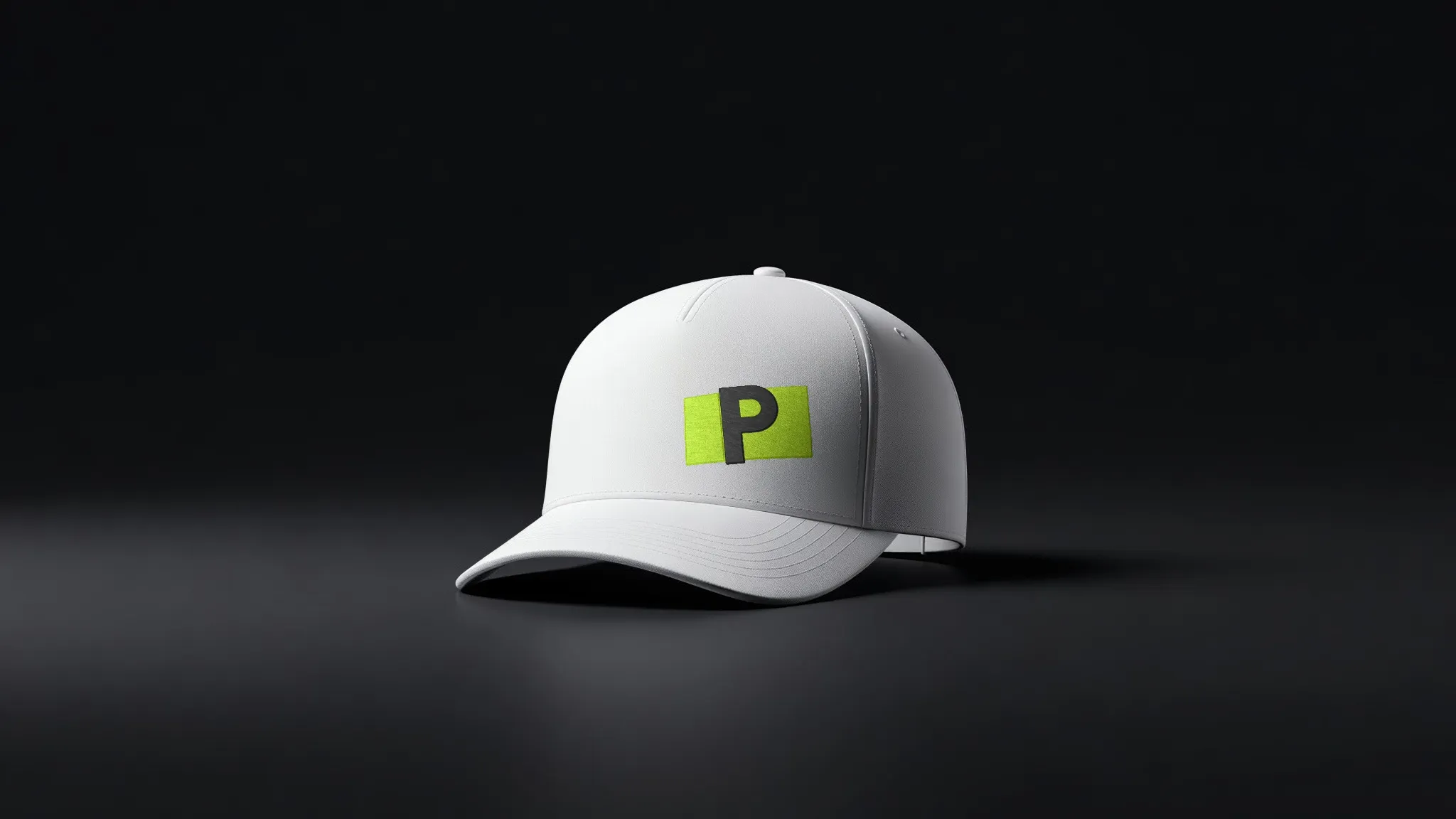 Trucker cap · embroidery
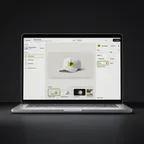
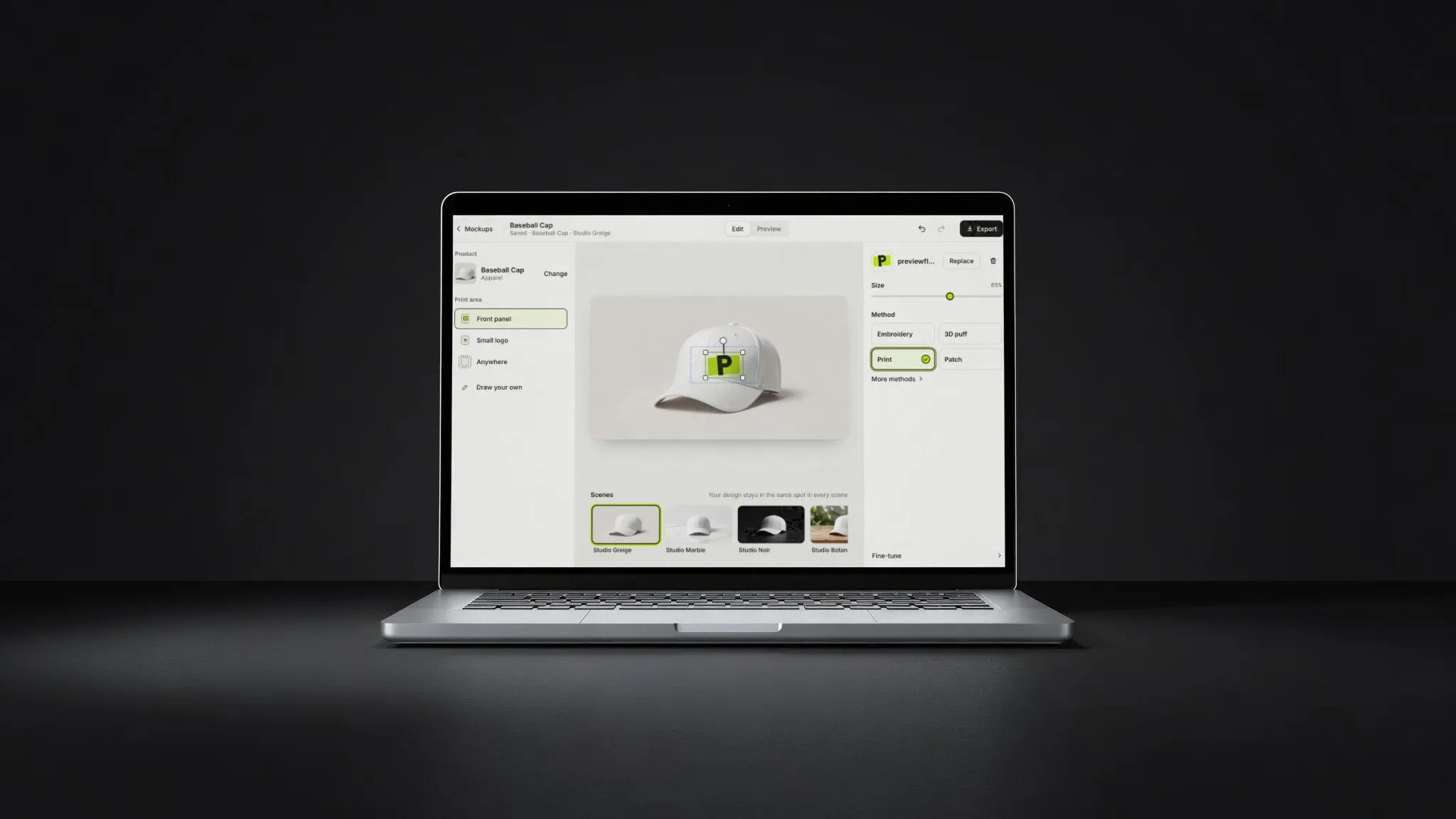 Laptop · on the screen
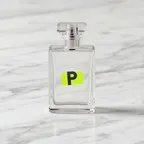
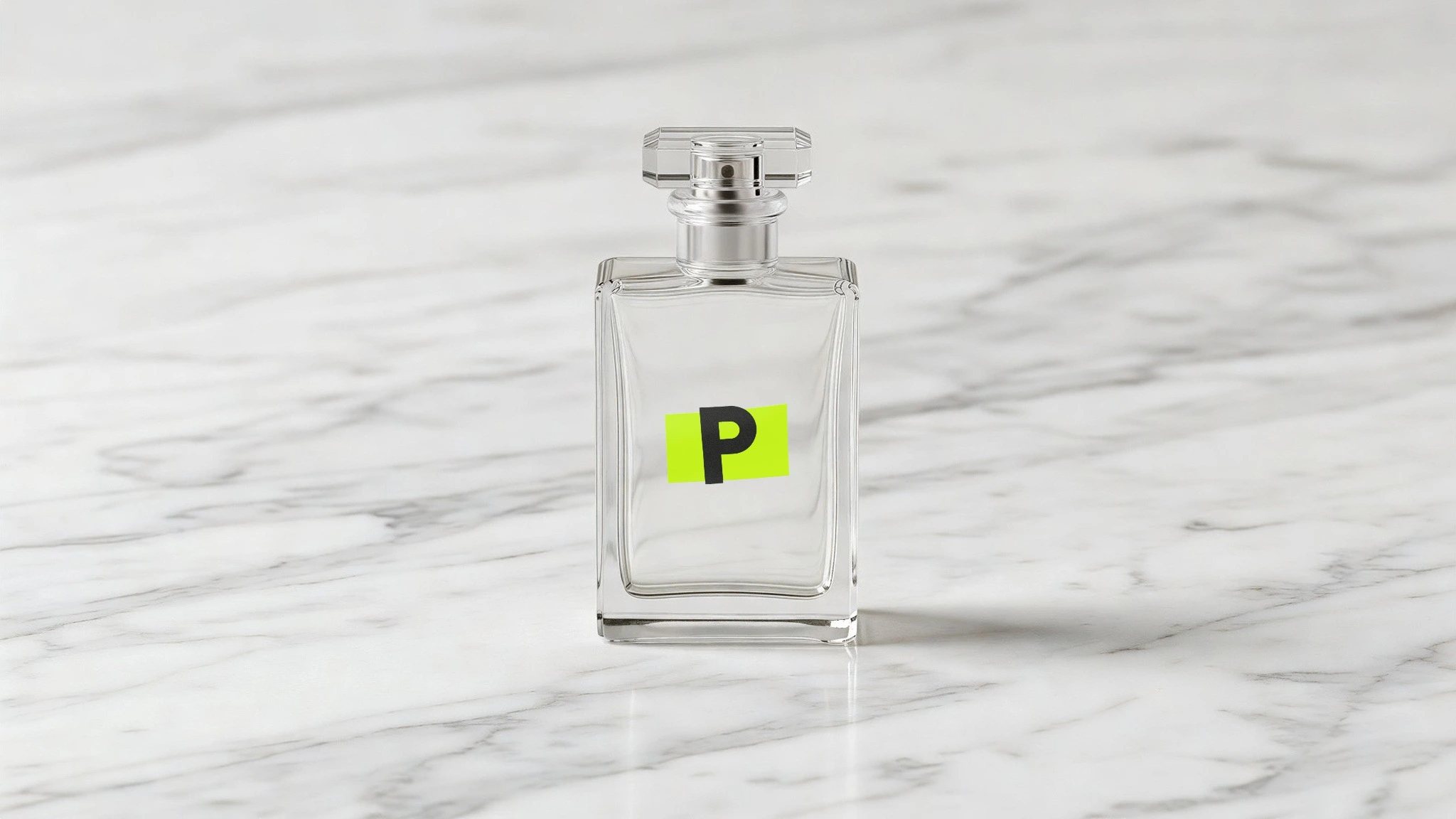
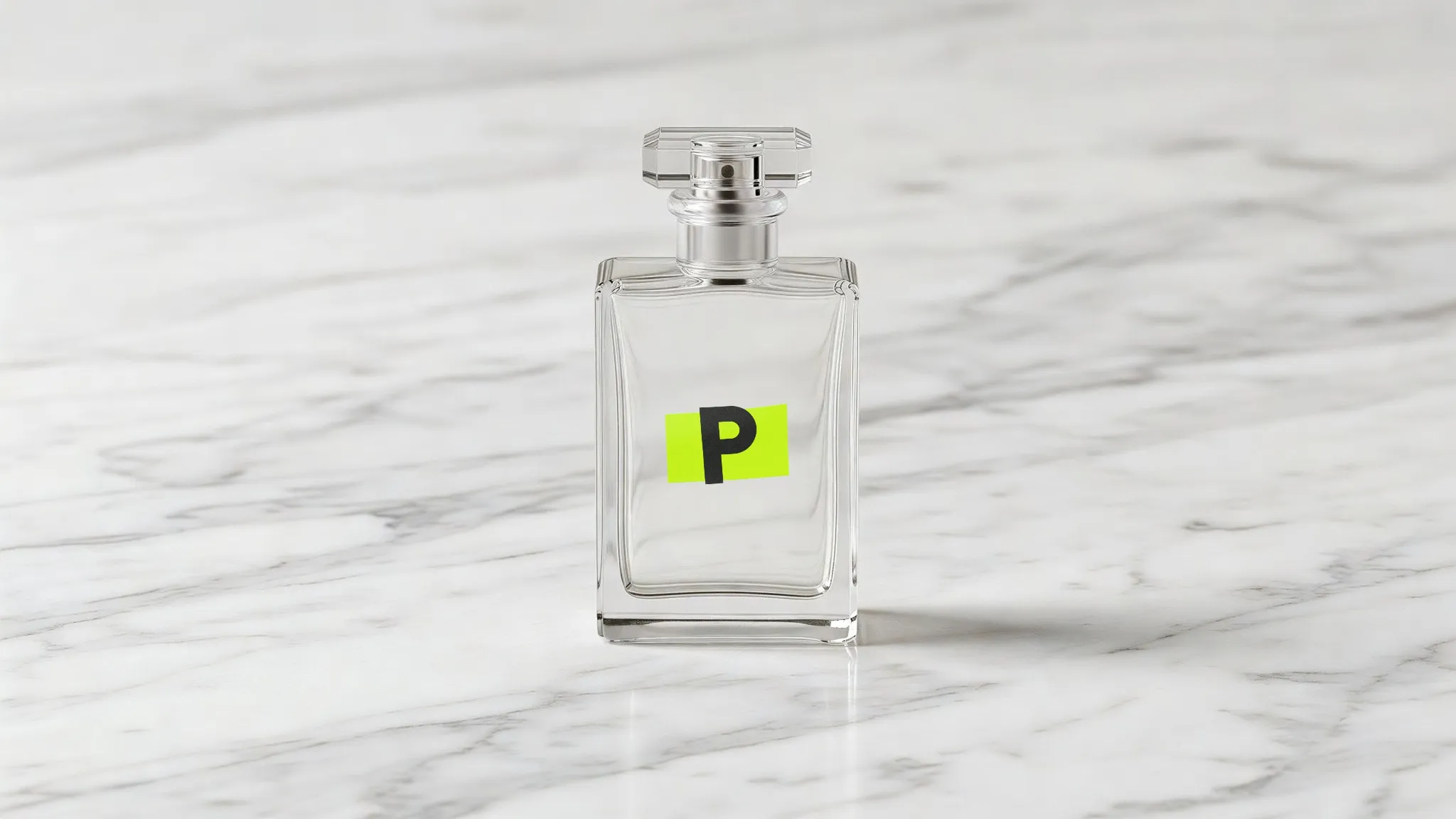 Perfume · screen & digital print
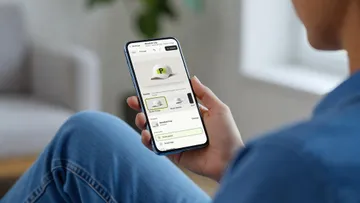
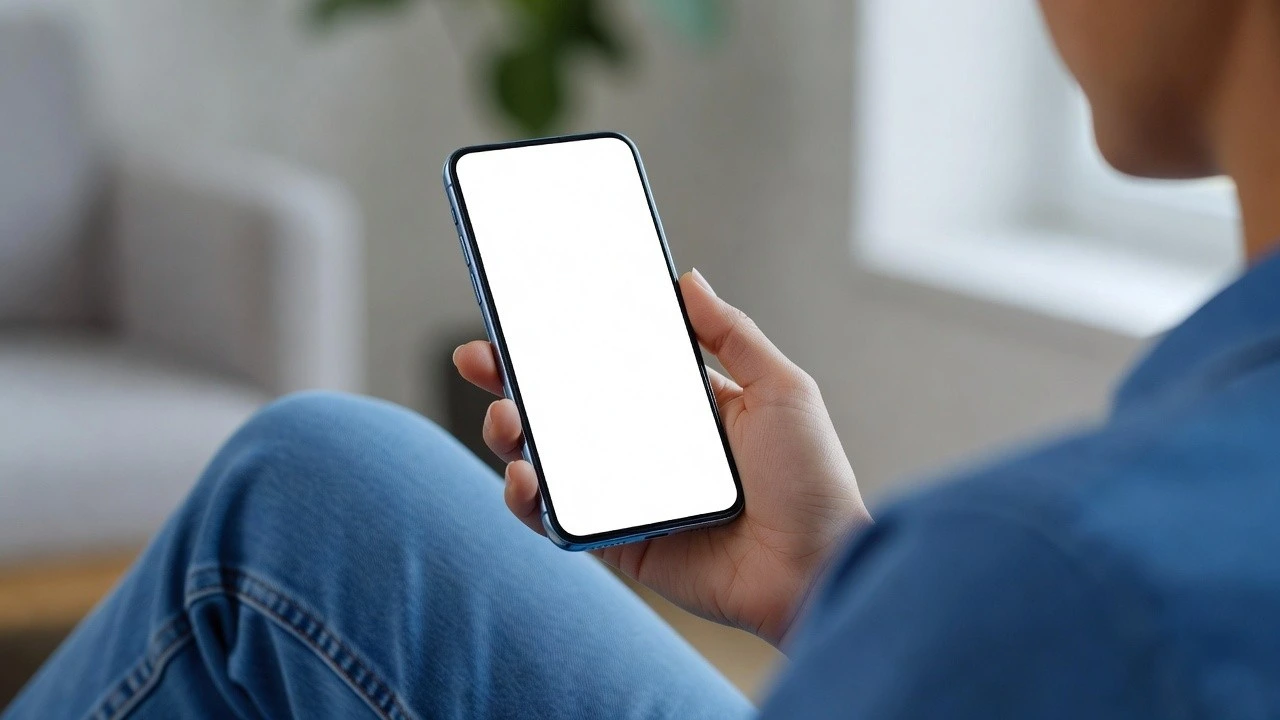
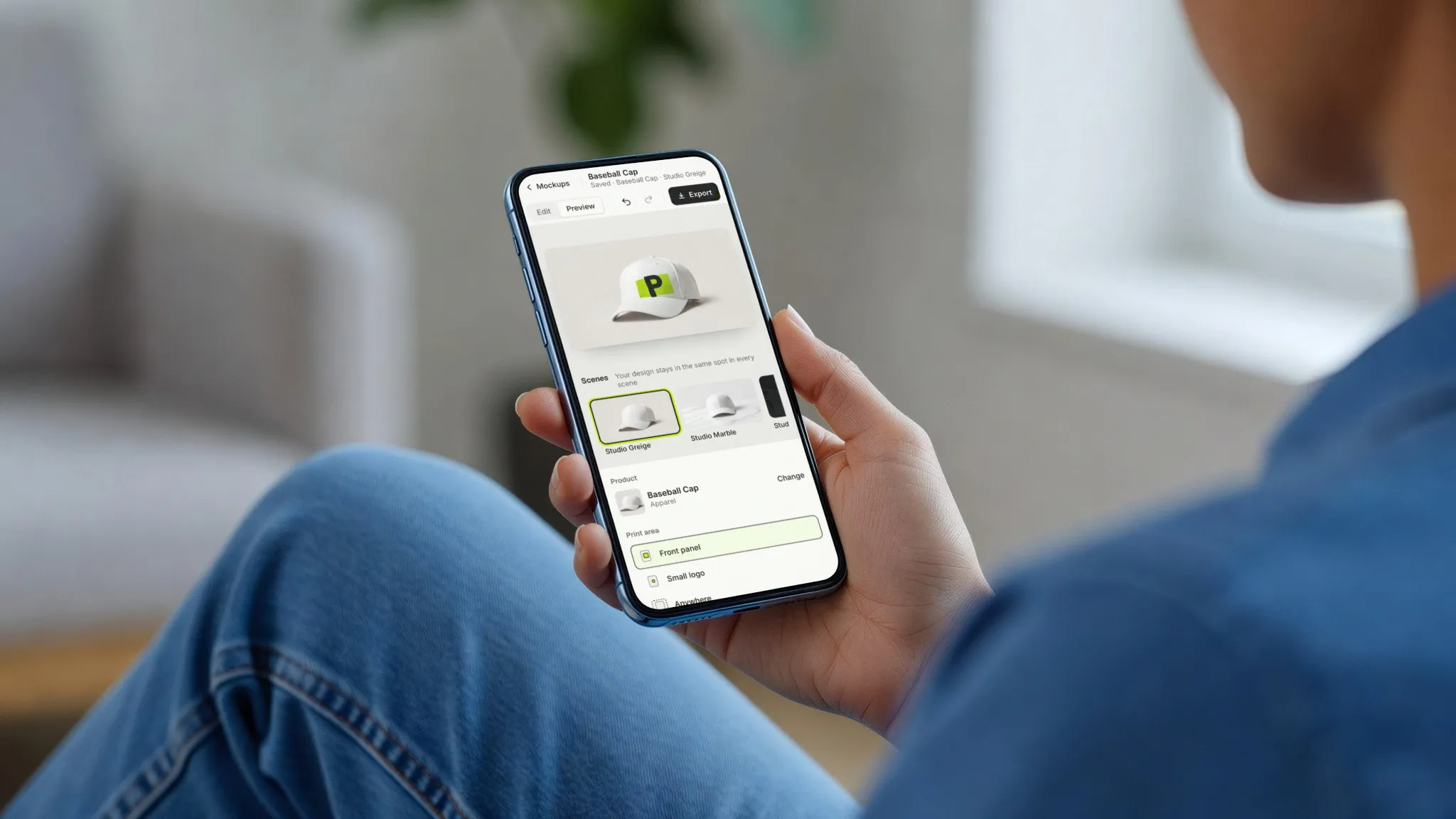 Phone · on the screen
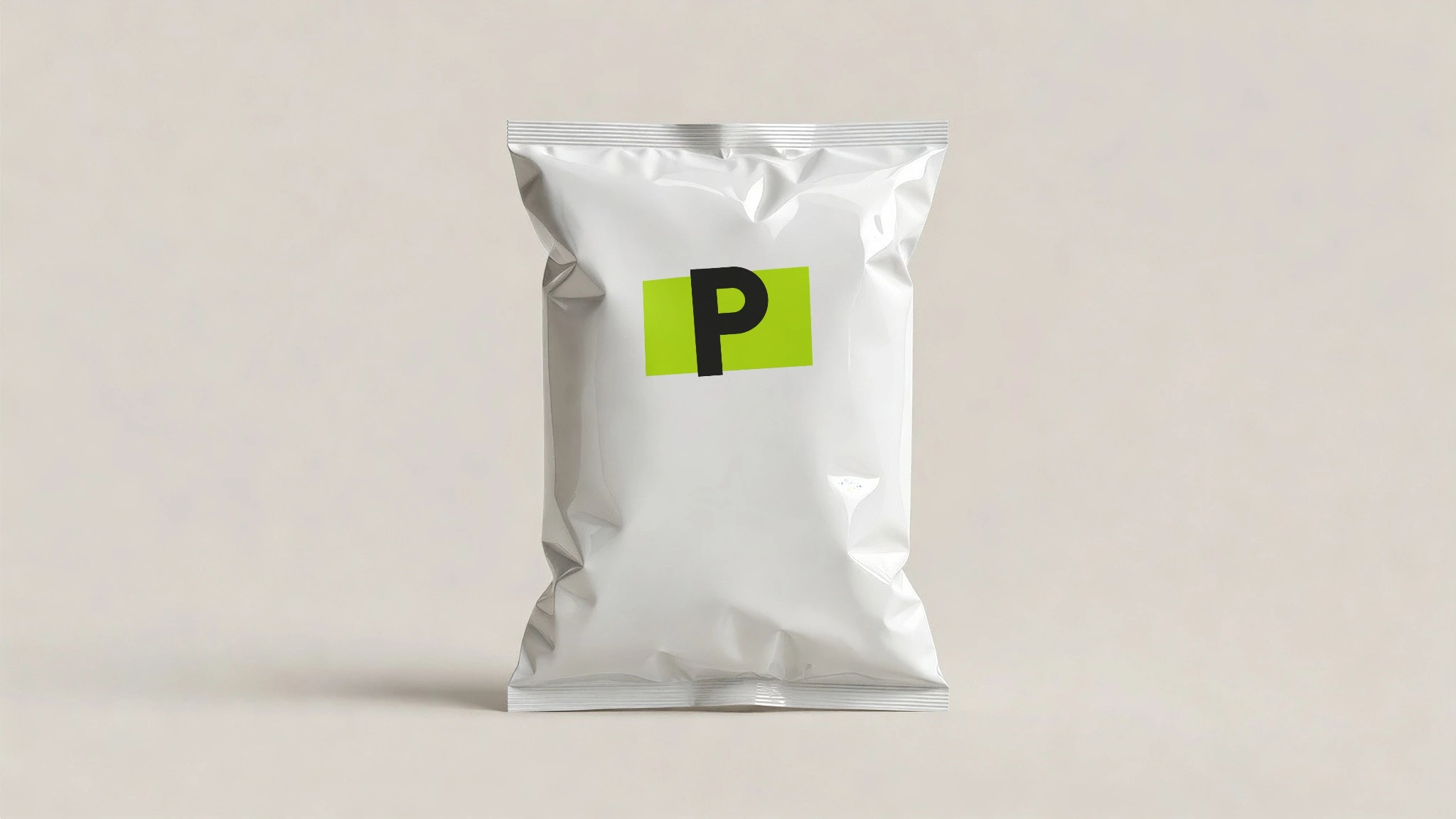
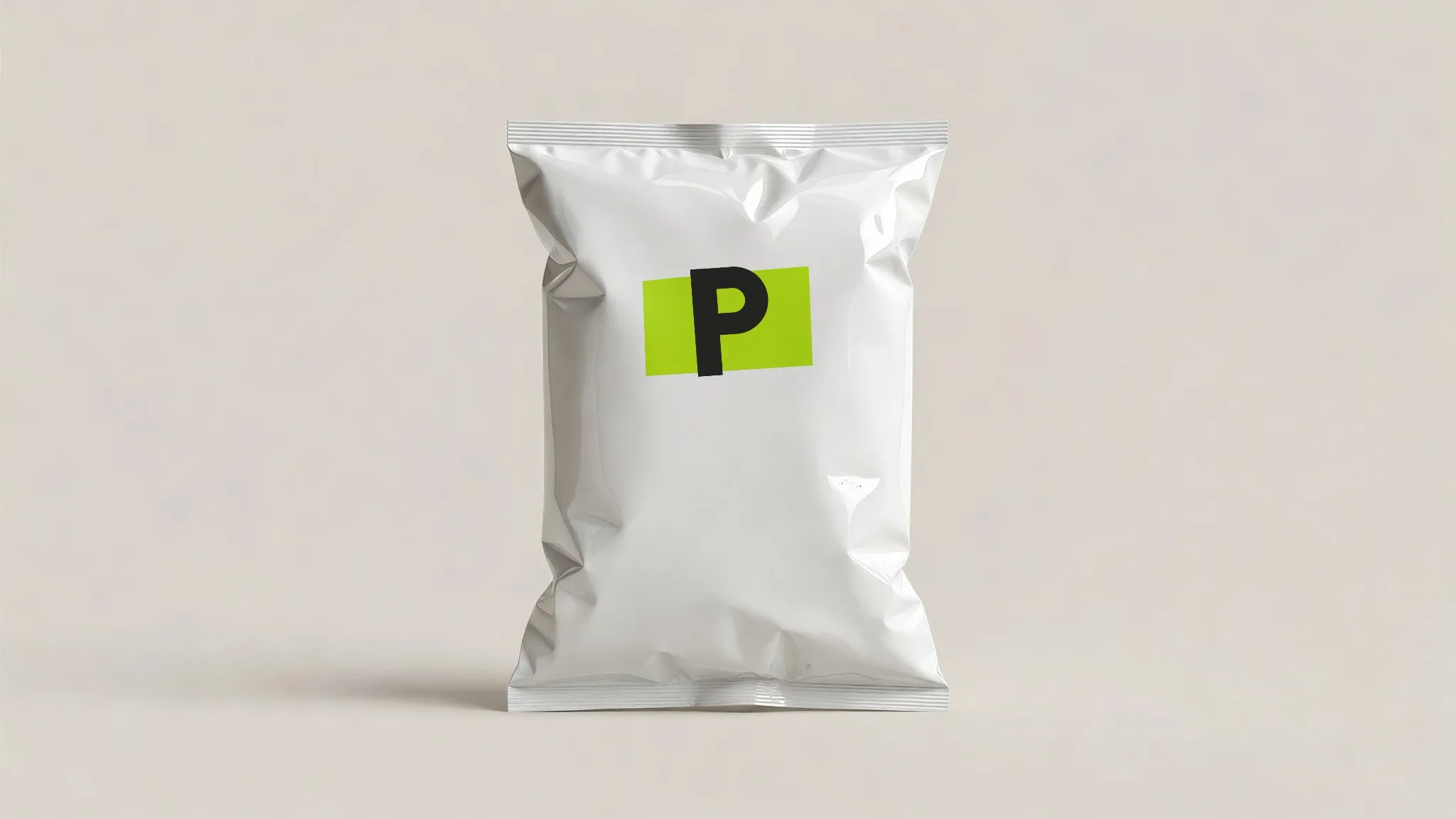 Chips bag · screen & digital print
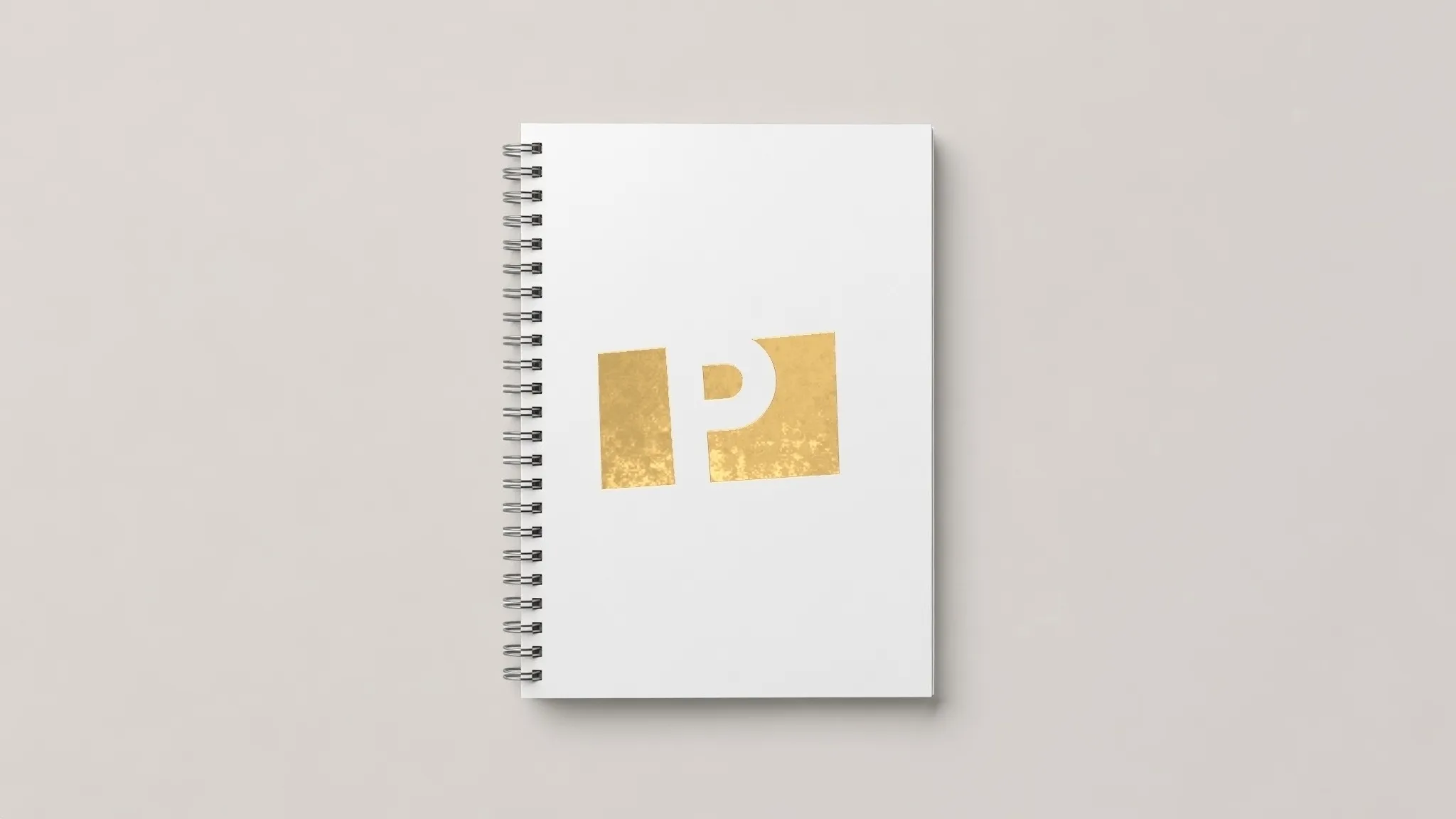 Notebook · hot foil stamping
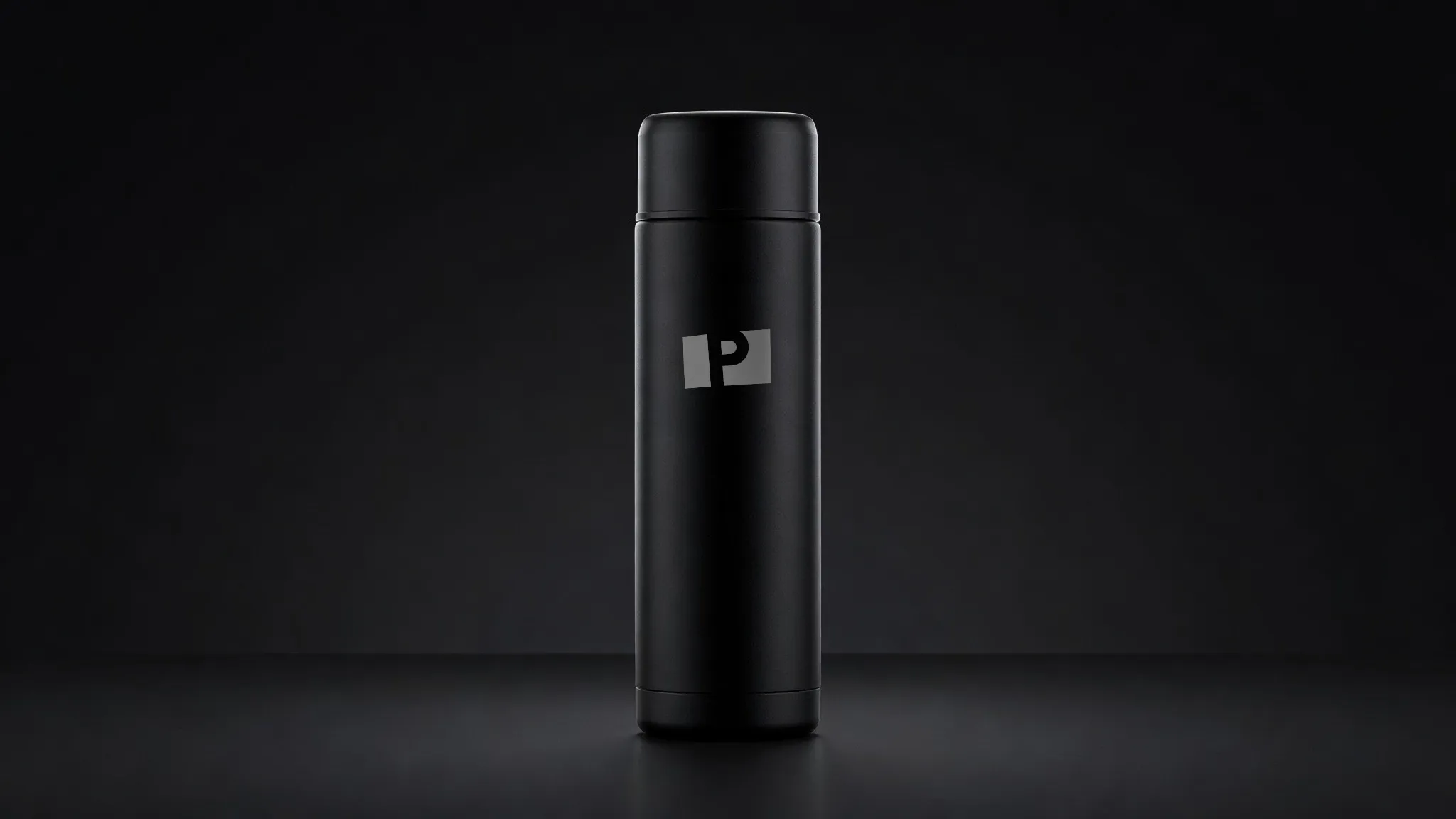 Flask · laser engraving
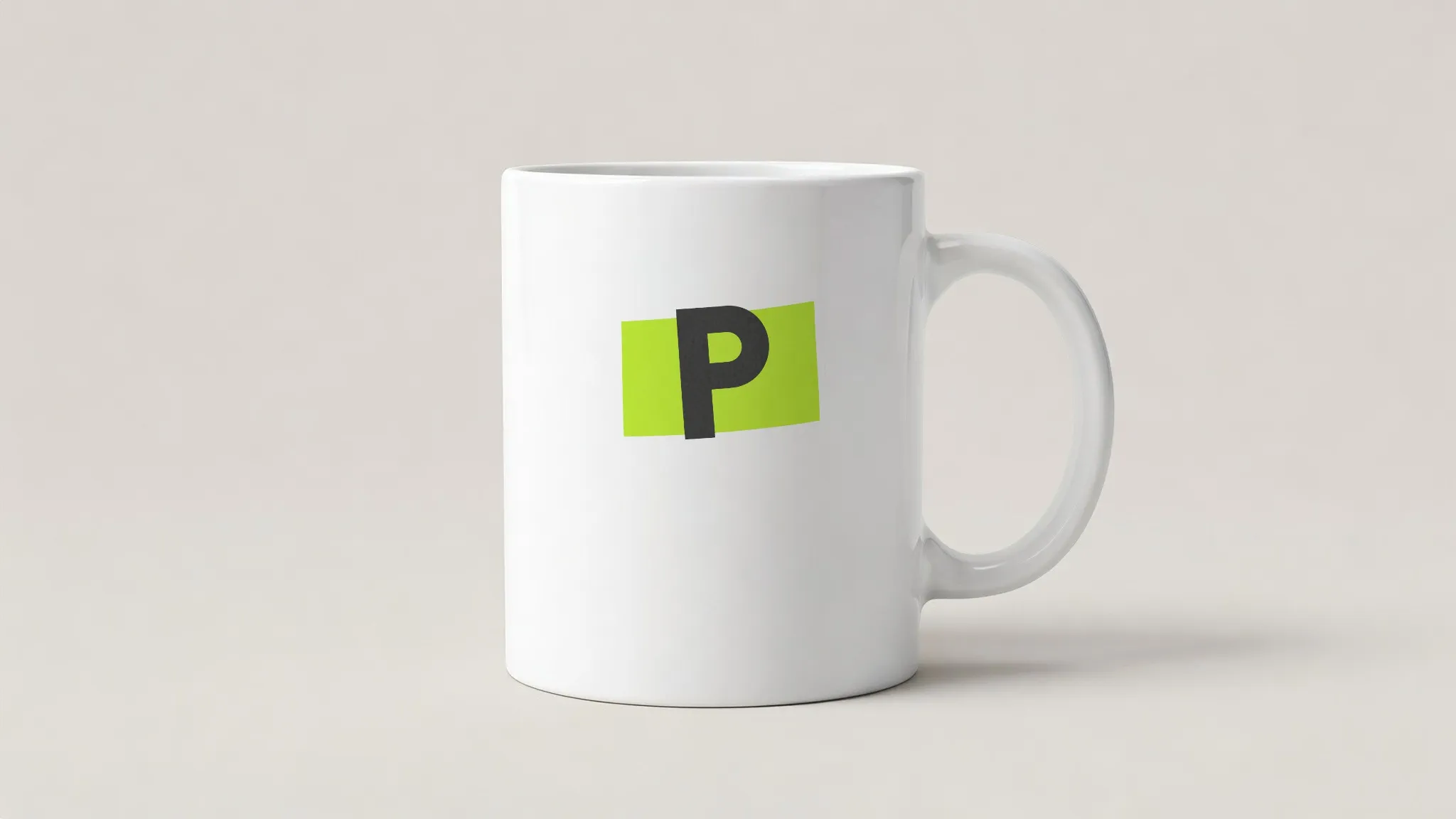 Mug · sublimation
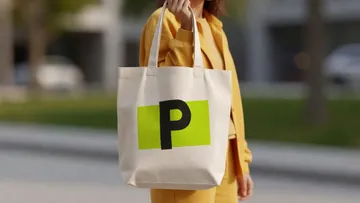
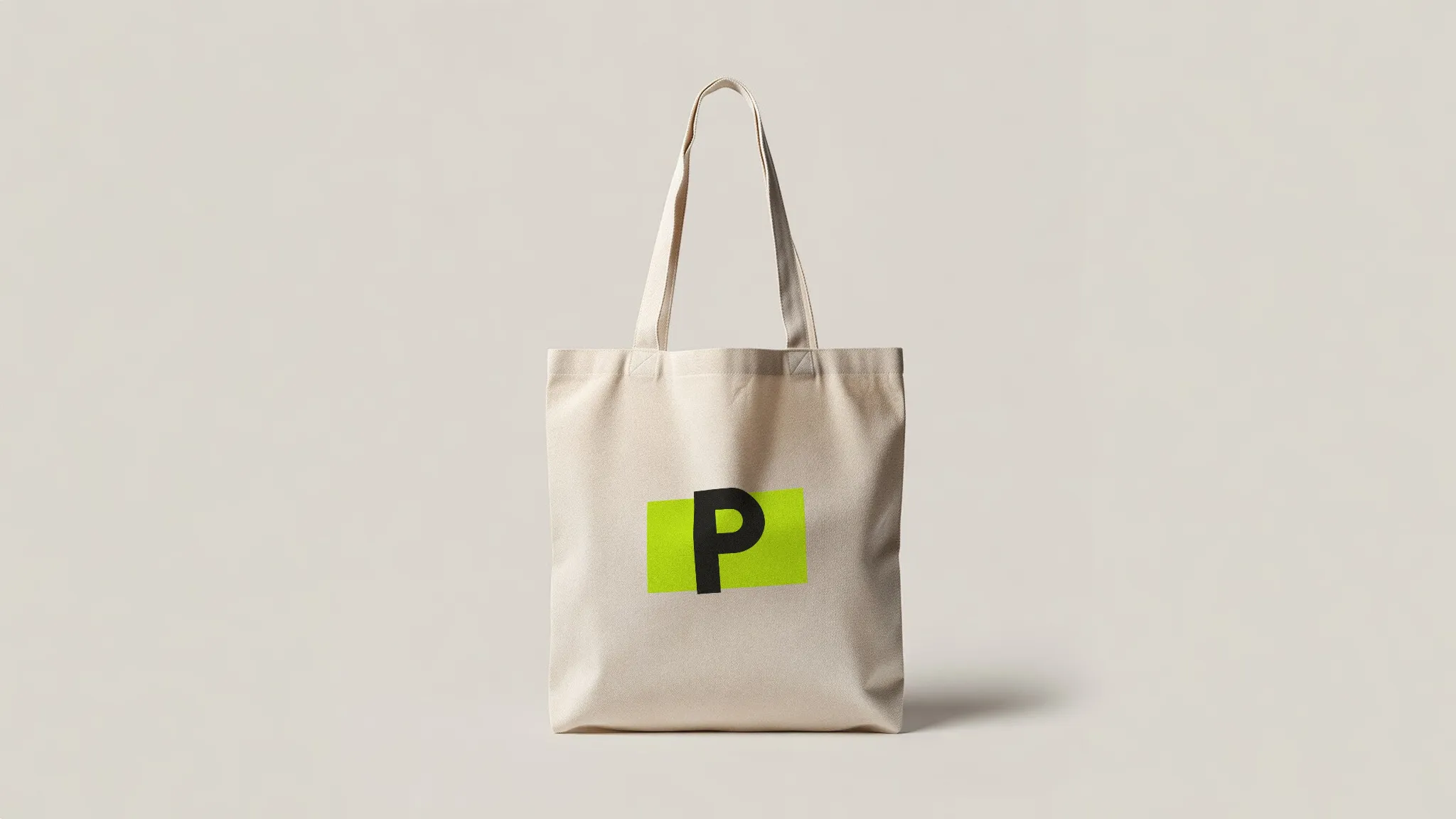 Tote · screen & digital print
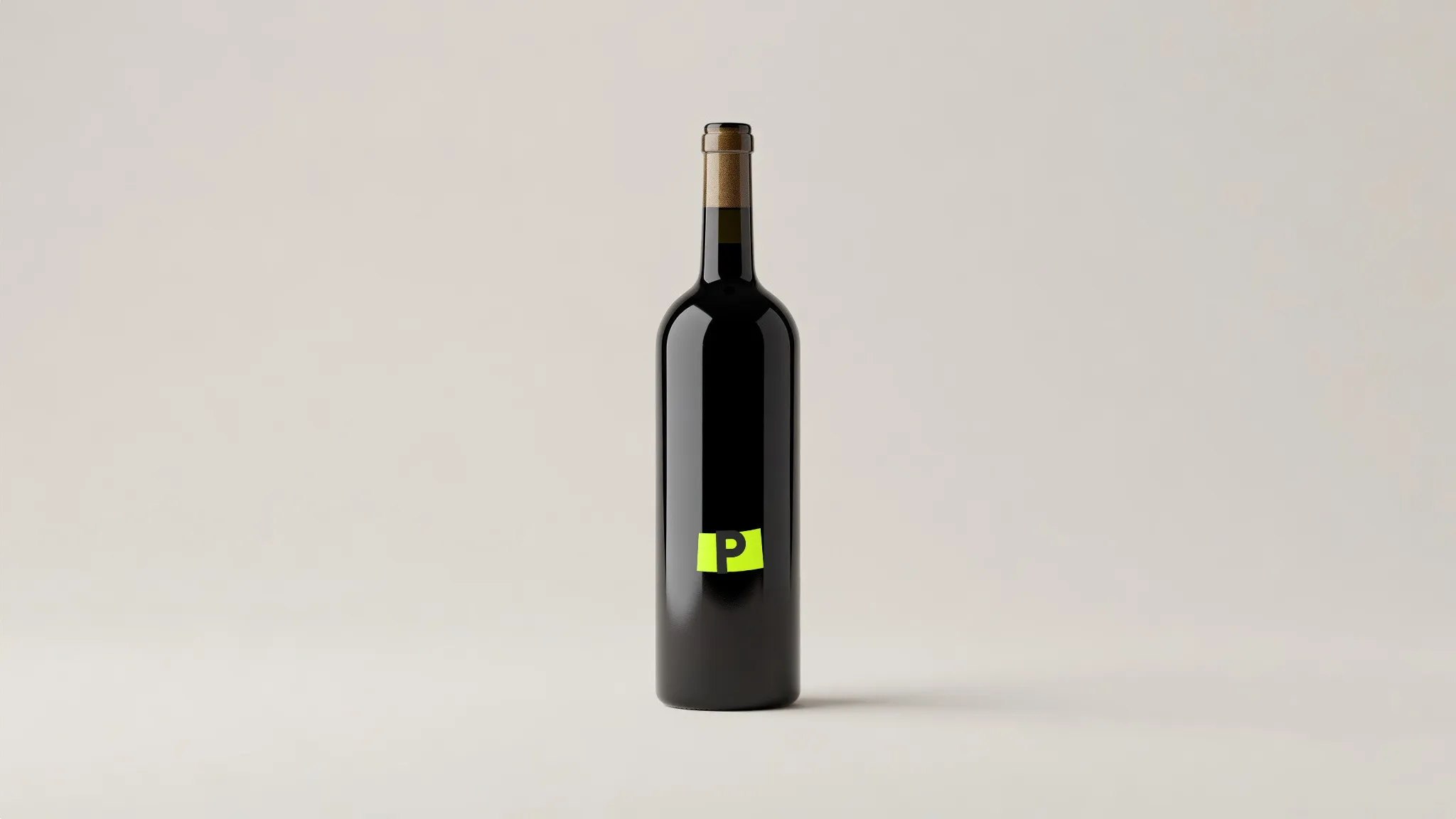 Wine bottle · stickers & labels
407 products in the library. Mugs to milk cartons, boarding passes to roll-up banners.
See all 407 productsYour file.
Not a guess of it.
Nothing is generated. Letters, colours and proportions come from your file; the photo only adds its light, its surface and the way the thing is made. Same file tomorrow, same result.
However it's made.
Pick the way it is really produced. Each one follows the surface and takes the light of the photo.
Ink that takes the board, the fabric or the glaze. Offset, screen, sublimation and labels, each on the materials they really print on.
Offset, screen, sublimation, labels →
Thread with a direction and a little height, catching the light of the room. Embroidery, 3D puff and patches.
Embroidery, 3D puff, patches →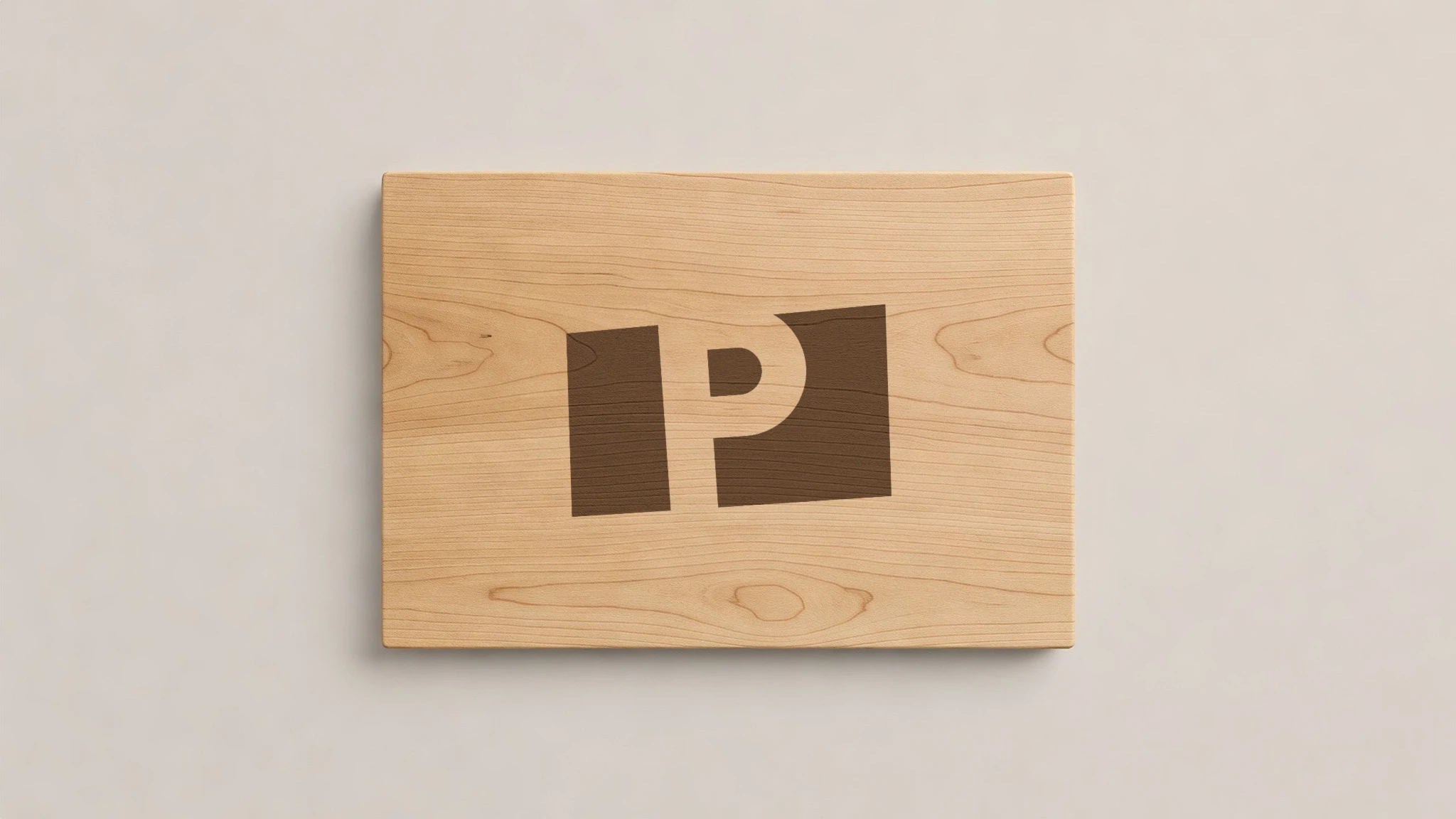
A laser that burns wood, cuts through paint down to the metal, or frosts glass. One tone, exact edges.
Laser engraving, glass etching →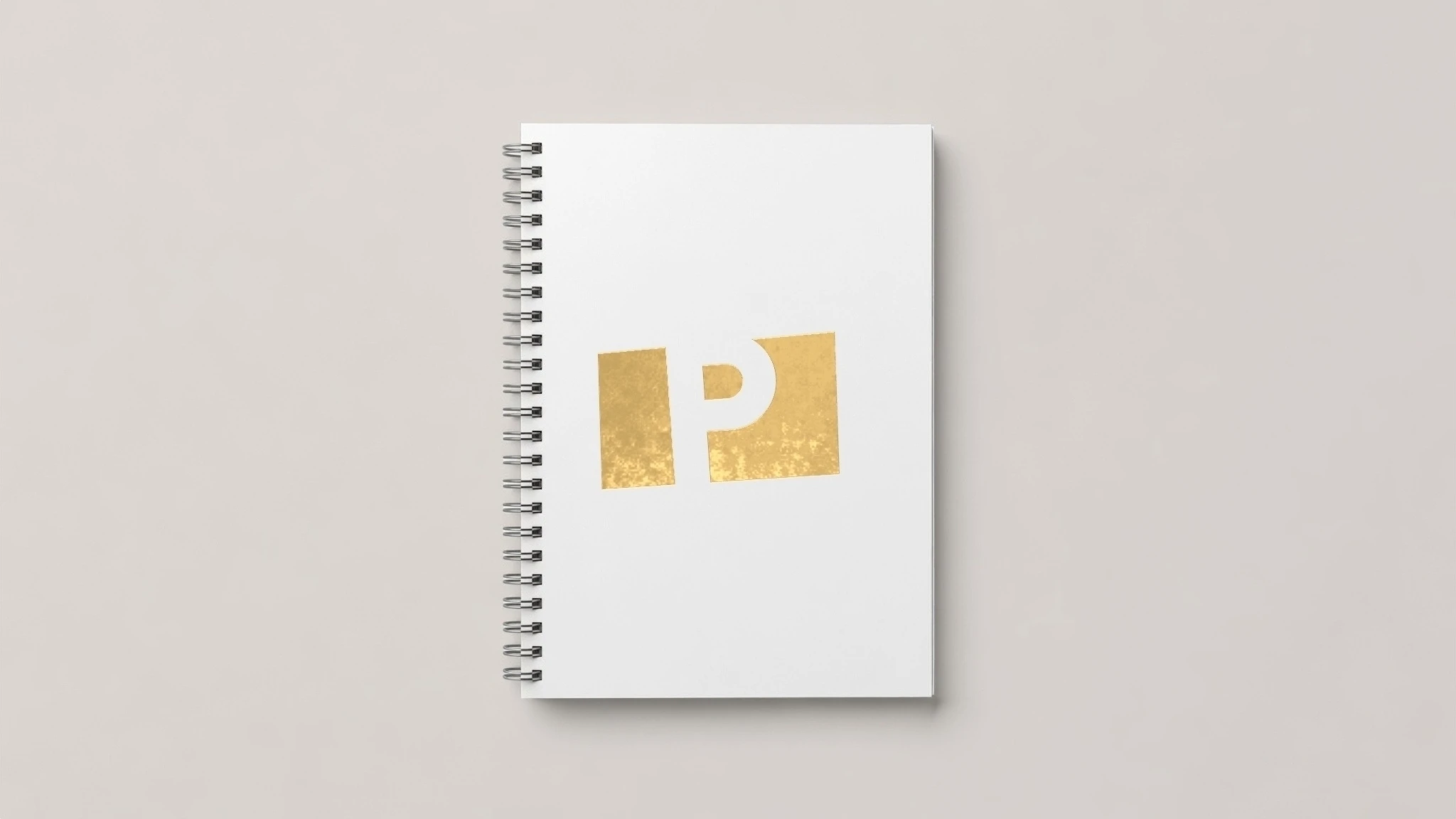
Metal on paper that reflects the light around it. Hot foil, emboss, deboss and spot UV on board and leather.
Hot foil, emboss, deboss, spot UV →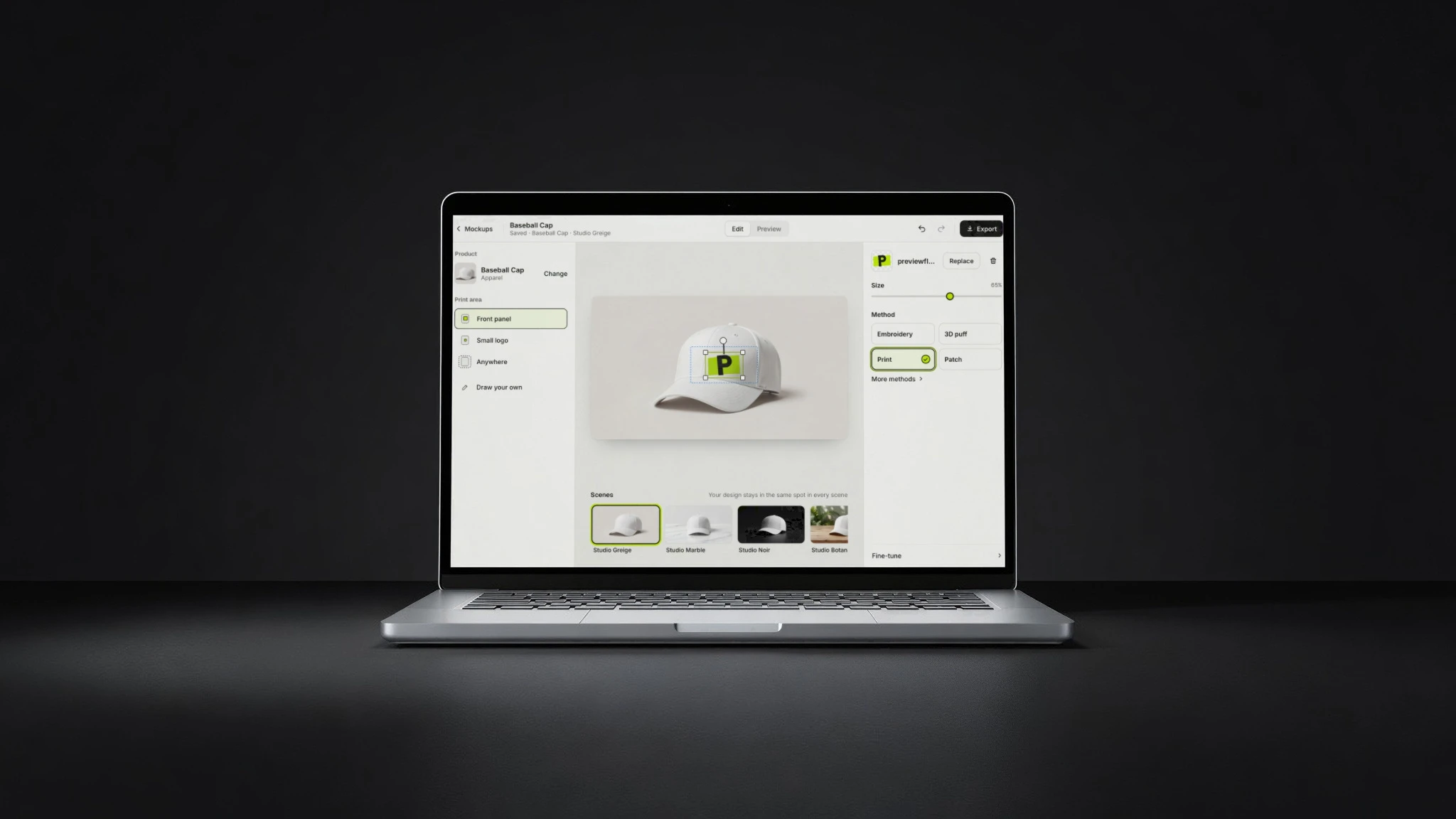
Your screenshot on a phone, laptop, tablet or watch, under the glass and in the light of the photo.
Phones, laptops, tablets, watches →Your background.
Your rules.
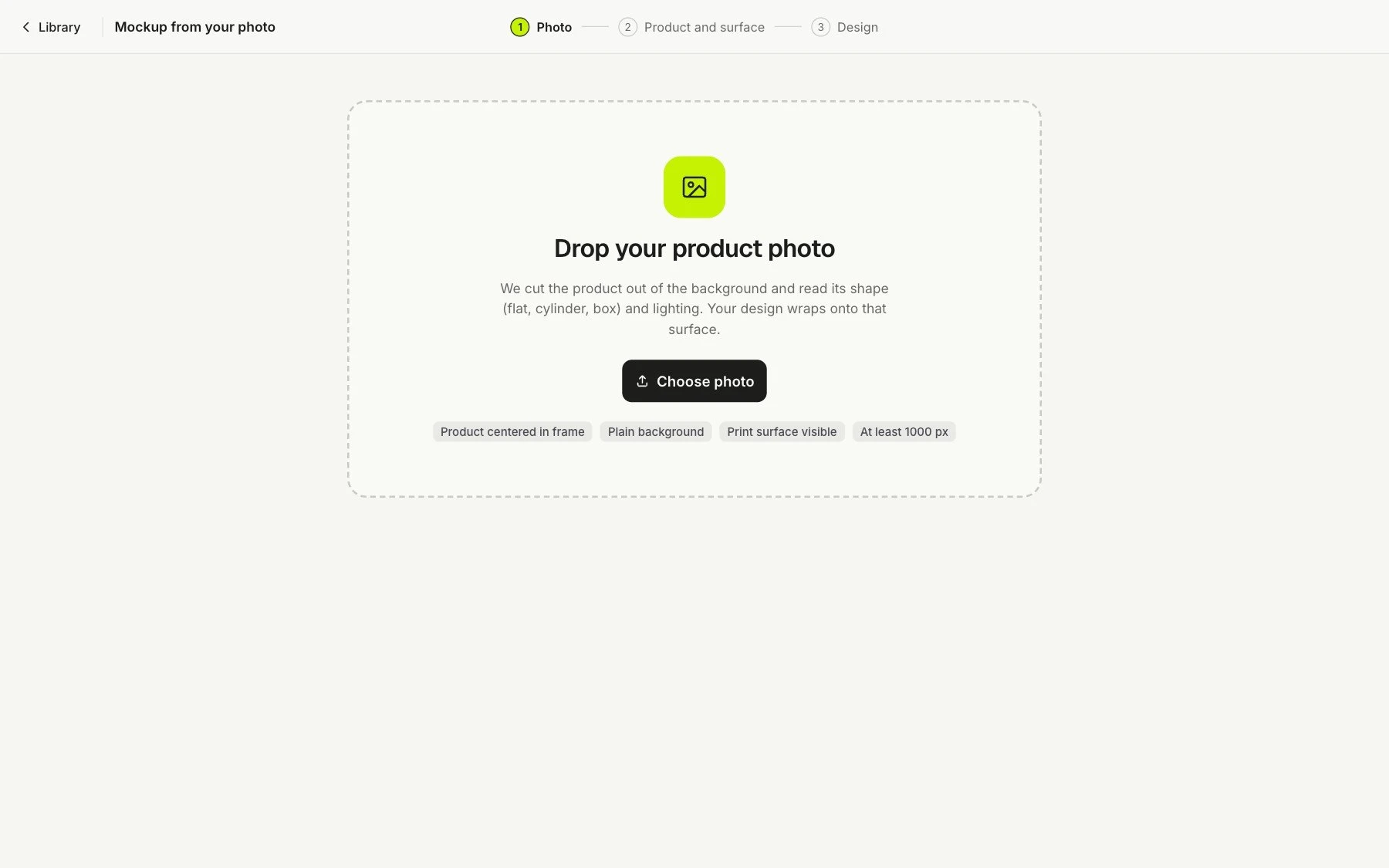
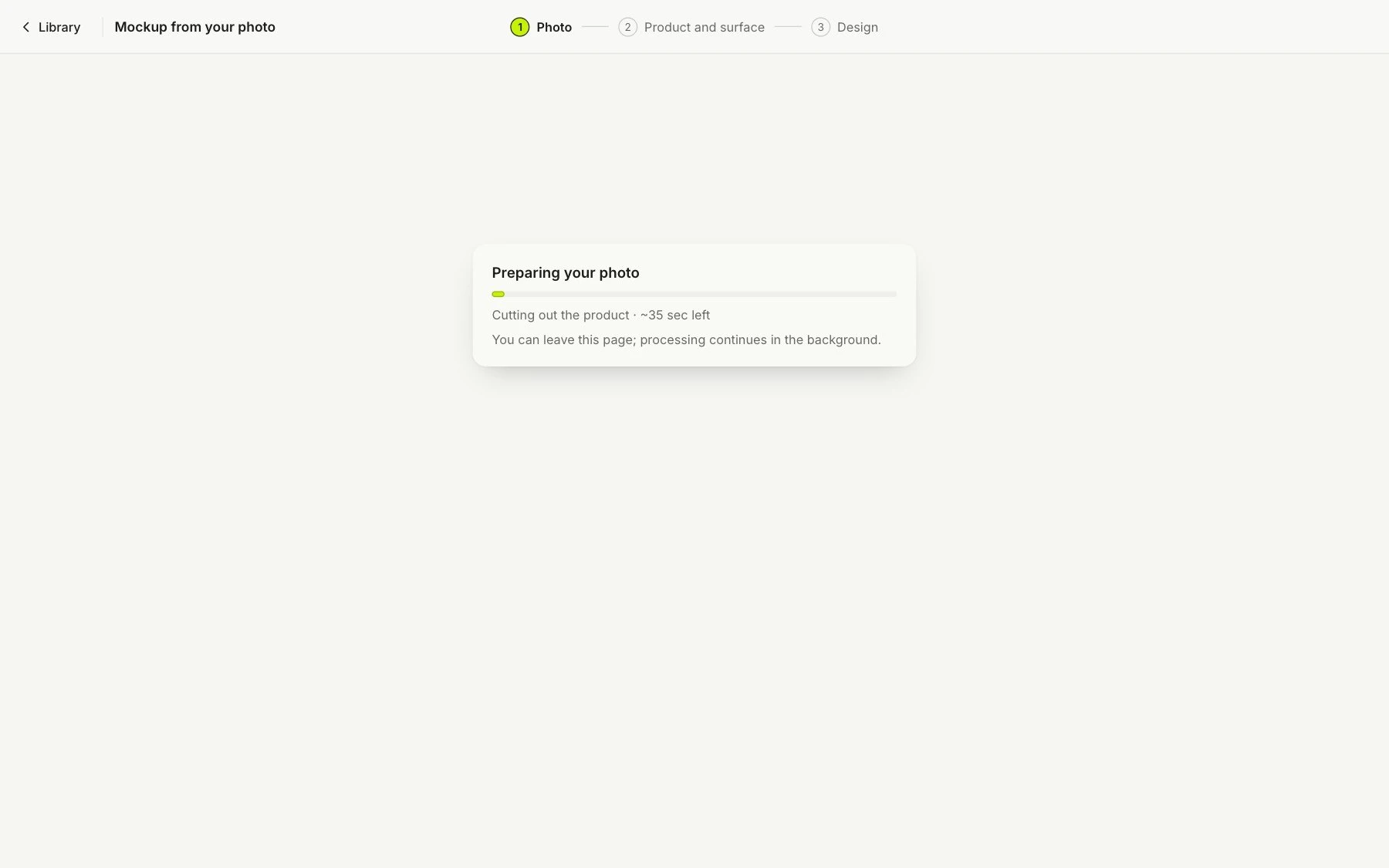
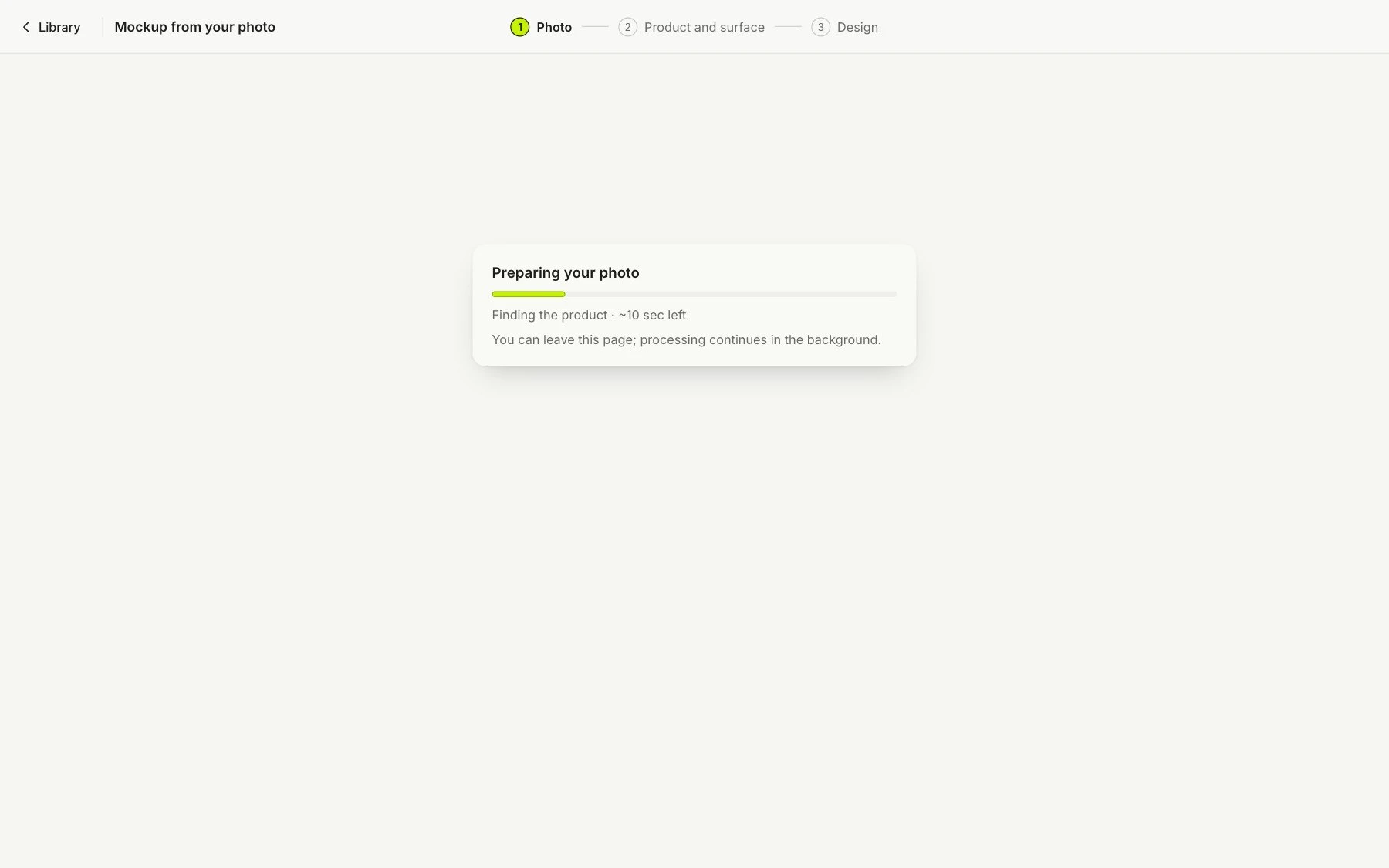
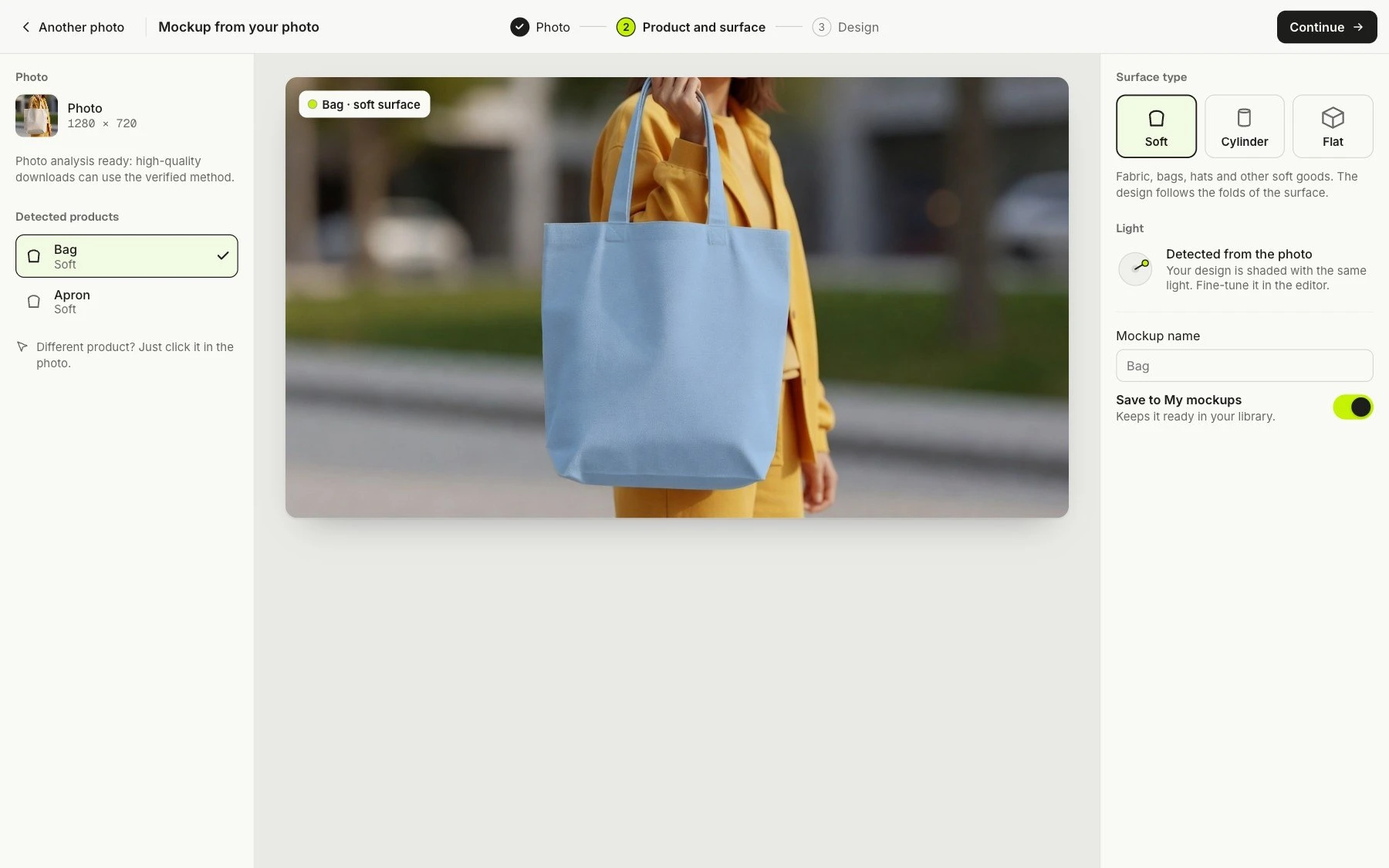
Your product on your desk, your shelf, your shop window: any photo becomes the mockup scene. PreviewFly finds the product, follows its shape and light, and redraws nothing else. No templates.
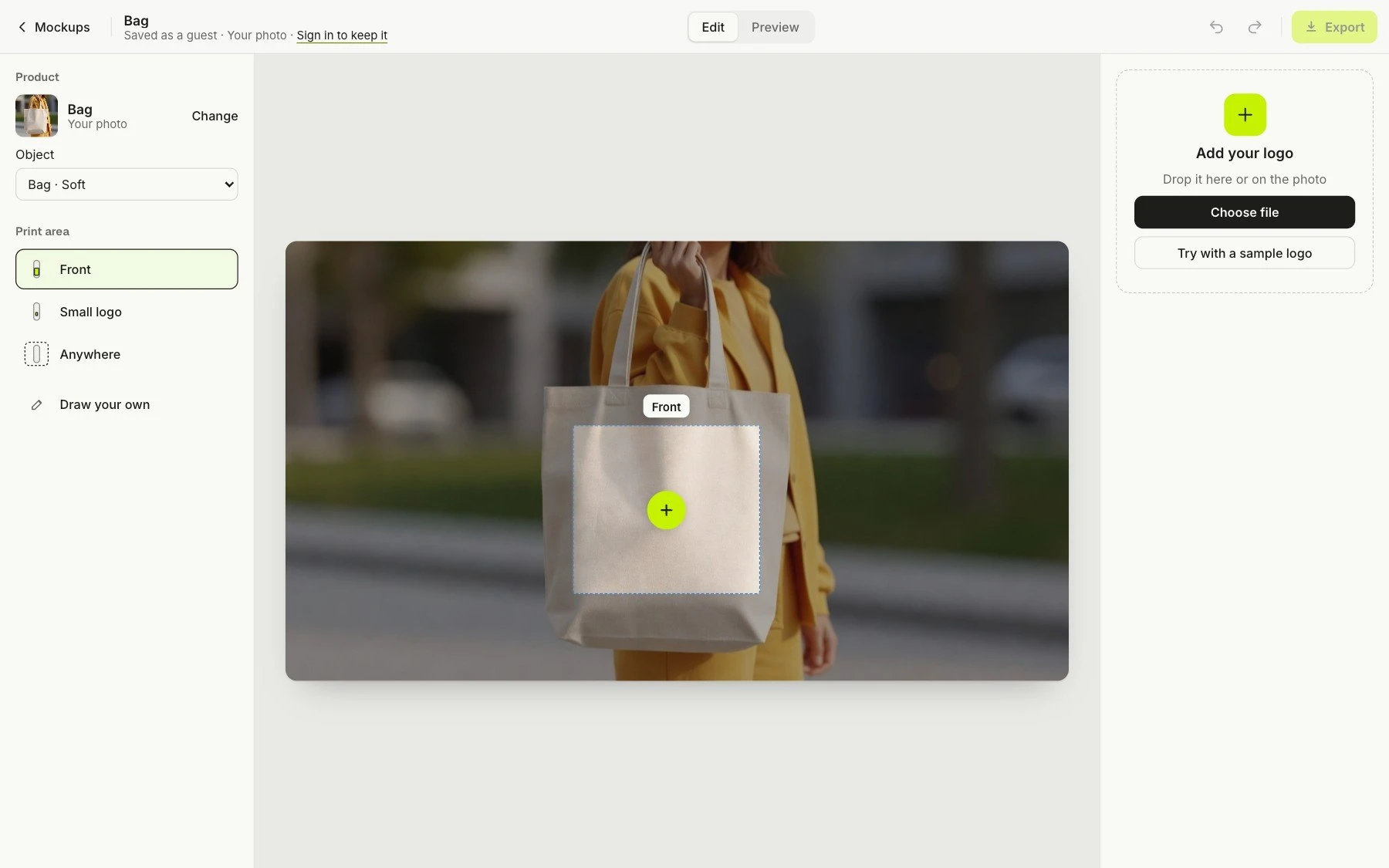
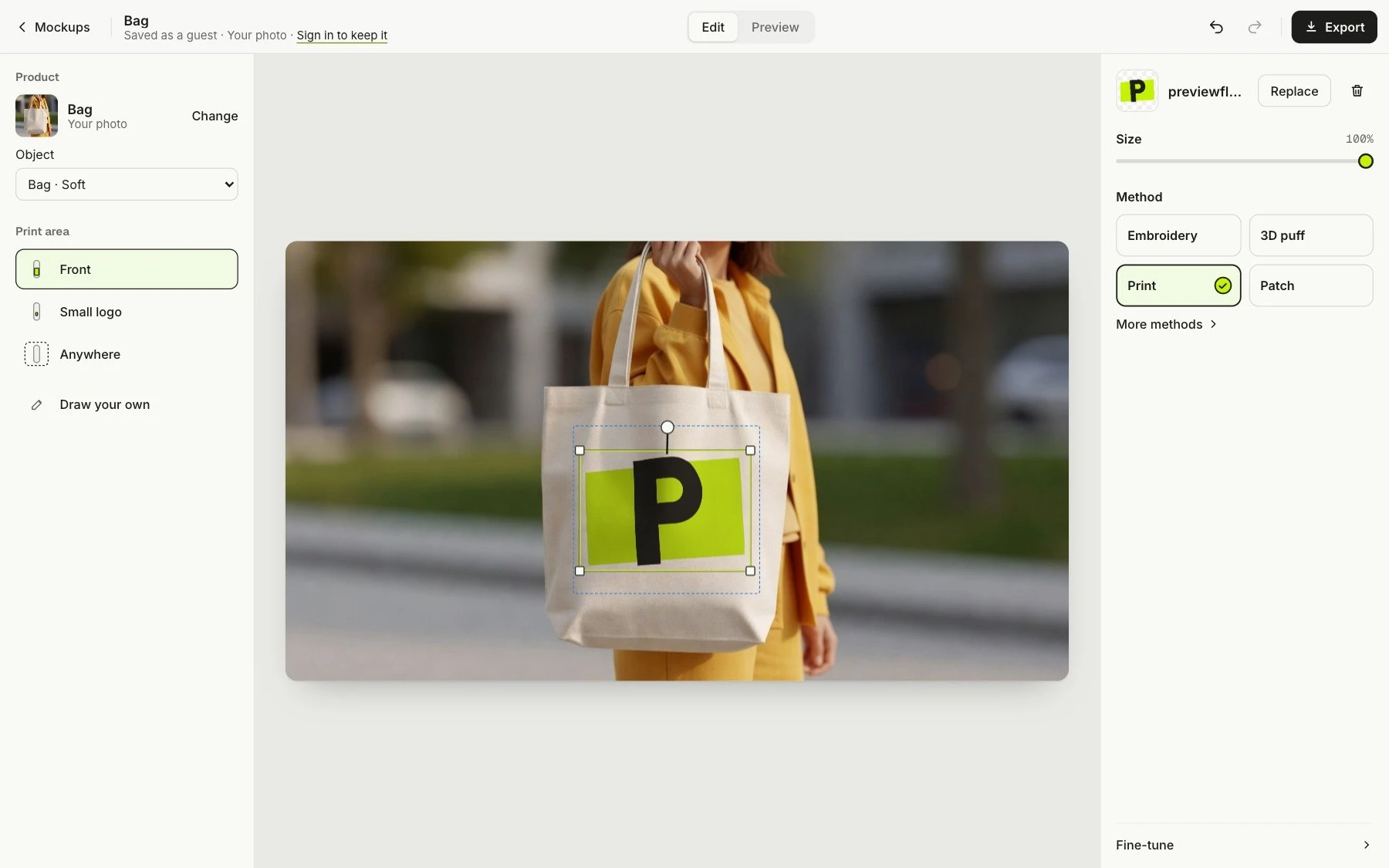
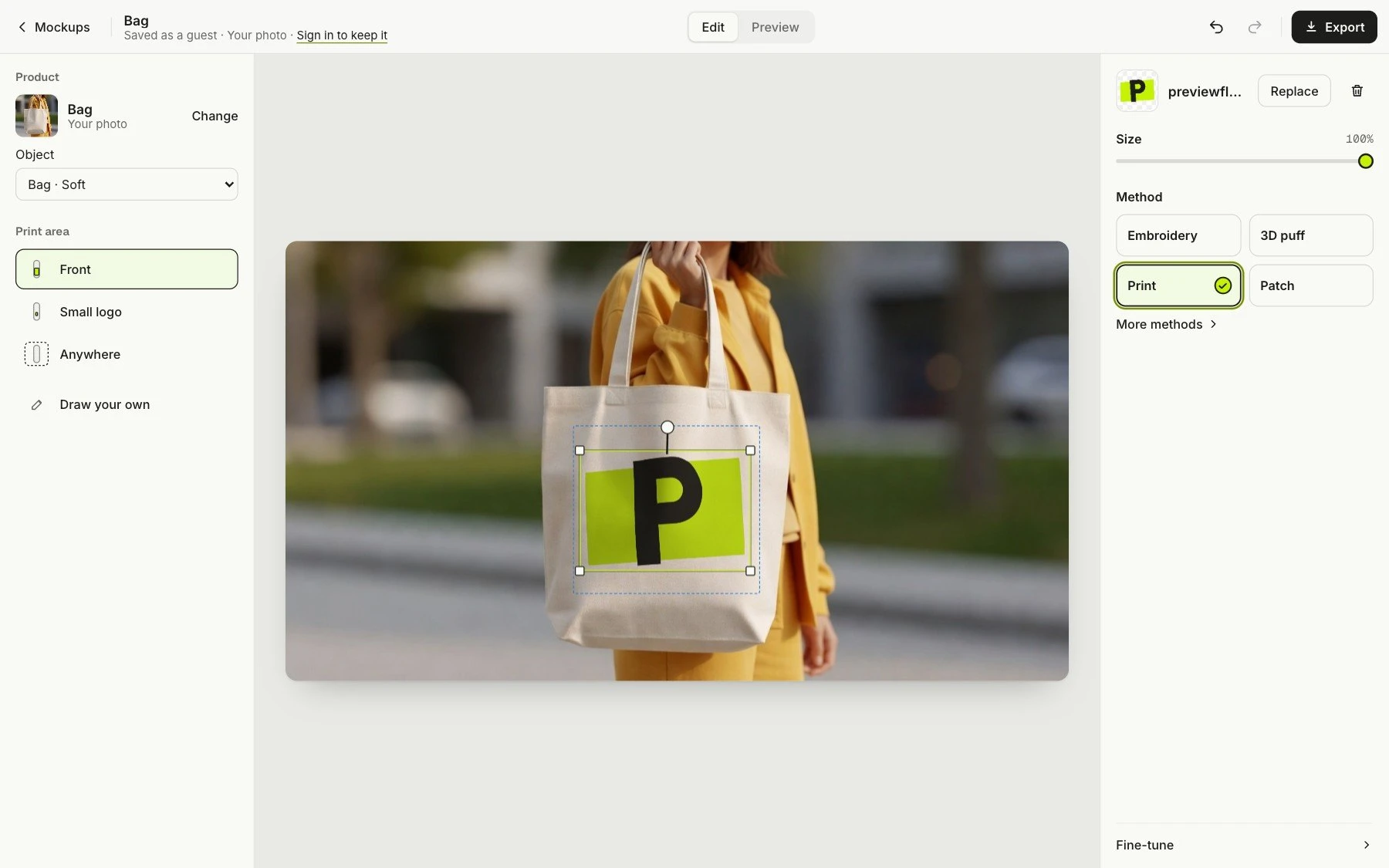
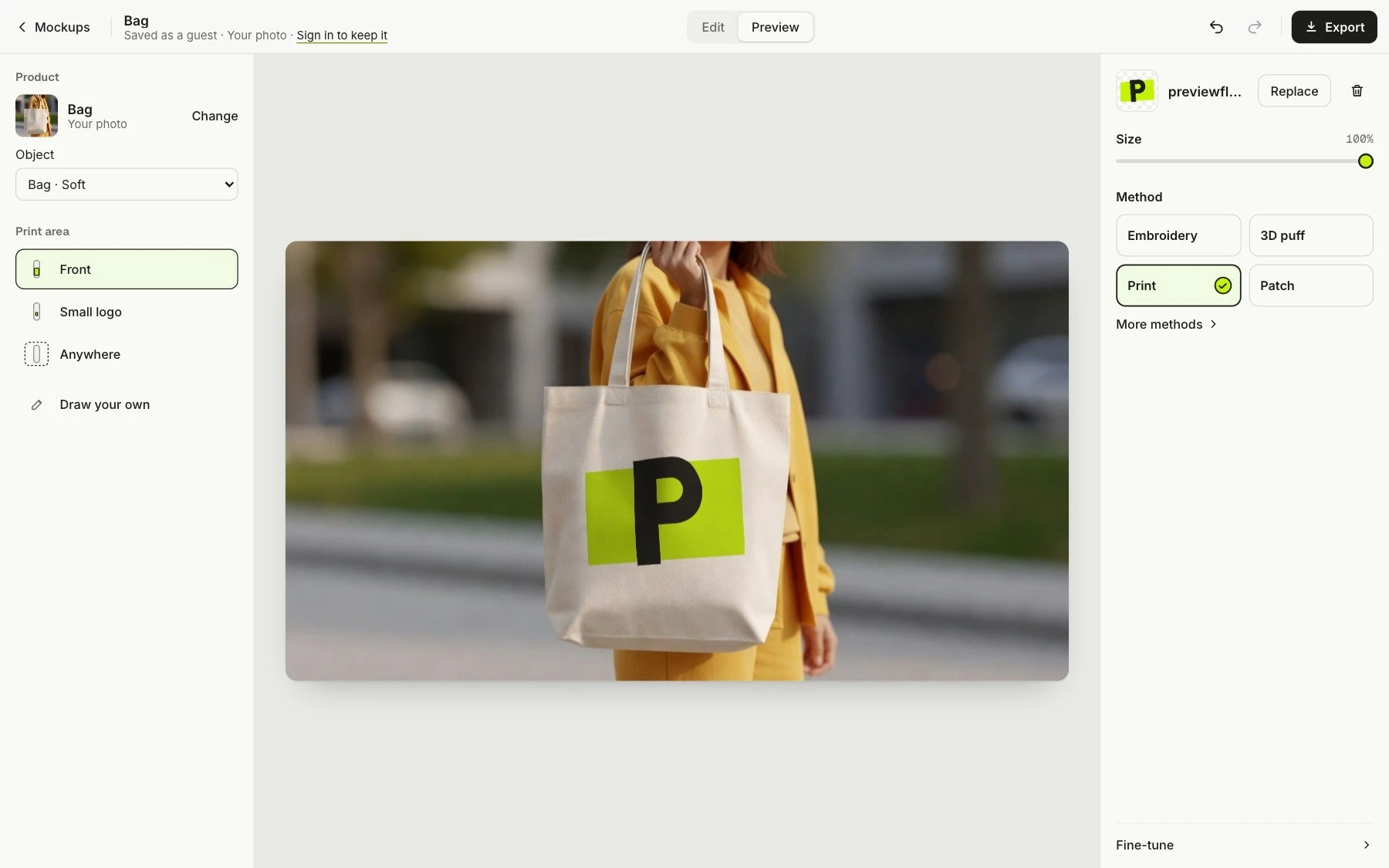
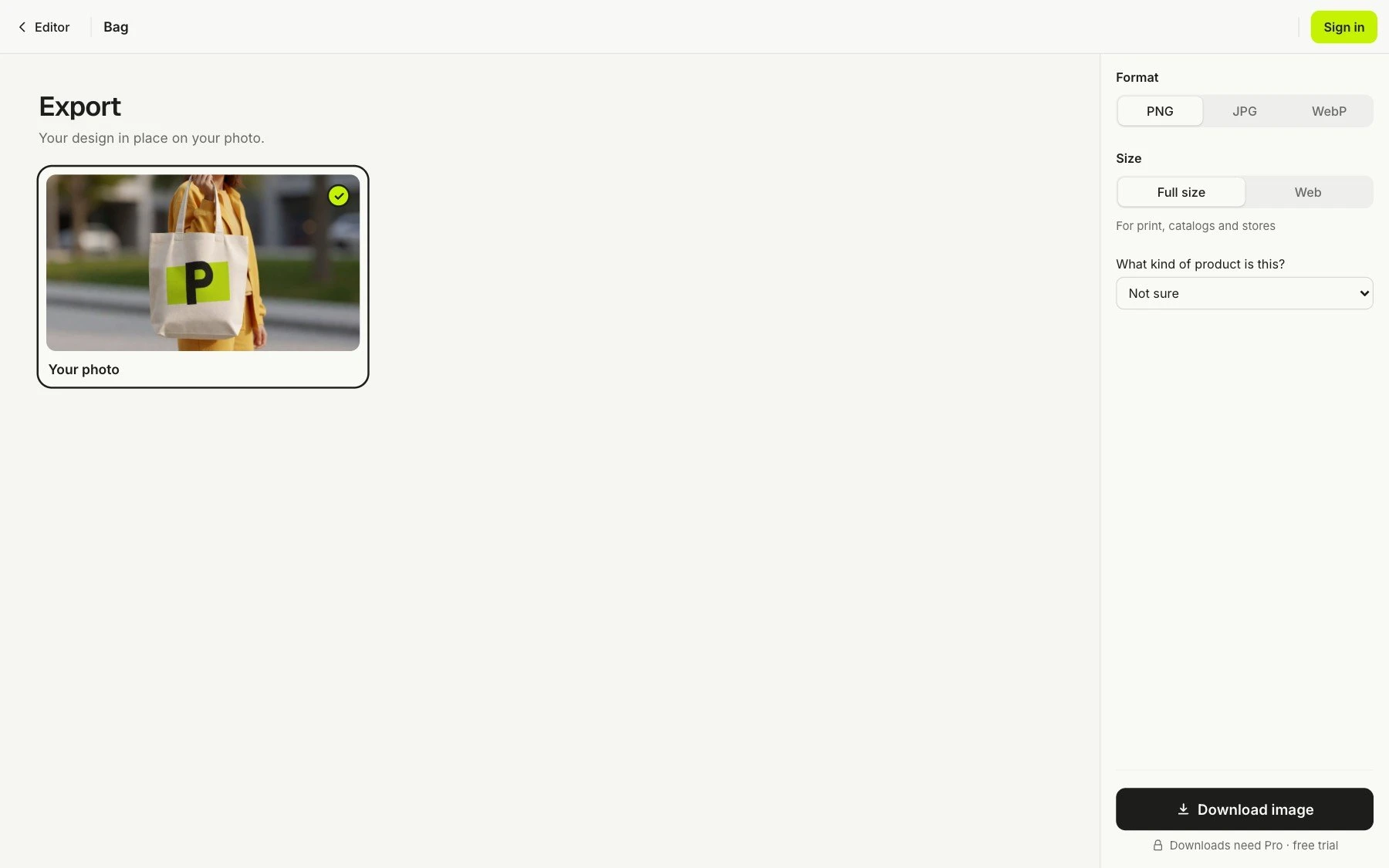
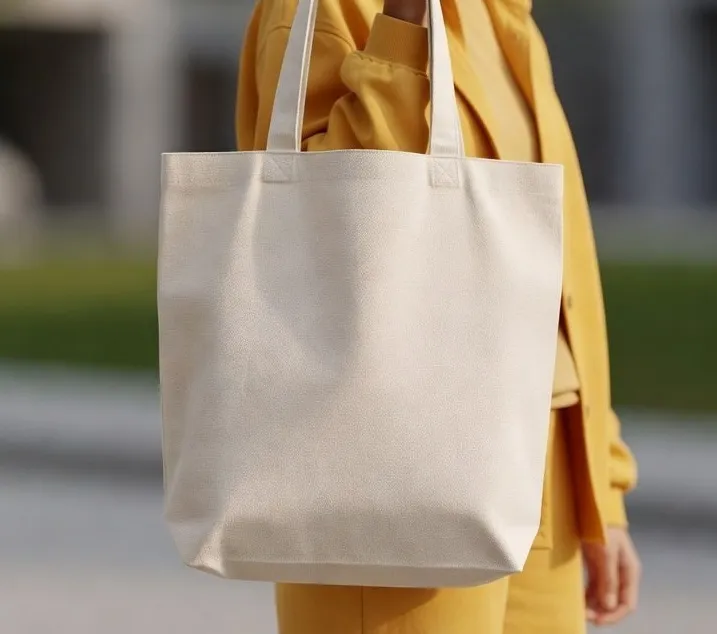
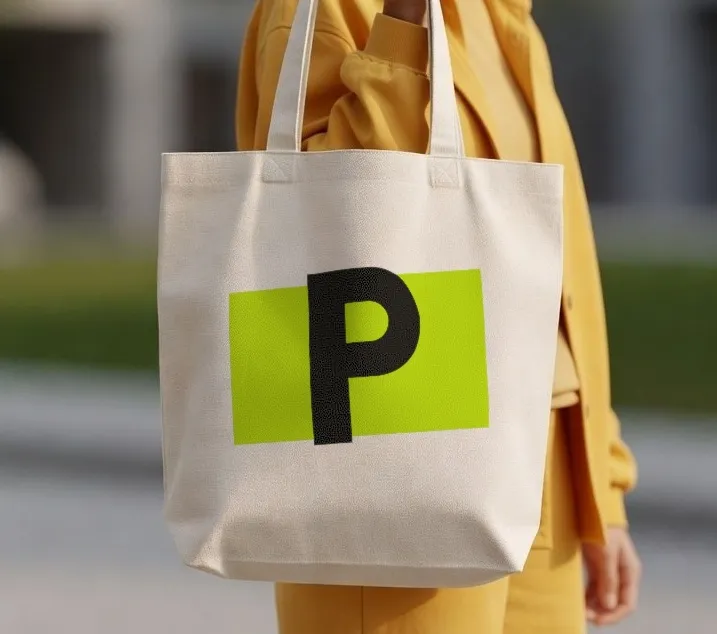
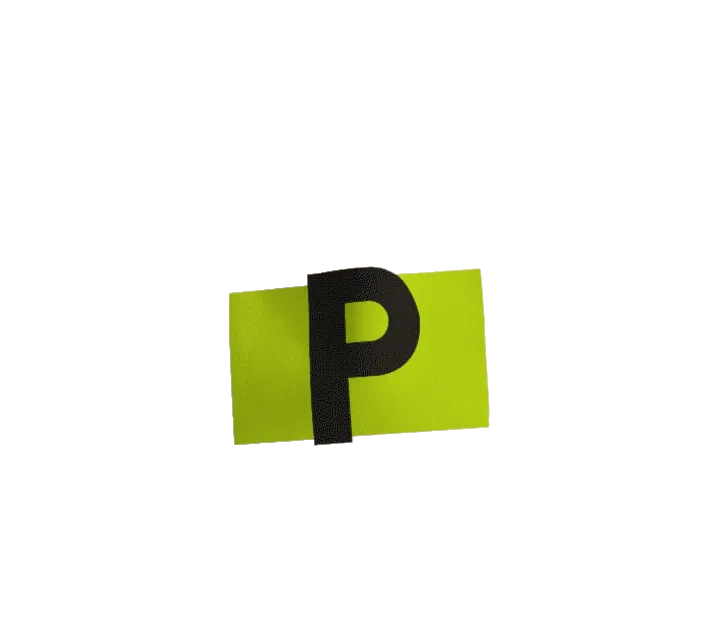
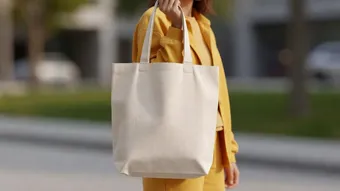
A screen recording of the PreviewFly app: a photo of a tote bag is uploaded, the app finds the bag, the PreviewFly logo is dropped on it, print is chosen, the view comes apart into three layers (the logo file, the print as it sits on the fabric, and the photo), which settle back into the finished mockup, and the mockup is exported.
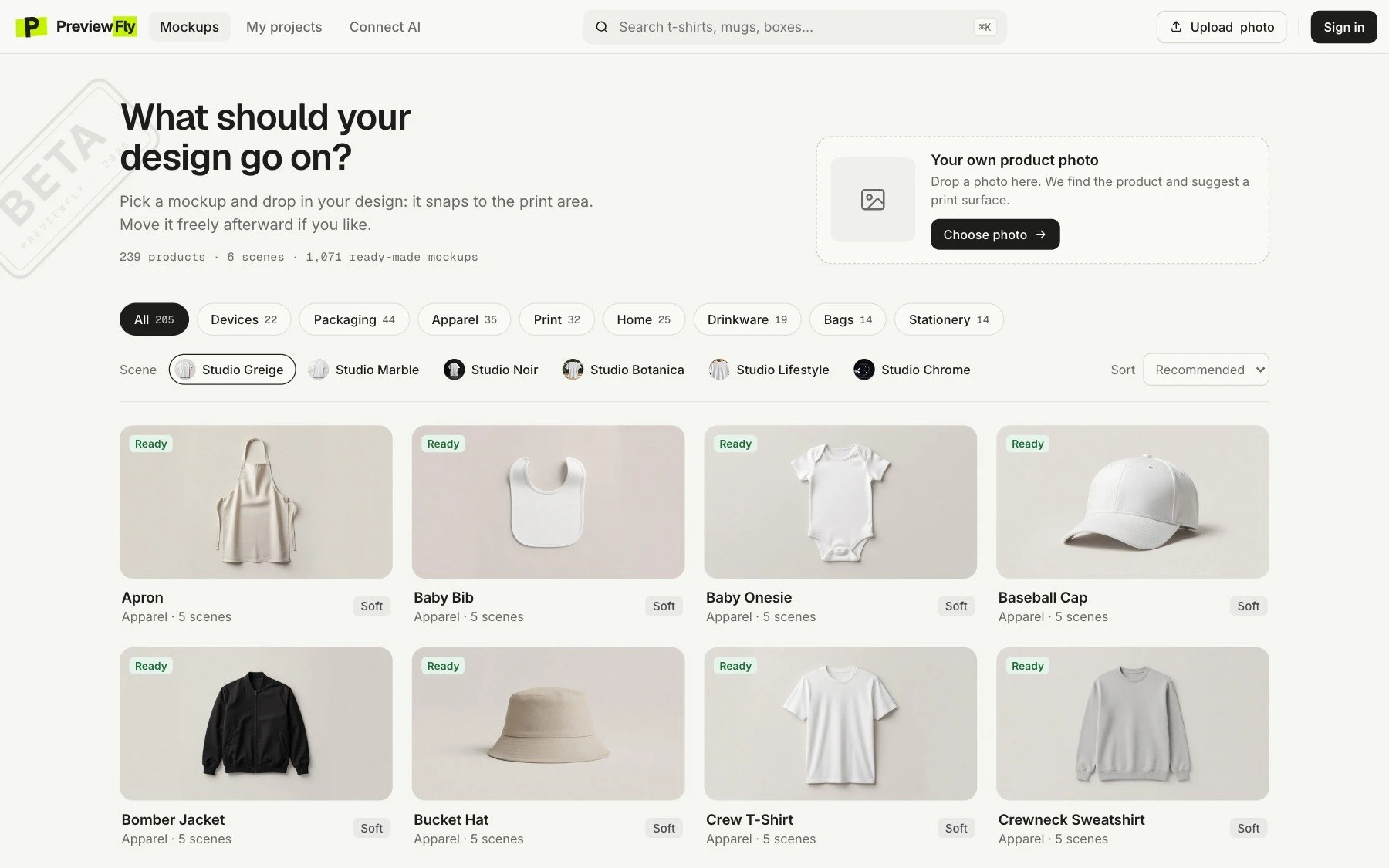
Mockups from your AI chat.
Connect PreviewFly to Claude, Codex, Cursor or any MCP client. Ask for a takeaway cup in offset print, or share a photo of your own: it sets the mockup up and gives you the link.
See how to connectPut our logo on a trucker cap, in 3D puff.
PreviewFly · create_mockup
Done: your logo is on the trucker cap in 3D puff embroidery. Open it in PreviewFly to see it.
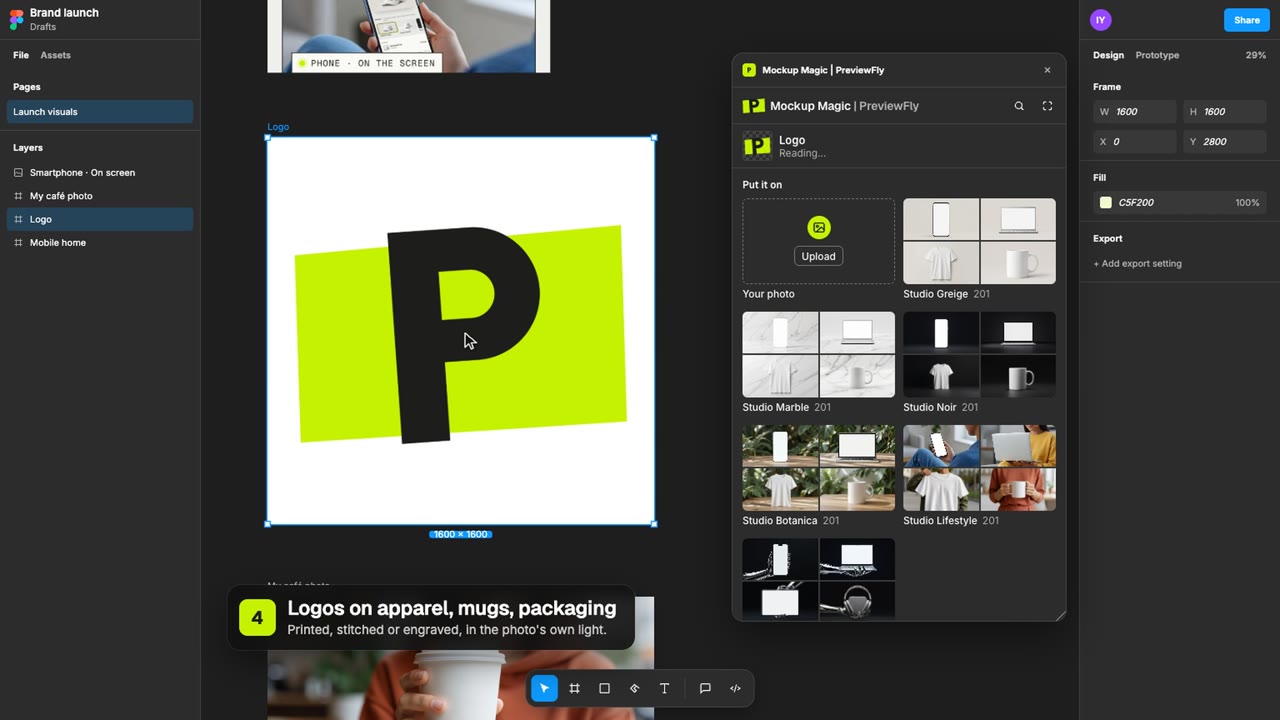
Mockups, right in Figma.
Select a layer, pick a product, and the finished mockup lands on your canvas. Change your design and update its mockups in place. The same 407 products and six studio looks, or a photo of your own.
- Follows your layer while you place it
- Update from design, one click
- Teammates edit their own copy
Preview free.
Try Pro for 7 days.
Every product, every technique and your own backgrounds are free to preview, and your first download is free too. Pro downloads the rest and connects your AI tools: $6.99 a month or $76.89 a year plus tax, with a 7-day free trial.
Is this AI?
Nothing in your mockup is generated. Your logo is placed, never redrawn, and nothing else in the photo is redrawn either. The blank products in our library are AI-generated photos, and they are labelled.
Will my logo change?
No. Letters, colours and proportions come from your file. Only the light and the surface act on it, the way they would on the real thing. Same file tomorrow, same result.
Can I use my own background?
Yes. Any photo works as the scene: your product, your desk, your shop window, a street. Upload it and PreviewFly finds the product, follows its shape and light, and puts your logo on it.
What does it cost?
Previewing is free: every product, technique and your own photos, and your first download with a free account. More downloads and AI tools need Pro, $6.99 a month or $76.89 a year plus tax, and Pro starts with a 7-day free trial.
What can I put it on?
407 products in the library, from mugs and caps to pizza boxes, boarding passes and laptops, or a photo of your own product. In the beta some photos will not work yet; when one fails, tell us.
Is the preview what I download?
Yes. The final preview is the final render: the file you download is the one you saw.
Which logo files can I use?
PNG, JPG, WebP or SVG. A transparent PNG or an SVG gives the cleanest edges.