Use cases Merch and swagCaps, tees, bottles and totes for a team or an event.
 PackagingBoxes, bags and labels, before anything is printed.
 App and web launchesYour screens on phones, laptops and watches.
 Online storesListing images of the product you actually sell.
 Client pitchesShow a client their logo on the real thing.
 Food and drinkCups, cans, pizza boxes and menus.
Merch and swagCaps, tees, bottles and totes for a team or an event.PackagingBoxes, bags and labels, before anything is printed.App and web launchesYour screens on phones, laptops and watches.Online storesListing images of the product you actually sell.Client pitchesShow a client their logo on the real thing.Food and drinkCups, cans, pizza boxes and menus.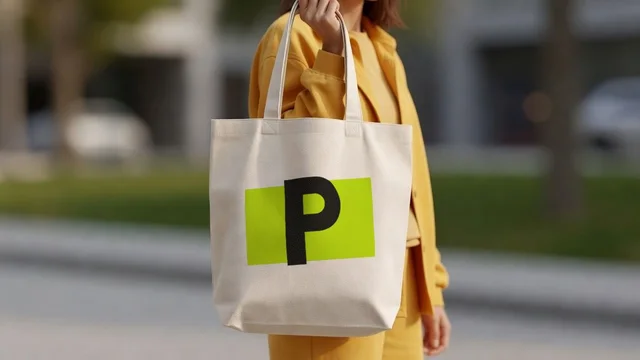
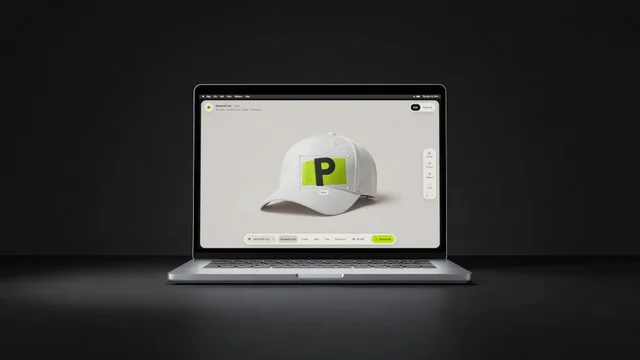
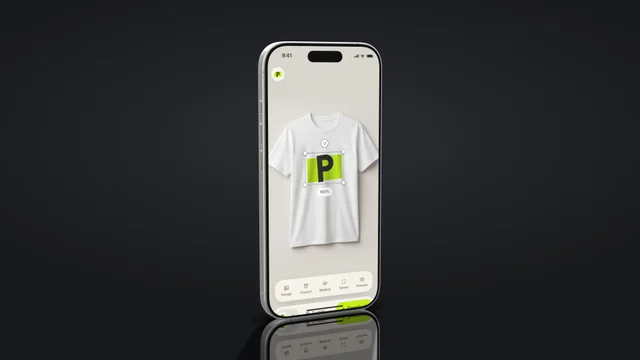
Your screens,
in 3D.
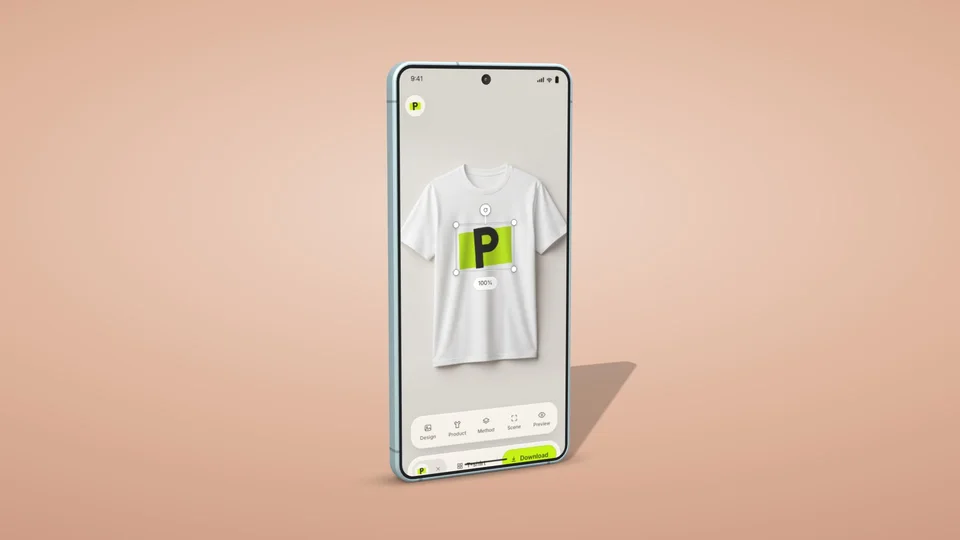
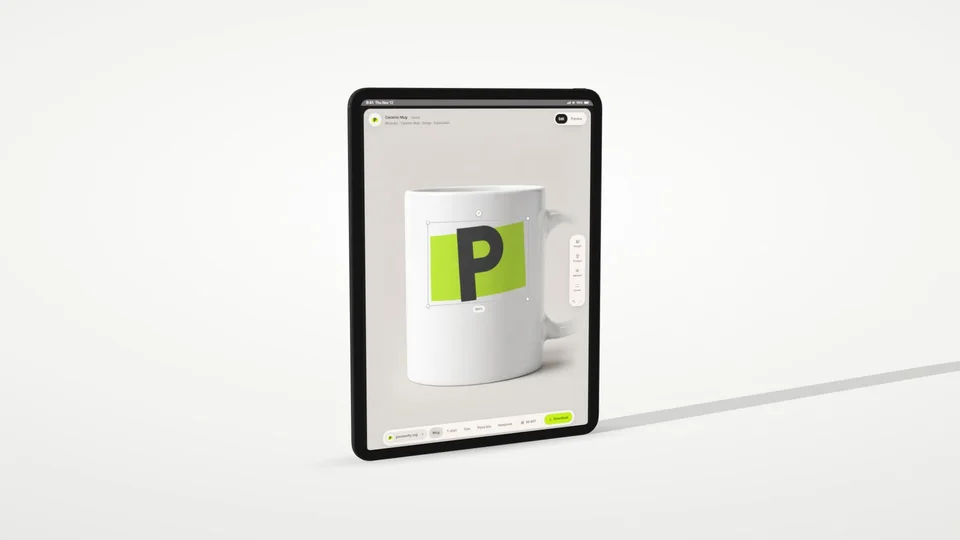
Put a screenshot or a screen recording on 23 real phones and tablets, choose the look and the light, and download a picture or a video made of camera moves.
Four steps,
then it moves.
- 1Pick a device23 phones and tablets by name: iPhone, Galaxy, folds and iPad.
- 2Add your screenA screenshot or a screen recording. One switch adds the status bar your device shows.
- 3Set the sceneChoose a look, the light and the surface, and turn the device or the camera by hand.
- 4DownloadA picture from any angle, up to 4K, or a video made of camera moves.
23 devices.
Any look, any light.
Six looks, six lights and three surfaces, and a backdrop picture of your own if you like. Every device stands at its real size.
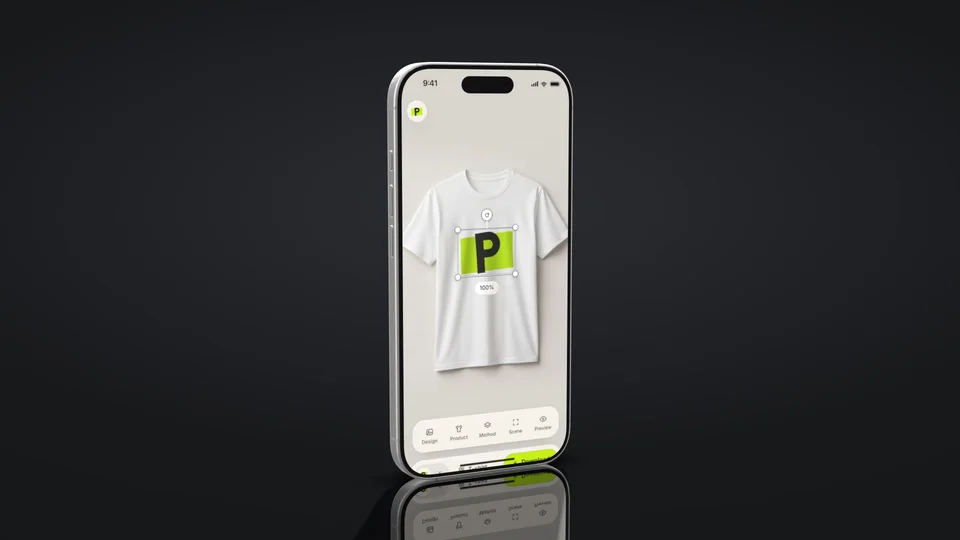
Pictures and videos,
from one setup.
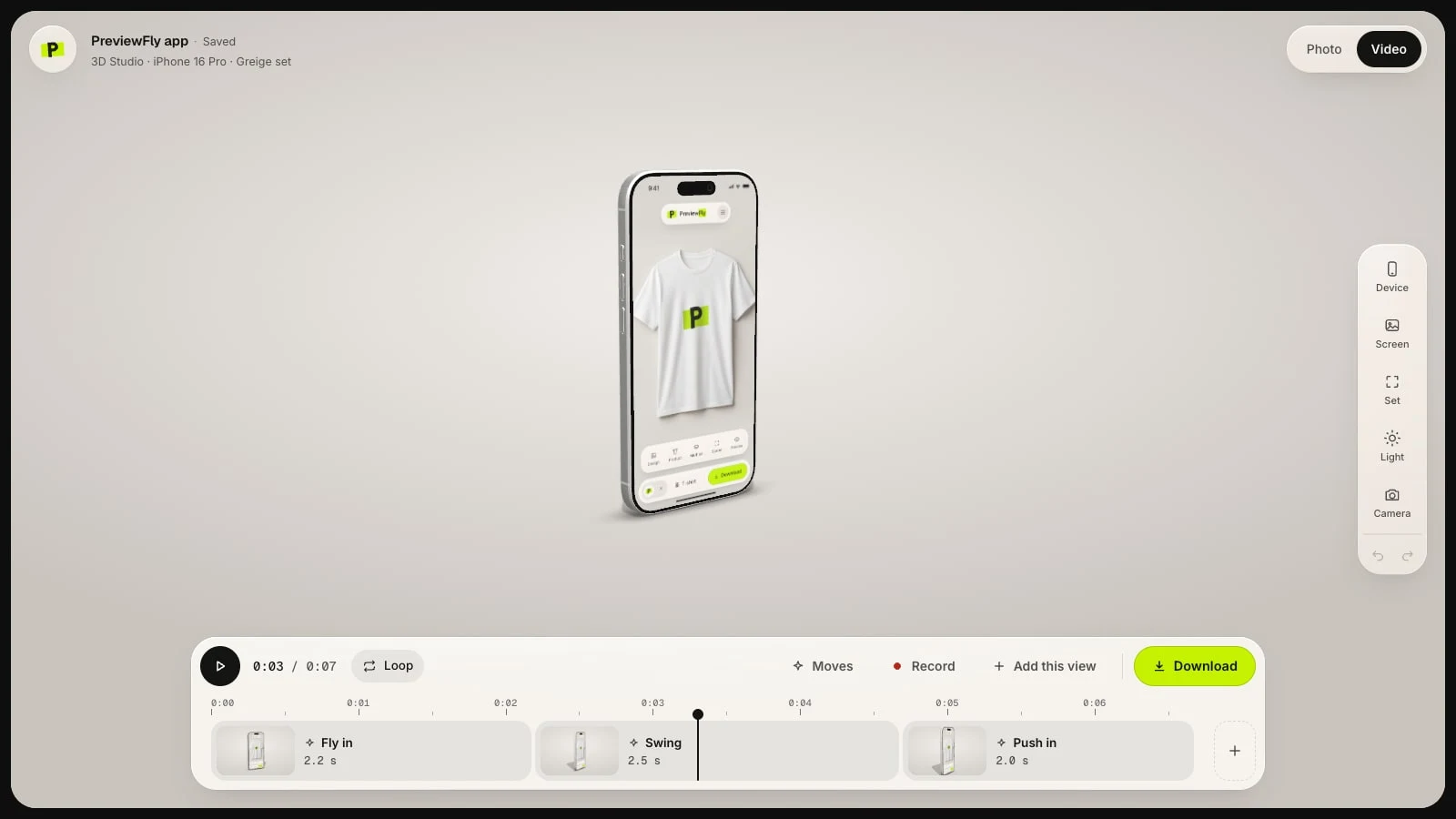
- Ready camera movesFly in, Swing, Push in, Orbit and more. Put several in a row and change how long each one takes.
- Record by handTurn and zoom the device yourself. The studio makes one smooth move of it.
- Pictures from any angleFront, three-quarter, side, flat or back, several at once in one download.
- Your status barThe time, signal and battery each device shows, kept clear of its rounded corners.
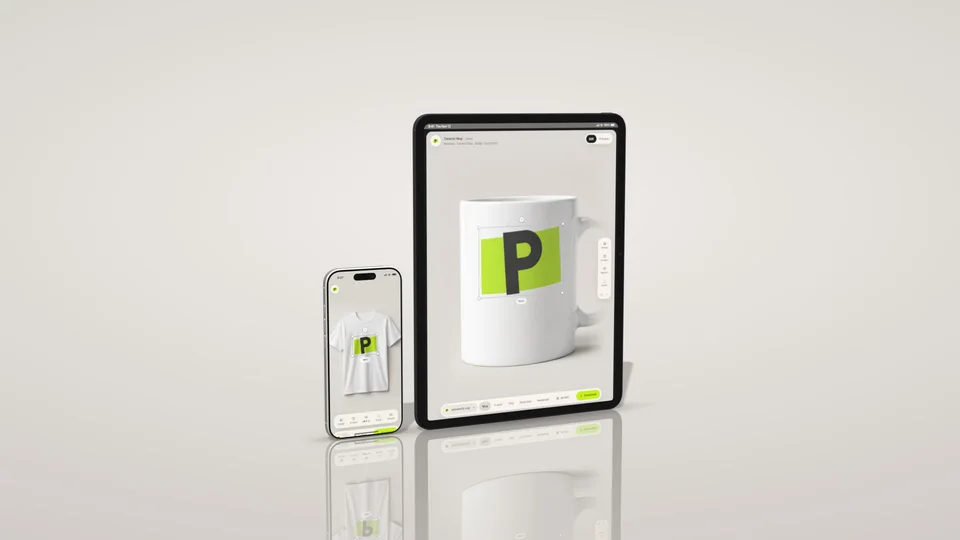
- Real sizes, side by sideUp to three devices in one picture, at their real sizes, standing, lying or floating.
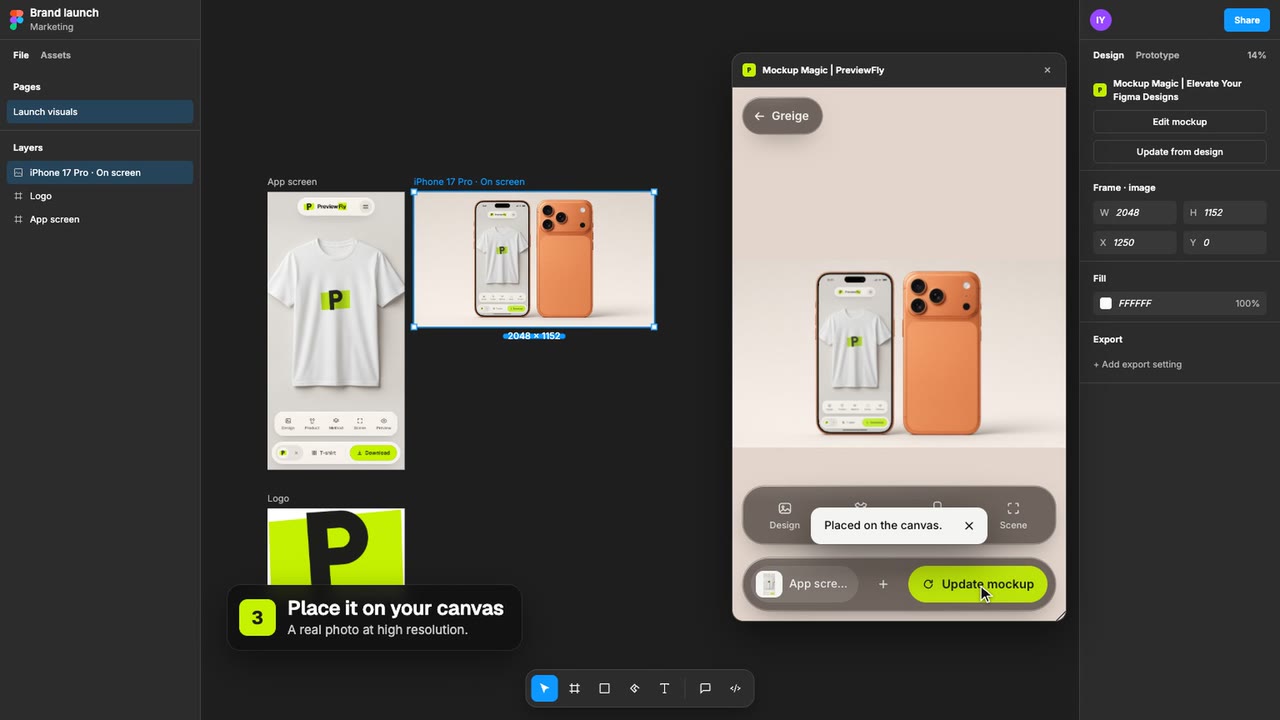
- In Figma tooThe same studio in the Figma plugin: pictures and videos land on your canvas.
Set up free.
Download with Pro.
Everything is free to set up and to watch, without an account, and your first picture download is free with one. More pictures need Pro or a pack; videos need Pro: $9.99 a month or $99.99 a year plus tax, often less during a campaign. The same Pro works for mockups, in Figma and in your AI tools.
Questions about
3D Studio
Setting up a device, its screen, the look and the moves is free, without an account. Your first picture download is free with a PreviewFly account; more pictures need Pro or a pack (10 downloads for $6.99). Videos need Pro: $9.99 a month or $99.99 a year plus tax, often less during a campaign.
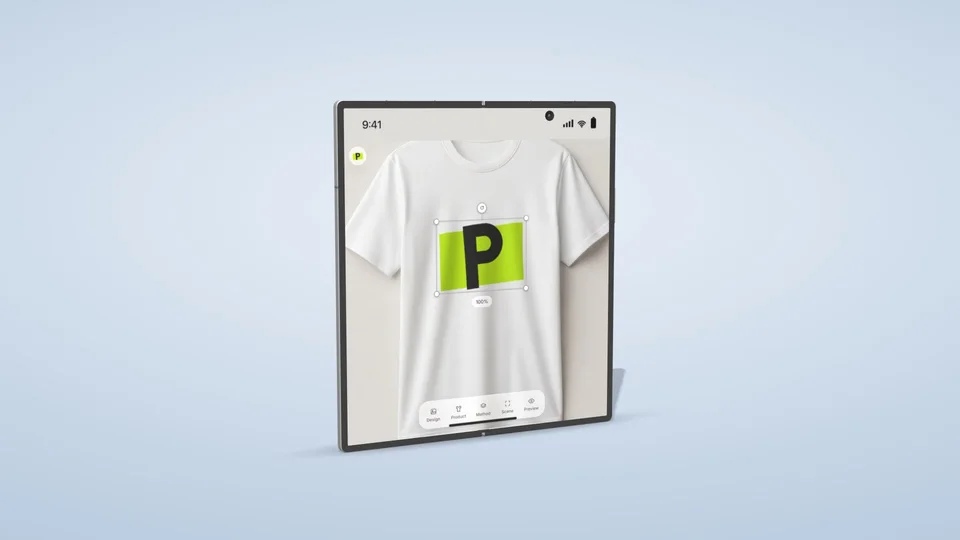
23 phones and tablets by name: iPhones from the X to the 16 Pro, Galaxy phones, the Galaxy Z Fold and Flip, the iPhone Duo and iPads. Folds open and close; each device can take its own colour.
Yes. A recording plays on the device's screen, and the video takes its length: the camera moves stretch to fit.
Pictures as PNG, JPEG or WebP, up to 4K, with a see-through background if you like. Videos as MP4, WebM or GIF, up to 4K.
Yes. Mockup Magic, our Figma plugin, has 3D Studio too: select a frame, pick a device, and place the picture or the video on your canvas. Figma takes videos in files of a paid team, not in Drafts.
They stay with your project, to show it again when you come back. Nobody else sees them, and they are never used to train AI.
Other ways to
use PreviewFly.
Mockups on 407 productsYour logo printed, stitched or engraved on real products, in six studio scenes or your own photo.See all productsIn FigmaMockups and 3D Studio in Mockup Magic, placed right on your canvas.Get the Figma pluginFrom your AI toolsAsk Claude, Codex or Cursor for a mockup and get its link back.Connect your AI